
Choosing the right security camera feels overwhelming, right? You worry about theft and liability but don't want to overspend on bulky, complicated systems designed for huge corporations.
The key difference is that business-grade cameras prioritize durability, legal compliance (like verifiable CE/ROHS certifications), and reliable, continuous recording. Home cameras focus more on user-friendly apps and simple alerts, which may not be enough when you need evidence for legal or insurance purposes.
For over a decade, I’ve helped business owners just like you, Mr. Nowak, navigate this choice. It is a critical decision. You need a solution that protects your assets and is also practical for your specific space, whether it's a retail store in Poland or a warehouse in Italy. Let's break down exactly what you need to consider.
Are Businesses Legally Required to Have Security Cameras?
Worried you might be breaking the law by not having cameras? This uncertainty can be stressful, especially when you're trying to do everything right for your business.
There is no single universal law that requires every business to have security cameras. However, specific industries or local regulations might mandate them. More importantly, they are often essential for insurance claims and limiting your legal liability in case of an incident on your property.
Let me explain this further. While a government body might not knock on your door to check for cameras, your insurance provider might. After dealing with a difficult incident years ago involving a dispute in a stockroom, I learned this lesson firsthand. The client, a retailer in France, had a slip-and-fall claim filed against them. Without video evidence, it became a costly "he said, she said" situation. After that, they understood the value of surveillance not just for theft, but for operational liability. The requirements often come from other places besides the government.
Key Considerations for Legal & Liability
| Reason | Why It Matters for Your Business | Example |
|---|---|---|
| Insurance Policies | Many insurers offer lower premiums or require cameras for certain types of coverage. | A jewelry store's insurance policy might be void without a certified, continuously recording CCTV system. |
| Liability Protection | Video footage is your best defense against fraudulent claims from employees or customers. | Proving a customer was on their phone and tripped over their own feet, not a hazard in your store. |
| Industry Regulations | Some sectors, like banking or cannabis dispensaries, have strict legal mandates for surveillance. | A pharmacy may be required to monitor areas where controlled substances are stored. |
What Is the Real Difference Between Commercial and Home Cameras?
You see a cheap camera online and think, "Why not just use this for my shop?" But you suspect there's a catch, and that a home camera might fail you when it counts.
The biggest differences are in durability, recording capability, and scalability. Commercial cameras are built to run 24/7 in tough conditions and are designed to be part of a larger, expandable system. Home cameras are made for convenience and intermittent monitoring, not for producing evidence-grade footage day after day.
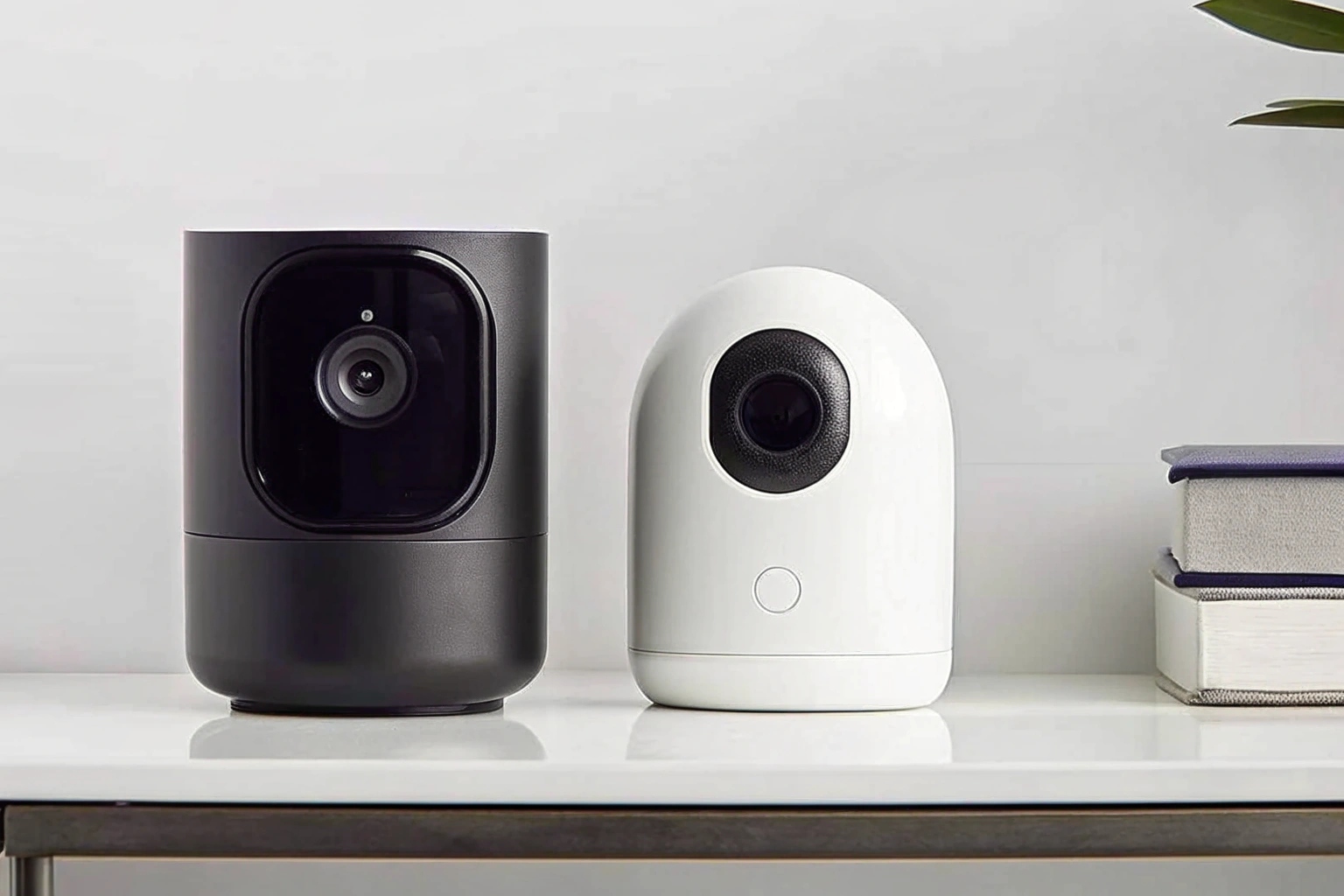
Think of it like this: a family car versus a delivery van. Both can get you from one point to another. But the van is built to handle heavy loads, constant use, and the wear and tear of being on the road all day, every day. I once had a client, an e-commerce owner named Sossa, who tried to use home cameras in his warehouse. The Wi-Fi kept dropping, the plastic casings cracked in the summer heat, and when he needed to pull footage of a missing pallet, he found the camera had stopped recording two days earlier. He switched to our business-grade line and the problems disappeared. It’s about using the right tool for the job.
Home vs. Business Camera Breakdown
| Feature | Residential (Home) Camera | Commercial (Business) Camera |
|---|---|---|
| Durability | Typically plastic, for indoor use. | Metal housings (IP66/IP67 rated), weatherproof and vandal-resistant. |
| Recording | Often motion-activated clips stored on a cloud (with a monthly fee). | Designed for 24/7 continuous recording to a local NVR or secure server. |
| Video Quality | Good, but can be inconsistent. May lack features like WDR for tricky lighting. | High-definition with Wide Dynamic Range (WDR) for clear images in shadows and bright light. |
| Scalability | Limited to a few cameras on one app. | Can support dozens or hundreds of cameras in a single, unified system. |
| Compliance | Rarely comes with verifiable certifications. | CE/ROHS certifications are standard, which is non-negotiable for the EU market. |
How Do I Choose the Right CCTV for My Business?
Walking into this, you're faced with endless options: dome, bullet, 4K, 1080p, and more. The technical jargon is confusing, and you’re worried about making the wrong choice and wasting money.
Start by identifying your specific needs. Pinpoint vulnerable areas, assess the lighting conditions, and decide how much storage you need. Most importantly for your market in Poland, prioritize suppliers who provide verifiable CE/ROHS certifications to ensure compliance and avoid legal trouble.
I always advise new clients like Daniel to grab a piece of paper and walk through their business. Where is cash handled? Where is inventory stored? Which entry points are hidden from the street? Mark these spots on a simple map. This exercise turns a vague need for "security" into a concrete plan. For example, a discreet mini camera might be perfect for monitoring a cash register, while a more robust, weatherproof bullet camera is needed for the delivery bay outside. The key is to match the camera to the specific risk in each location. Our Tuya DIY modules are perfect for creating custom solutions that blend right in, which is something many of my B2C clients find revolutionary for their own customers.
Your 5-Point Checklist
- Identify Key Areas: Note all entrances, exits, cash registers, stockrooms, and isolated corners.
- Check the Lighting: Does the area have bright sunlight, deep shadows, or no light at all at night? This determines if you need cameras with WDR or strong IR night vision.
- Decide on Discretion: Do you want the cameras to be a visible deterrent, or do you need them to be hidden? Our hidden cameras and mini modules are perfect for this.
- Verify Certifications: Ask for the documents. I cannot stress this enough. For selling in the EU, if a supplier cannot provide a verifiable CE/ROHS certificate, walk away.
- Plan for Storage: Determine how long you need to keep footage (we'll cover that next) to choose the right size NVR hard drive.
How Long Should My Small Business Keep CCTV Footage?
You're recording all this video, but how long do you need to keep it? You don't want to run out of storage space, but you also don't want to delete a crucial file too soon.
For most small businesses, retaining footage for 30 to 90 days is the standard. This provides enough time to detect and investigate most incidents, like theft or customer disputes, without incurring massive data storage costs. However, always check if your industry has specific legal requirements.
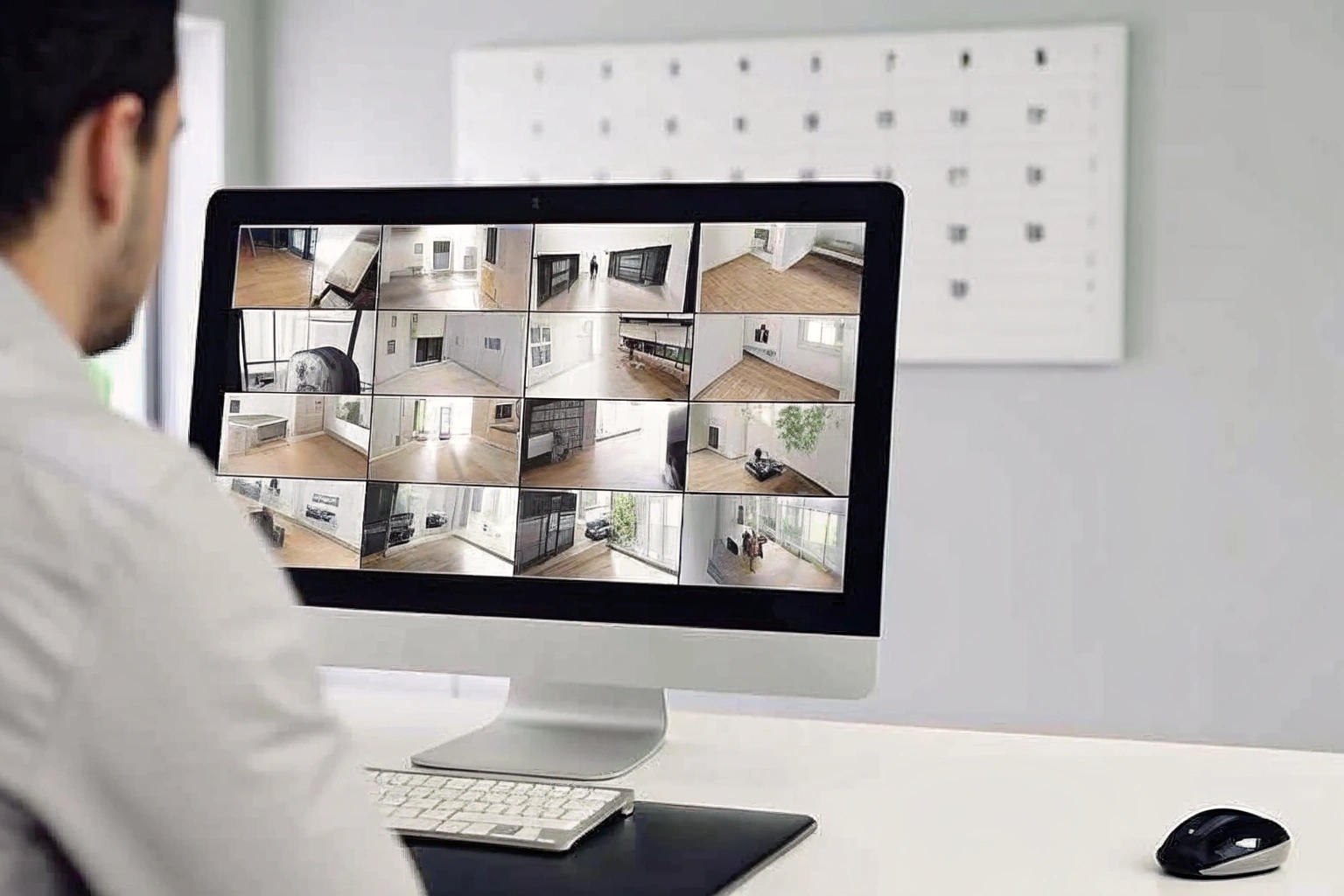
Let me share a quick story. An Italian client, Agnieszka, called me in a panic because a customer claimed they were short-changed from a transaction that happened two months prior. It felt like a scam. Because her system was set to a 90-day retention period, we were able to easily go back, find the footage of the transaction, and prove that the correct change was given. The customer immediately dropped the claim. If she had only kept the footage for 30 days, as many cheaper systems do by default, she would have had to pay. This is why balancing storage cost with a practical retention period is so important. For a business like yours, 60 or 90 days is a safe, professional standard.
Video Retention Period Factors
| Retention Period | Best For | Why? |
|---|---|---|
| 14-30 Days | Low-risk environments, small offices. | Minimizes storage costs but offers a short window for incident discovery. |
| 30-90 Days | Most retail stores, warehouses, and B2C businesses. | The industry standard. Balances storage costs with a practical timeframe for investigating theft, liability claims, or inventory discrepancies. |
| 90+ Days | High-security areas, businesses in regulated industries. | Required for compliance in some sectors or for long-term analysis, but requires significant storage capacity. |
Conclusion
Choosing the right camera system isn't just about technology; it's about finding a reliable partner. Prioritize durability, compliance with CE/ROHS, and a system that matches your real-world business needs.

 English
  Italiano
  Deutsch
  Français
  Español
  Polski