
Frustrated by unreliable security cameras that fail when you need them most? You've set up a system to protect your business, but network drops and poor quality make it useless.
Consumer-grade Wi-Fi cameras are not suitable for commercial security because they lack robust encryption, suffer from network instability, and don't offer the professional-grade reliability needed to protect valuable assets. They are designed for casual home use, not for mission-critical business surveillance.
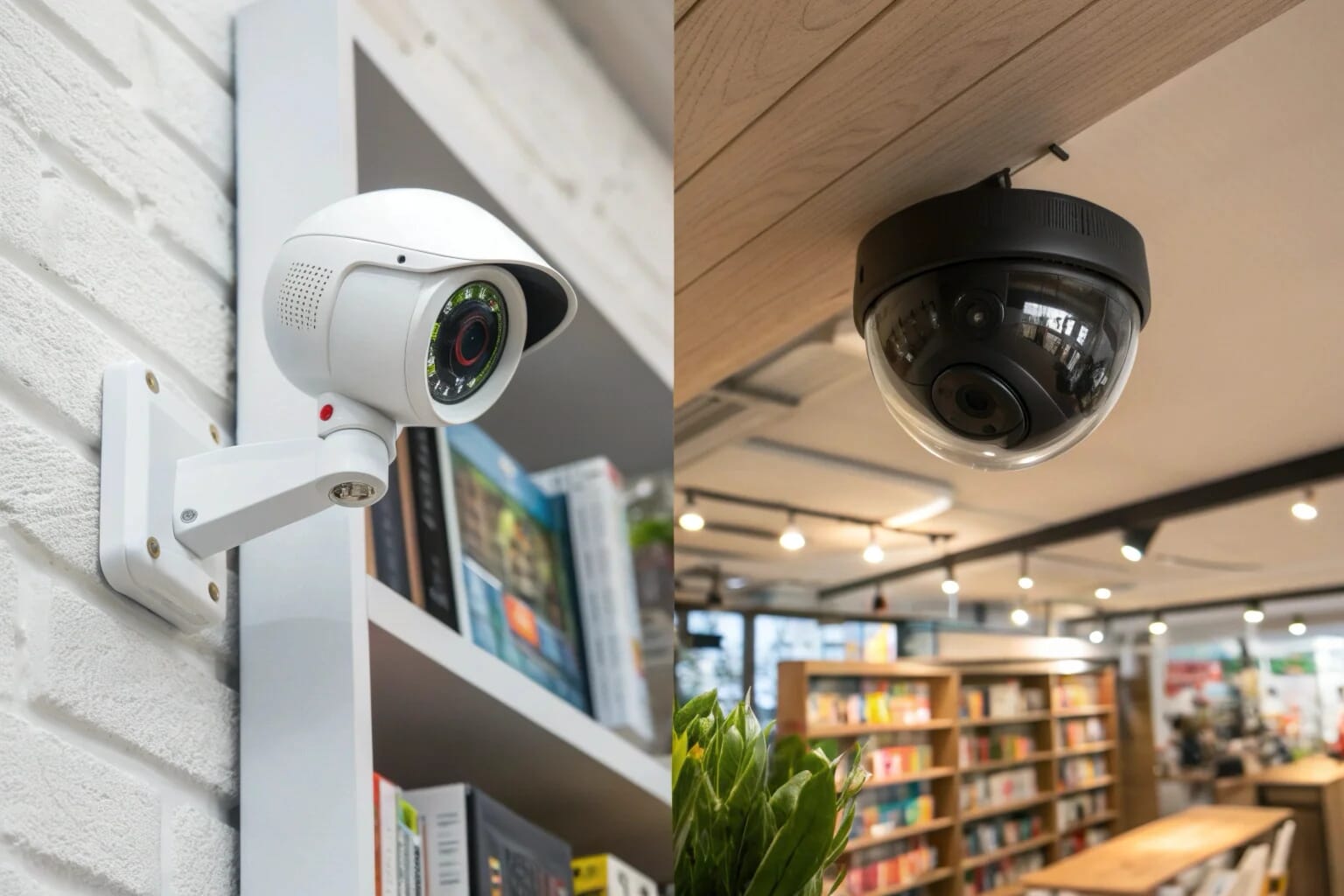
When I first started helping business owners like Sossa Larsso in Italy, many of them were using the same cameras they had at home to watch their pets. They thought they were saving money. But after a break-in where the camera had disconnected from the Wi-Fi just minutes before, they realized the true cost. This experience taught us both a valuable lesson: business security demands business-grade tools. Let's break down what that really means and explore some of the common questions that come up when choosing the right equipment.
What is the best indoor mini camera?
Feeling overwhelmed by the sheer number of mini cameras on the market? Picking the wrong one can mean blurry footage, missed events, and a device that dies quickly, wasting money.
The best indoor mini camera is one that perfectly matches your specific surveillance needs. Look for key features like 1080P resolution for clear video, motion detection to conserve storage, and a design that blends into its surroundings, like our popular clock cameras or DIY modules [1][3].
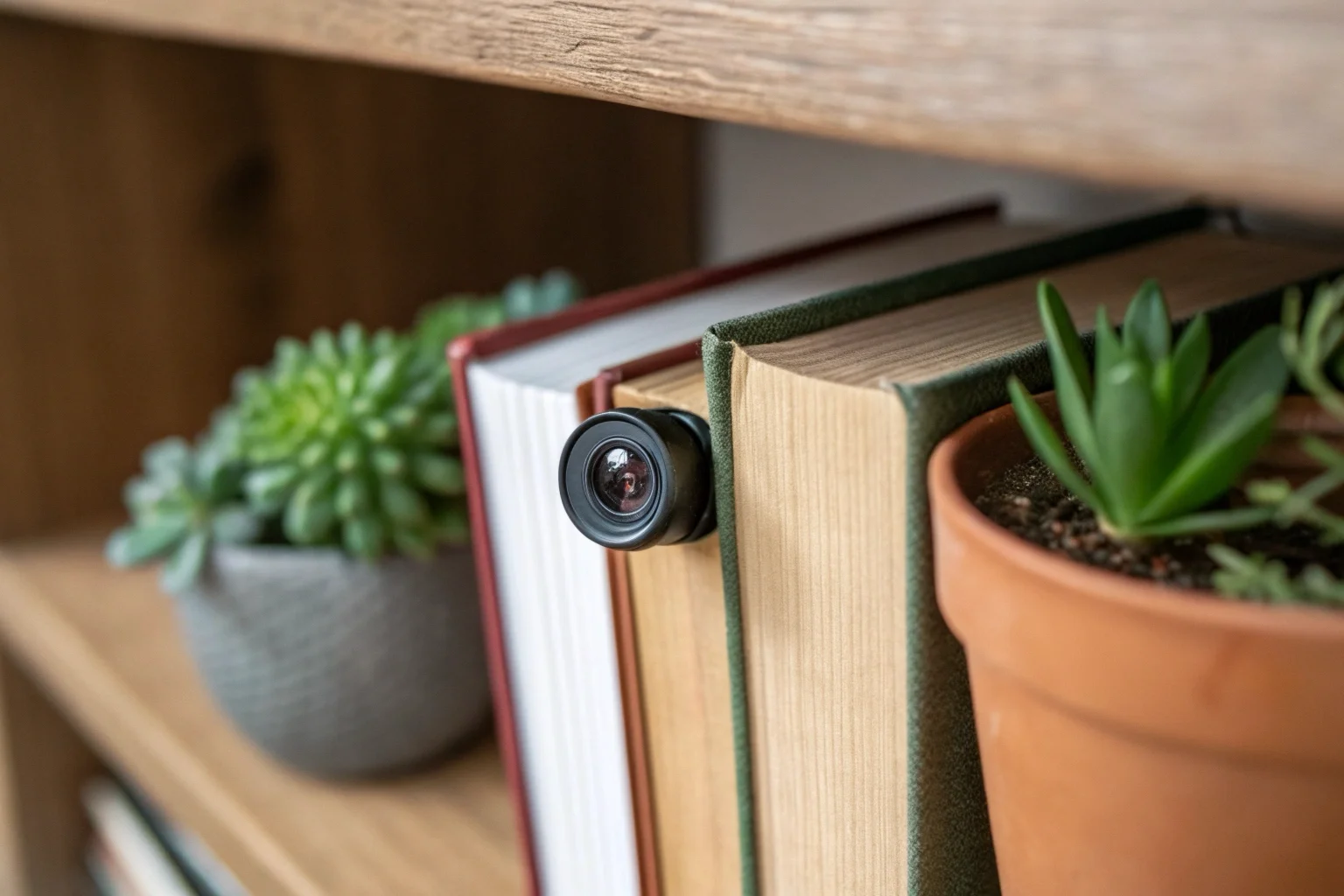
Finding the "best" camera isn't about one single model; it's about identifying the features that solve your specific problem. For my clients, especially those running e-commerce sites and needing to monitor stockrooms, the conversation always starts with three key areas: video quality, concealment, and power source. A camera that excels in these three areas provides reliable and useful surveillance. This is much better than a cheap camera that fails during a critical moment. Let's look closer at what makes a camera a great choice for indoor use.
Resolution and Video Clarity
The standard for useful footage today is 1080P. Anything less, like 720P, might not be clear enough to identify faces or read license plates, which is often the entire point of having a camera. All of our most popular models, from the C6 Tuya Clock Camera to the H20 Power Bank Camera, record in crisp 1080P resolution to ensure you capture details that matter [1][5]. This isn't just a number; it's the difference between evidence and a blurry video.
Concealment and Form Factor
The best security is unseen. A visible camera can be easily avoided or tampered with. This is why we specialize in hidden cameras that blend into everyday objects. The right form factor depends entirely on the environment.
| Camera Type | Common Placement | Key Advantage |
|---|---|---|
| Clock Camera (Z10) [1] | Desk, Shelf, Bedside Table | Functional and inconspicuous. |
| Charger Camera (SC02) [2] | Wall Outlet | Unlimited power, blends in anywhere. |
| Pen Camera (W9) [4] | Pocket, Desk Organizer | Portable for meetings or personal security. |
| DIY Module (C10) [3] | Custom Objects (e.g., tissue box) | Ultimate flexibility for unique situations. |
Power Source and Reliability
How a camera is powered directly impacts its reliability. Battery-powered cameras offer placement flexibility but have a limited runtime, ranging from 75 minutes for a pen camera to over 5 hours for a DIY module with a larger battery [3][4]. For long-term, uninterrupted monitoring, a plug-in option is superior. Models like our charger cameras or wall socket cameras draw power continuously from the wall, so you never have to worry about a dead battery during a critical event [2][6].
What is the difference between a wireless camera and a Wi-Fi camera?
People often use "wireless" and "Wi-Fi" to mean the same thing. This confusion can lead to buying a camera that doesn't let you check in remotely, defeating the purpose.
A "wireless" camera simply transmits its video signal without a physical cable. A "Wi-Fi" camera is a specific type of wireless camera that connects to a Wi-Fi network, giving you the ability to view the live feed from anywhere in the world using a smartphone app [1][3].
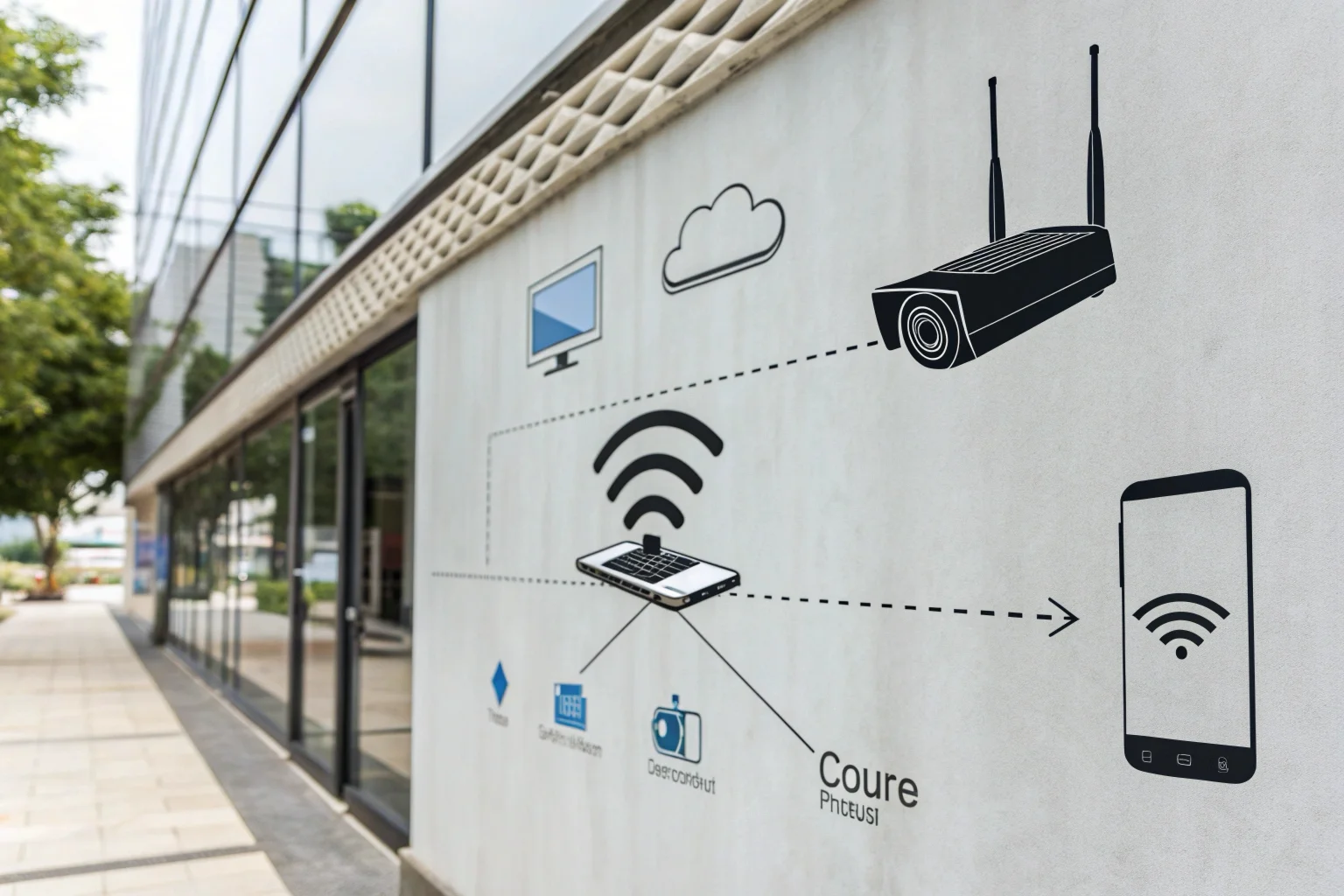
This distinction is crucial for business owners like Daniel Adriano in France, who needs to check on his multiple retail locations from his office. A simple "wireless" system might just send footage to a recorder in the back room. But a "Wi-Fi" enabled camera gives him the remote access and peace of mind he needs. All our modern hidden cameras are Wi-Fi cameras, designed for this exact purpose of convenient, remote monitoring. They use common apps like Tuya or HDlivecam to make the connection process simple and stable [1][3].
How They Transmit Data
The core difference is the destination of the signal.
- Traditional Wireless: These often use a dedicated radio frequency to send video to a specific receiver or base station. This is a closed circuit. Think of a baby monitor. It's wireless, but you can't check it from the grocery store.
- Wi-Fi Cameras: These use the 2.4GHz Wi-Fi band, the same one your laptop and phone use, to connect to your internet router [1]. Once connected to the internet, the video stream is accessible through a dedicated app on your phone or computer. The SC02 WiFi Smoke Detector Camera is a perfect example of a device that uses this technology for discreet, remote access [2].
Key Benefits of Wi-Fi Connectivity
For business applications, Wi-Fi is almost always the better choice. The main benefit is remote access. You can view live video, receive motion detection alerts, and even watch recorded footage from your phone, no matter where you are. This is vital for responding to incidents quickly. Another benefit is easy setup. There are no complex video cables to run; you just need power and a decent Wi-Fi signal. Many of our models, including our versatile DIY modules, are designed for simple Wi-Fi setup, allowing my clients to build custom security solutions without needing a professional installer.
What are the disadvantages of wired cameras?
Thinking about a traditional wired camera system? While they seem reliable, the installation process can be a nightmare of drilling holes and running long, ugly cables through your property.
The main disadvantages of wired cameras are the complex and often expensive installation, limited placement flexibility due to cable length, and the vulnerability of having wires that can be intentionally cut or damaged, disabling the camera. They are simply not practical for discreet surveillance.
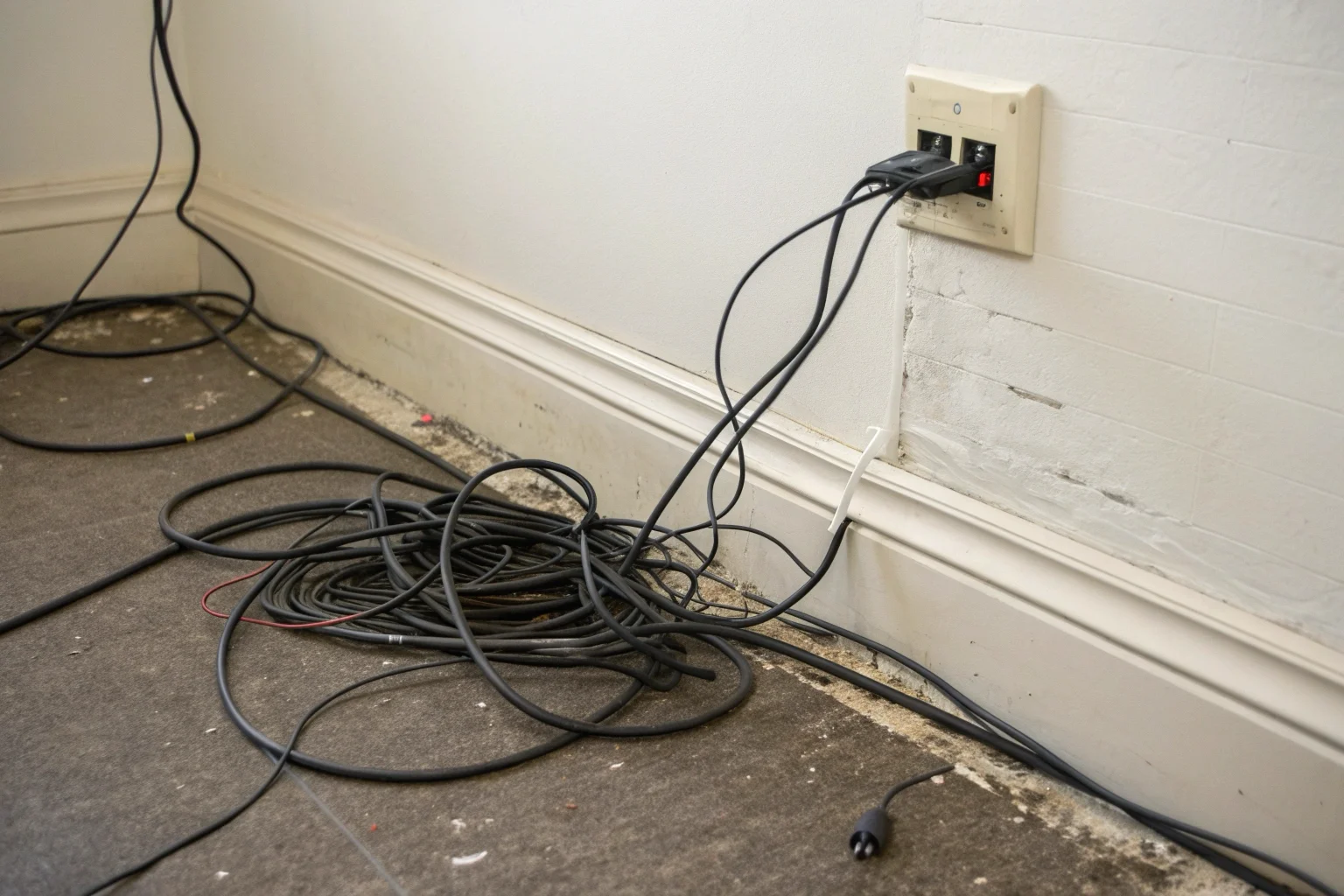
I remember working with a client, Agnieszka Daniel, who owned a small chain of electronic stores in Poland. She initially installed a wired system in her first store. The installation was disruptive, taking days and requiring professionals to run cables through walls. When she wanted to move a camera to cover a new high-value display, it was a huge project. For her second store, we switched her to our Wi-Fi-enabled hidden cameras. She was able to set them up herself in under an hour and can now move them whenever her store layout changes. This flexibility is something wired systems just can't offer.
Installation Challenges
The biggest hurdle is the physical installation. Each wired camera needs a video cable (usually a coaxial or Ethernet cable) run from its location all the way back to a central recording unit (a DVR or NVR). This often involves drilling through walls, running cables through ceilings or attics, and can be very labor-intensive. For a clean look, you often need to hire a professional installer, adding significant cost to the system. In contrast, our various hidden cameras only need access to a power source, which is much easier to find than a route for a video cable.
Lack of Flexibility
Once a wired camera is installed, it’s semi-permanent. Moving it isn't as simple as just picking it up. You have to deal with the existing cable or run a new one. This is a major drawback for businesses where layouts change, or for renters who cannot make permanent modifications to a building. Wi-Fi cameras can be moved to a new spot as long as there is a power outlet and a Wi-Fi signal, offering a level of adaptability that is essential in a dynamic business environment. This is why our clients love products like our power bank cameras, which offer total placement freedom [5].
How long do wireless cameras last?
Worried that a wireless camera will run out of battery at the worst possible moment? It's a valid concern, as a dead camera provides no security at all.
The battery life of a wireless camera varies greatly, from around 75 minutes for small, body-worn cameras to over 20 hours for models with large batteries, like power bank cameras [4][5]. For continuous operation, plug-in models are the best solution, as they last indefinitely.
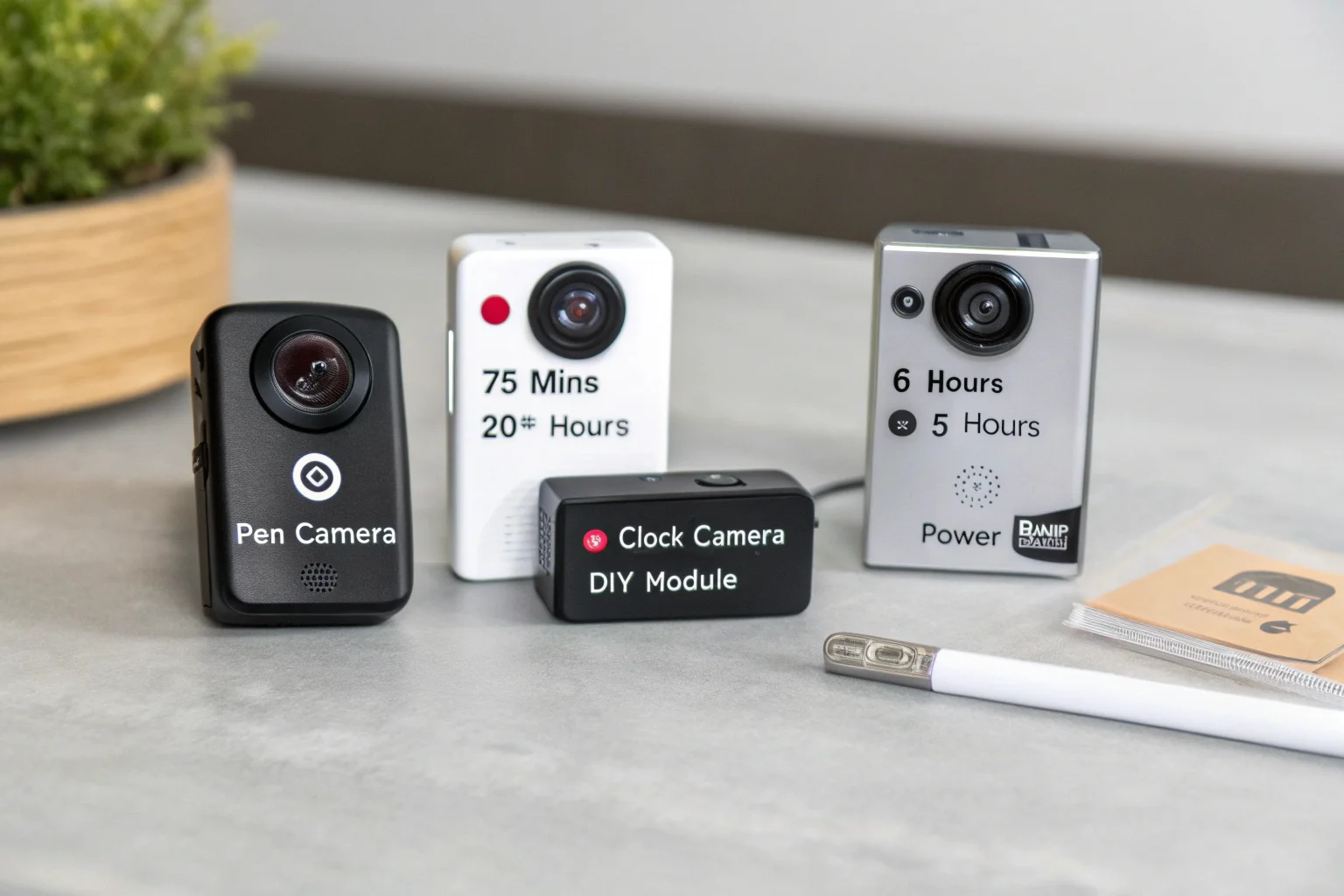
The question of battery life is one of the first things my detail-oriented clients ask. The answer always depends on the camera's design and its intended use. There's a trade-off between size, battery capacity, and runtime. A tiny camera will naturally have a smaller battery than a larger device. Understanding this helps you choose the right product for the job, ensuring you have coverage for the entire duration you need it. We always provide clear specifications so there are no surprises.
Factors Affecting Battery Life
Several things determine how long a battery will last.
- Battery Capacity (mAh): This is the most direct factor. A W9 Pen Camera with a 170mAh battery lasts about 75 minutes, while our C10 module with a 2800mAh battery can run for 5-7 hours [1][4]. The H23 Power Bank Camera has a 5000mAh battery and can record for up to 20 hours [5].
- Recording Quality: Recording in high resolution (1080P) and at a high frame rate (30fps) uses more power than lower settings.
- Features in Use: Features like night vision and continuous Wi-Fi streaming consume more power. Using motion-activated recording is a great way to extend battery life, as the camera only records when there's activity.
Battery-Powered vs. Plug-In
Choosing between battery power and a plug-in model depends on your surveillance goal. The table below outlines some common scenarios.
| Scenario | Recommended Power Source | Example Model | Why It's a Good Fit |
|---|---|---|---|
| Temporary Room Monitoring | Battery-Powered | C6 Clock Camera [1] | Flexible placement, 5-7 hour runtime is enough for a workday. |
| On-the-Go Recording | Battery-Powered | W8 Pen Camera [4] | Small, portable, and provides over 2 hours of recording time. |
| 24/7 Business Surveillance | Plug-In | S3 Wall Socket Camera [6] | Never runs out of power for continuous, reliable monitoring. |
| Long-Term Covert Ops | Battery-Powered | H20 Power Bank Camera [5] | Offers an extremely long battery life (1500 min) while remaining portable. |
Conclusion
Ultimately, choosing the right security camera means matching its features to your needs. Consumer cameras can't provide the reliable, secure, and clear footage a business requires. For true peace of mind, talk to our specialists.

 English
  Italiano
  Deutsch
  Français
  Español
  Polski