
Struggling to manage separate indoor and outdoor security cameras? This disjointed approach creates blind spots and makes monitoring a headache. A unified system is the answer for total property awareness.
To integrate indoor mini cameras with outdoor systems, use a unified app or platform like Tuya that supports both camera types. This allows you to view all feeds in one place, creating a seamless security network for your home or business [4].
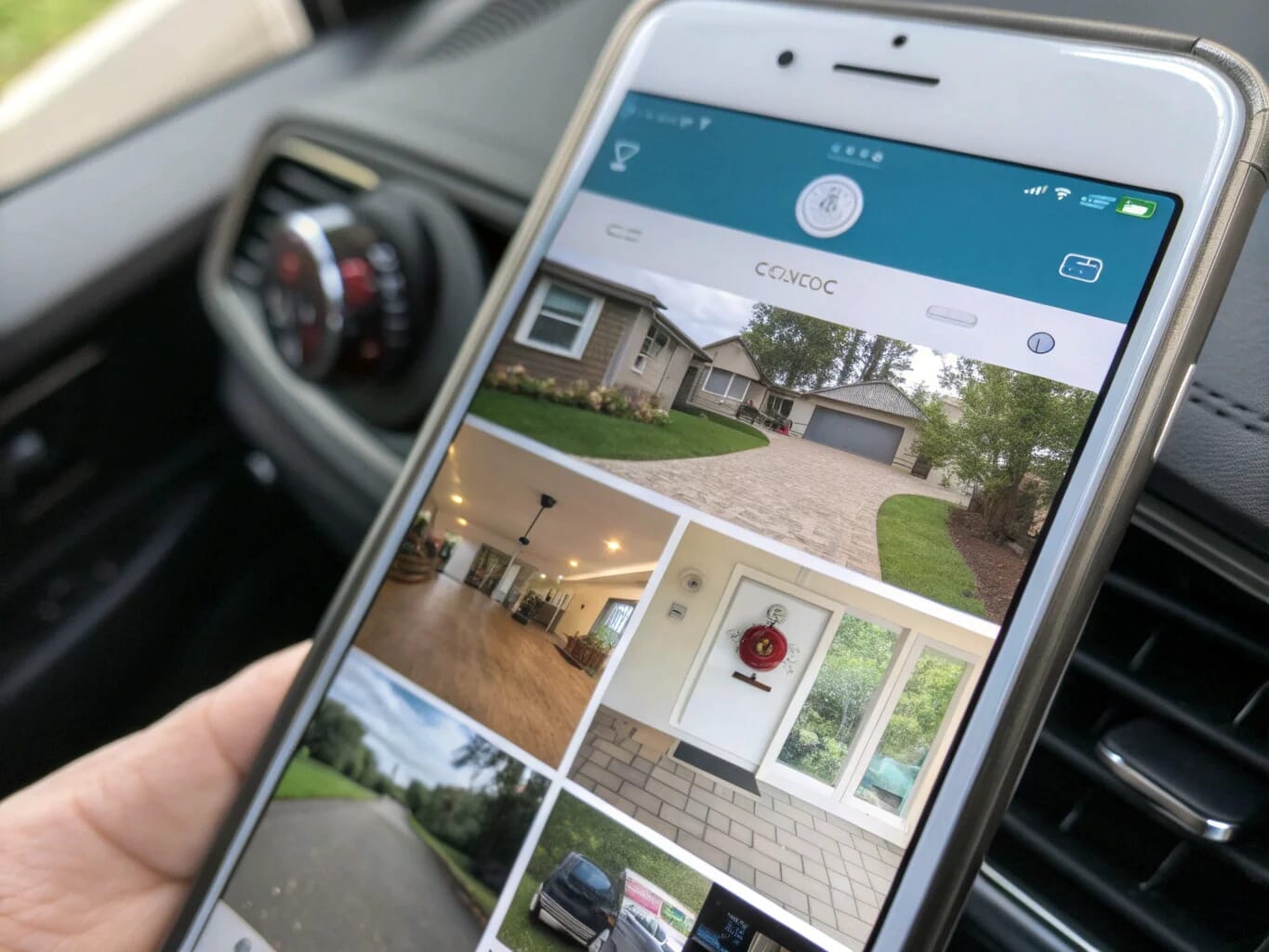
Now that you know the basic idea, you're probably wondering about the technical details. It's not as complicated as it sounds, but you need to understand the key differences between camera types first. Let's break down the most common questions I get from my clients, like Agnieszka Daniel from Poland, who runs a successful e-commerce business and needs reliable security.
What's the difference between wireless and Wi-Fi cameras?
The terms "wireless" and "Wi-Fi" cause a lot of confusion for camera buyers. Buying the wrong type can mean ending up with a system that doesn't fit your needs. Understanding the key difference is simple and will save you from future headaches.
A wireless camera transmits video without a data cable, but it still needs a power cord. A Wi-Fi camera is a type of wireless camera that connects to your network via Wi-Fi. A truly wire-free camera runs on batteries with no cords at all.
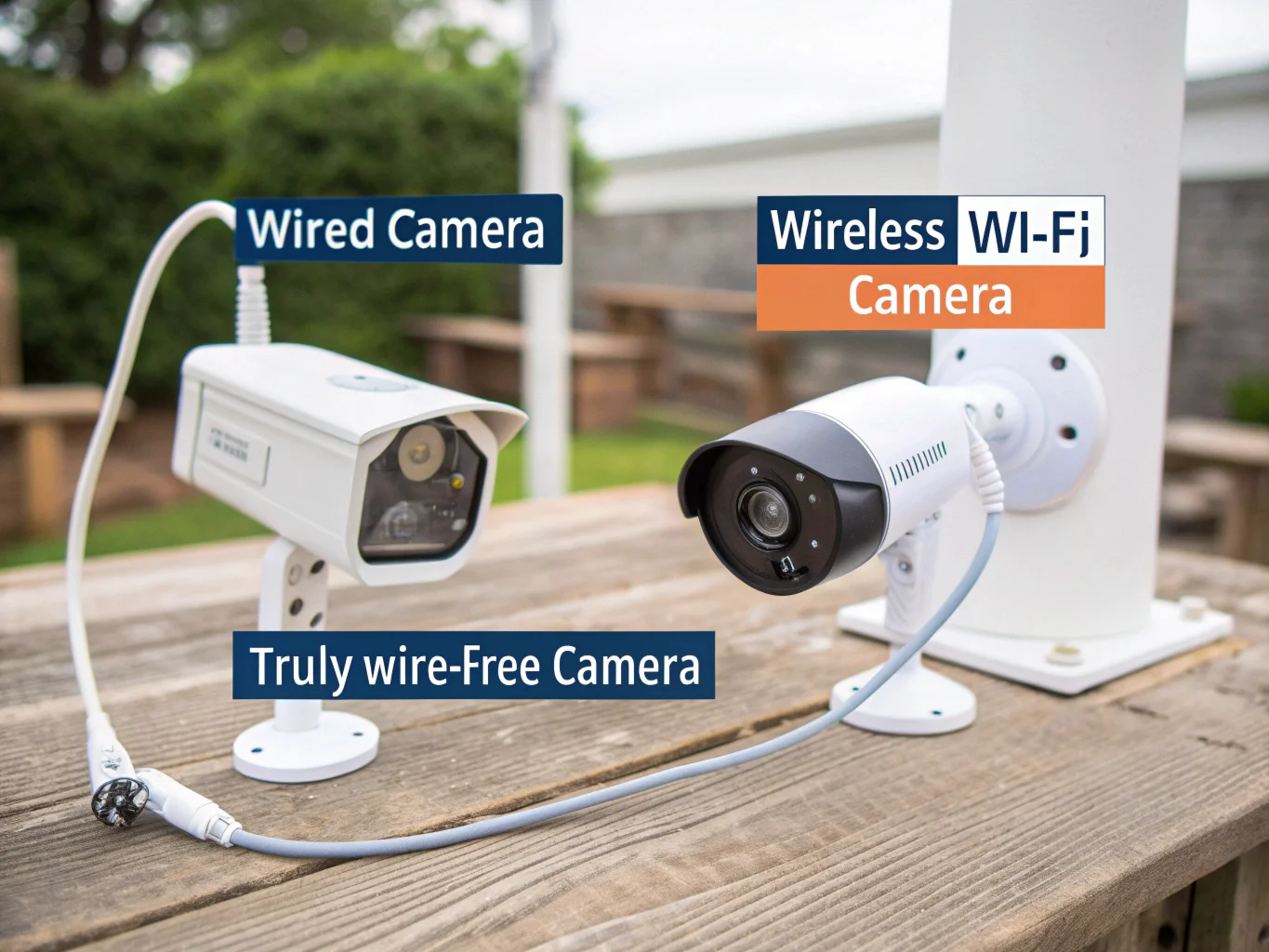
Let's dive a little deeper into this. When I first started working with my client Sossa Larsso in Italy, this was his biggest point of confusion. He needed to understand how each camera got power and how it sent its video footage. We broke it down into two simple parts: power and data. Most "wireless" cameras, like our popular SC02 WiFi Smoke Detector Camera, still need to be plugged into a wall outlet for power [3]. The "wireless" part refers to how it sends data over your 2.4GHz Wi-Fi network [3]. On the other hand, truly wire-free cameras use batteries, giving you total placement freedom but requiring you to recharge them periodically.
| Feature | Wireless Camera (Generic) | Wi-Fi Camera (Specific) | Truly Wire-Free |
|---|---|---|---|
| Data Cable | No | No | No |
| Power Cable | Yes, usually | Yes, usually | No (Battery) |
| Connection | Wi-Fi or other radio | Wi-Fi network | Wi-Fi network |
| Best For | Stable power, no data wires | Easy remote access via app | Ultimate placement flexibility |
What are the disadvantages of wired cameras?
Wired cameras seem very reliable, but their installation can be a huge project. You might be looking at drilling holes, running cables through walls, and maybe even hiring an expensive professional. Knowing these drawbacks helps you decide if the hassle is worth it for your home or business.
The main disadvantages of wired cameras are complex installation, which often requires drilling and professional help, and limited placement flexibility. The physical wires also make them more vulnerable to being disabled if an intruder simply cuts the cable.
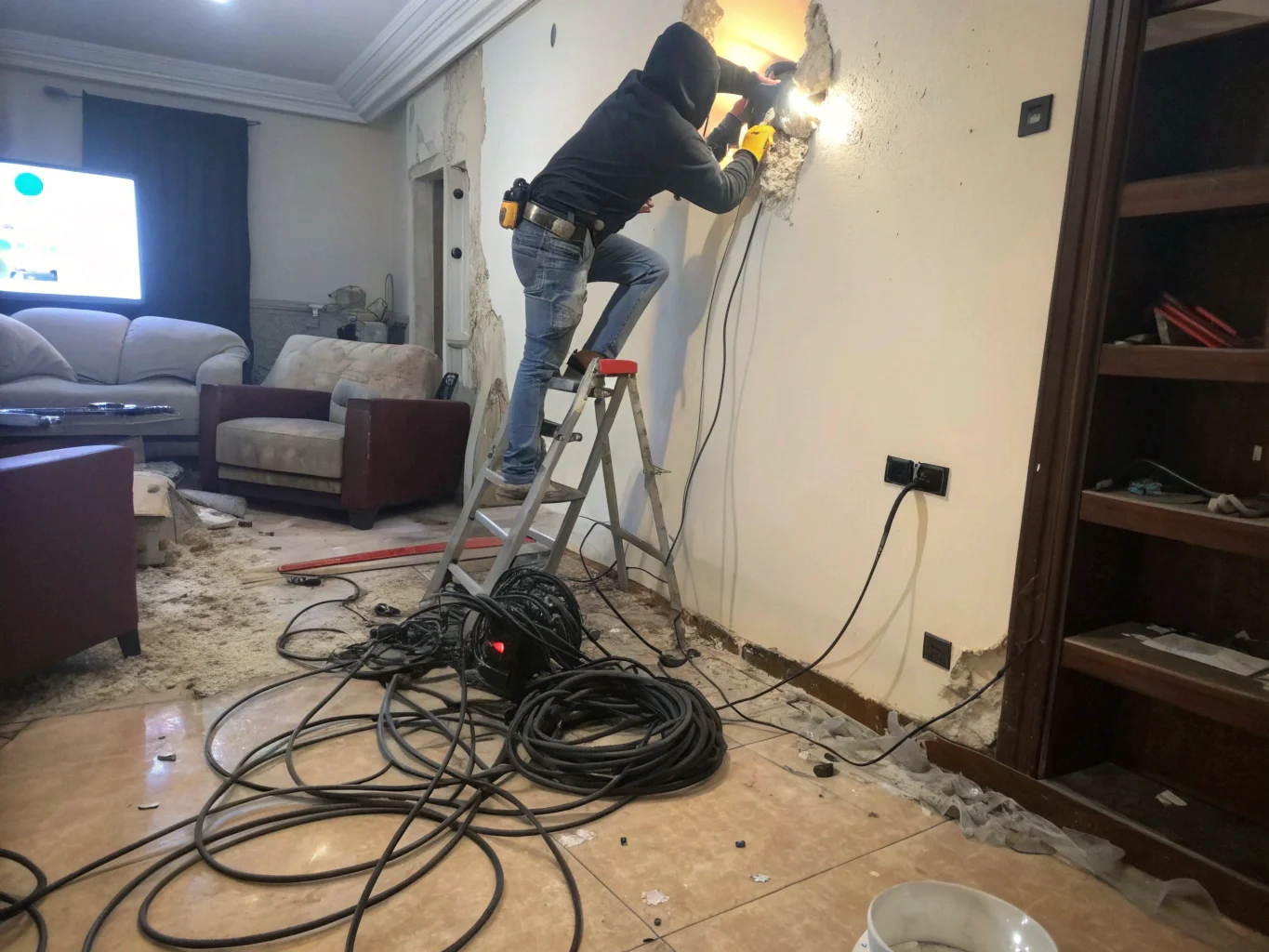
The biggest hurdle is definitely the installation. You have to plan a route for the cables, which almost always means drilling holes through your walls, floors, or ceilings. It can be a messy and time-consuming job. Many of my clients who aren't comfortable with that kind of work have to hire a professional, which adds to the overall cost. This is a stark contrast to the simplicity of a device like a WiFi Charger Hidden Camera, which you just plug into an outlet and connect to the app [3]. Another key issue is vulnerability. An exposed cable is a weak point. If an intruder sees the wire leading from your camera, they can cut it and completely disable your surveillance. This physical vulnerability is a major trade-off for the stable connection that wired systems provide.
What are the disadvantages of no Wi-Fi camera?
A camera that doesn't need Wi-Fi sounds great for remote locations or areas with poor signal. But without Wi-Fi, you lose the biggest benefit of modern security: remote access. You cannot simply check in on your property from your phone whenever you want. Let's look at what you gain in simplicity but lose in convenience.
The main disadvantage of a no-Wi-Fi camera is the lack of remote viewing. You cannot check a live feed from your phone or receive real-time motion alerts. To review any recorded footage, you must physically retrieve the camera or its memory card.
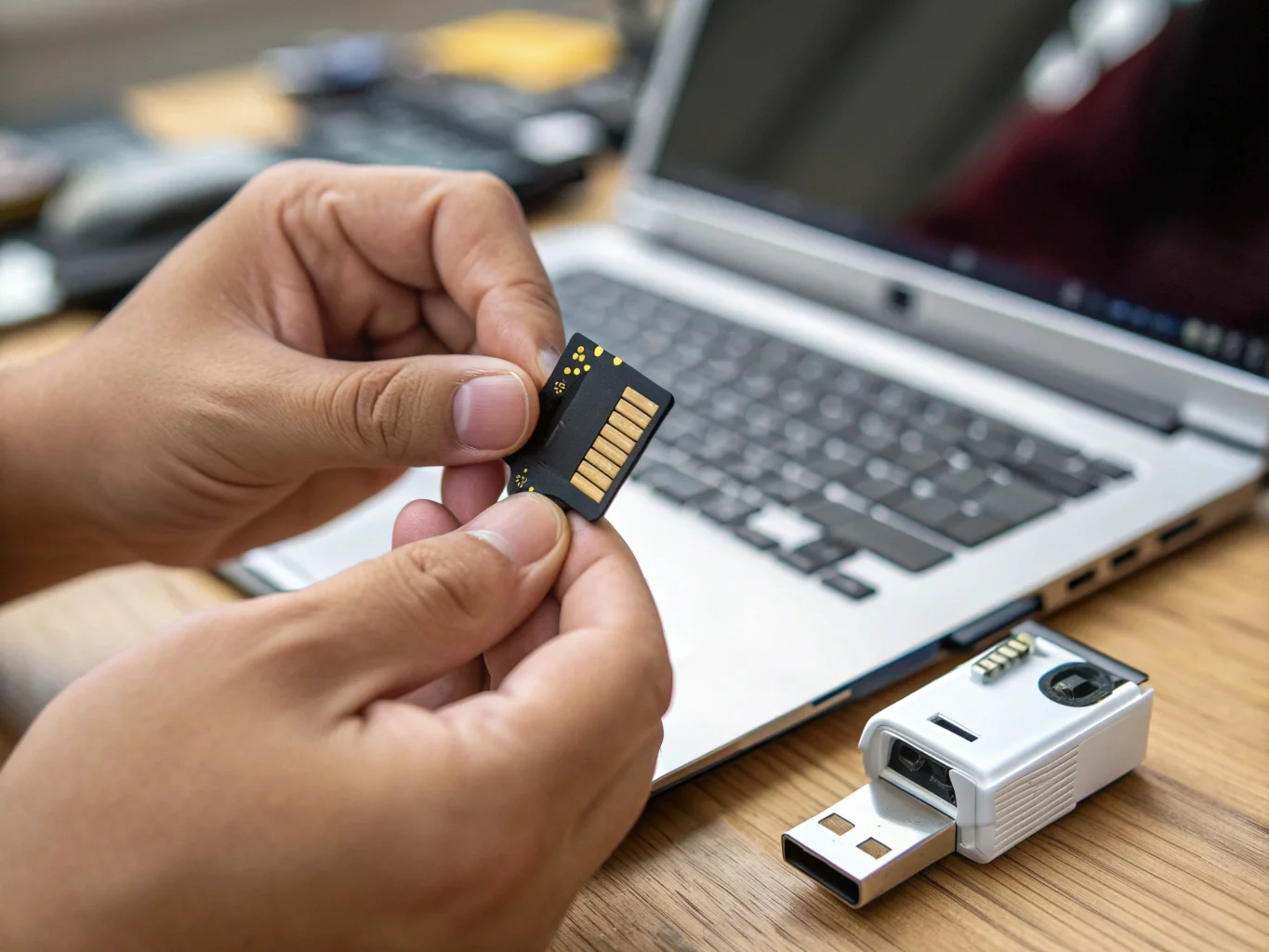
The process for viewing footage is the biggest difference. With a no-Wi-Fi camera, it records everything onto an internal SD card. When you want to see what was recorded, you have to go to the camera, take out the tiny SD card, and then plug it into a computer to watch the files. Many of our simple DVR devices, like the W8 Pen Camera, operate this way [2]. It is reliable, but it is not immediate. You only find out what happened long after the event occurred. The other major drawback is the complete lack of real-time alerts. Wi-Fi cameras can send a notification directly to your smartphone the second they detect motion [1]. This allows you to react instantly. A no-Wi-Fi camera cannot do this. It is a passive recording device, not an active monitoring tool.
What type of security camera is best for a company?
Choosing security cameras for your business is a high-stakes decision. The wrong choice could cost you thousands in losses or wasted investment. A consumer-grade camera might fail you, while an overly complex system is just a waste of money. The solution is finding the right balance of reliability, features, and ease of use.
The best type of security camera for a company is a hybrid system. This approach combines reliable, high-resolution cameras for key areas and discreet, Wi-Fi-enabled mini cameras for sensitive spots. Using a unified platform like Tuya allows for easy management of all devices from one single app [4].

For a business, reliability is everything. That's why I always advise clients like Piotr Nowak in Poland to focus on two things: certifications and centralized management. For any products sold in the European Union, having verifiable CE/ROHS certifications is non-negotiable for legal and insurance reasons. It’s a guarantee of quality and safety that we provide for our products, including the versatile C10 Tuya DIY Module [4]. Secondly, a business needs a system that can grow. As you add more locations or monitor more areas, you need to be able to add cameras easily. Using a single, scalable platform like Tuya is a game-changer. You can add different types of cameras—clocks, smoke detectors, chargers—and view them all from one dashboard on your phone or computer [1]. This gives business owners a powerful, centralized view of their entire operation without any hassle.
Conclusion
Choosing the right security setup is crucial for peace of mind. A unified system gives you complete control. For expert advice on building a system for your specific needs, contact our team today.

 English
  Italiano
  Deutsch
  Français
  Español
  Polski