
How to Choose a Q97 Mini Voice Recorder for Covert Audio
The Q97 mini voice recorder is one of the most popular ultra-compact audio recorders on the market. Measuring just 5mm thin and small enough to clip inside a shirt pocket, it captures high-quality audio at up to 192kbps MP3 quality with voice-activated recording, DSP noise reduction, and up to 15 hours of battery life. Whether you need it for recording meetings, lectures, interviews, or personal protection documentation, this guide covers everything you need to know.
What Is the Q97 Voice Recorder?

The Q97 is an ultra-slim digital voice recorder designed for discreet everyday carry. Its defining characteristic is its exceptional thinness—at just 5mm, it’s thinner than most pens and completely flat, making it easy to conceal in a wallet, notebook, shirt pocket, or under a lapel.
Despite its minimal size, the Q97 offers:
– 192kbps MP3 recording: Near-CD quality audio
– VOR (Voice Activated Recording): Automatically starts/stops based on sound
– 8GB internal storage: Up to 70+ hours of audio at 192kbps
– DSP noise reduction: Filters background noise for clearer voice capture
– 15+ hour battery life: Full-day recording on a single charge
– One-button operation: Simple to use, no complicated menu navigation
– USB-C charging: Modern connector, compatible with all current chargers
Key Specifications Explained
Audio Quality: 192kbps MP3
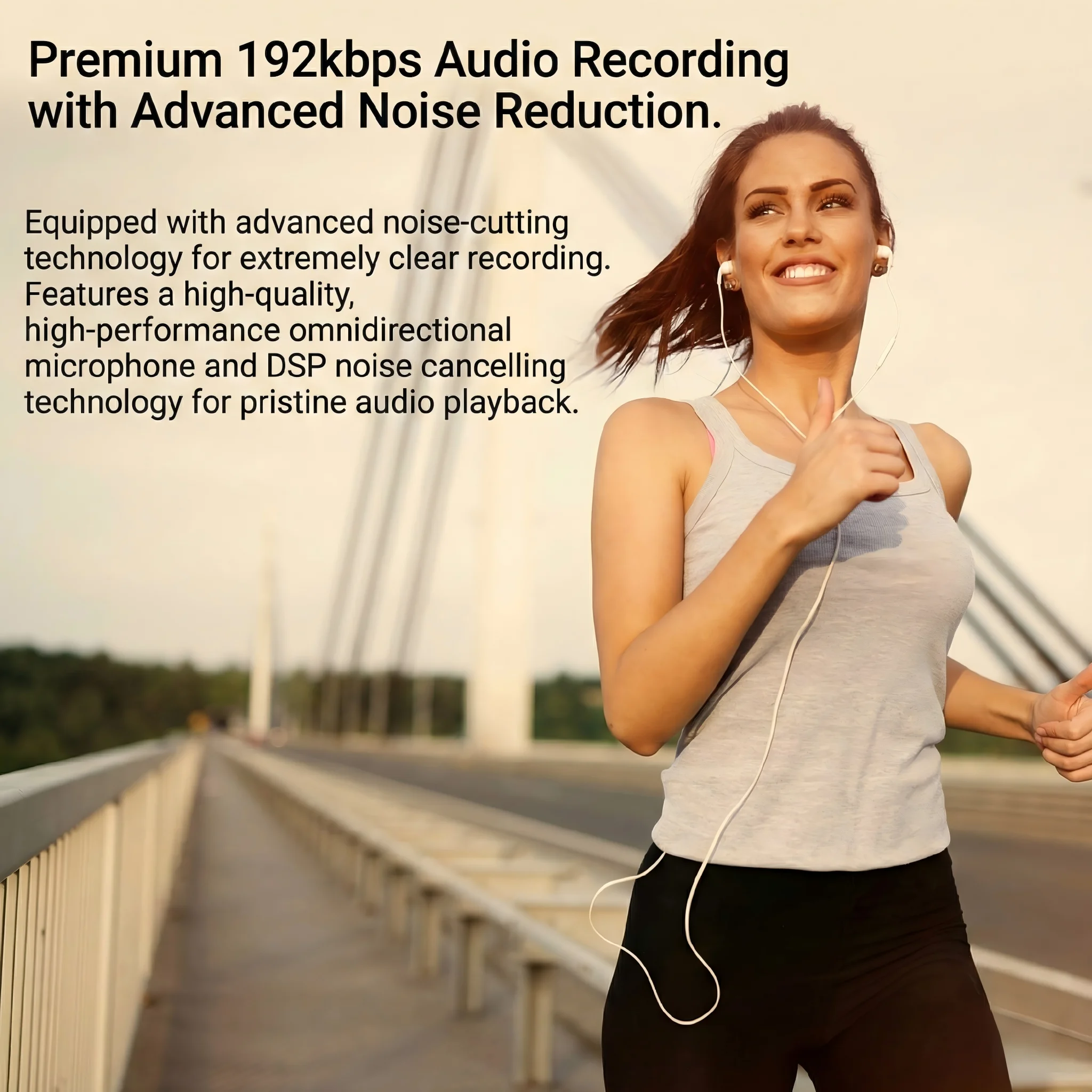
The Q97 records at 192kbps MP3 format. In practical terms, this means:
– Voice clarity: Conversations recorded at 3–5 feet are clear and intelligible
– Frequency range: Captures the full range of human speech (300Hz–3400Hz) with room to spare
– File size efficiency: One hour of 192kbps audio is approximately 85MB
– Playback compatibility: MP3 files play on any device without conversion
For reference, 192kbps audio is significantly better quality than telephone calls (8kbps) and comparable to broadcast radio. It’s more than adequate for any voice recording application.
Some Q97 variants also support WAV (lossless) recording at the cost of larger file sizes. WAV provides slightly better audio quality and is preferred for professional transcription or legal evidence purposes.
Grabación activada por voz (VOR)

VOR (Voice Operated Recording) is one of the Q97’s most practical features. When VOR is enabled:
1. The recorder remains in standby when the environment is quiet
2. Recording activates automatically when sound exceeds a threshold level
3. Recording pauses when sound falls below the threshold for a set period (typically 3–10 seconds)
The practical benefits are significant:
– Battery conservation: The recorder only runs when audio is present, not during silent periods
– Storage efficiency: Silent gaps are not recorded, reducing total file size dramatically
– Selective capture: Background noise that doesn’t reach the threshold is ignored
The VOR threshold is adjustable on most Q97 variants—set it lower in quiet environments, higher in noisy ones to filter out constant background sounds.
Reducción de ruido DSP

DSP (Digital Signal Processing) noise reduction is an onboard processing feature that filters common types of background noise from recordings:
What DSP filters out:
– HVAC/air conditioning hum
– Office equipment noise (keyboard clicks, printer sounds)
– Traffic and ambient outdoor noise
– Low-frequency room resonance
What DSP preserves:
– Human voice frequencies
– Conversational speech patterns
– Clear dialogue at normal speaking volumes
The result is recordings where voices are noticeably clearer than they would be without DSP processing. In noisy environments like open offices, restaurants, or outdoor settings, DSP processing can mean the difference between barely intelligible audio and clearly transcribable recordings.
Storage and Battery

The Q97 typically includes 8GB of internal storage:
| Calidad de grabación | Hours of Audio | Approximate File Size |
|---|---|---|
| 192kbps MP3 | 70+ hours | ~85MB/hour |
| 128kbps MP3 | 100+ hours | ~57MB/hour |
| WAV (lossless) | 10–12 hours | ~600MB/hour |
At 192kbps, 8GB provides over 70 hours of recording—far more than the battery can power in a single session. The practical limit is the 15-hour battery, not storage.
Battery performance:
– Active recording: 15+ hours continuous
– With VOR: Up to 30+ hours effective recording time (periods of silence extend operational life)
– Standby (VOR mode, waiting for sound): Up to 100+ hours
One-Button Operation
The Q97 is designed for immediate, simple operation:
– Single press: Start recording
– Single press again: Pause recording
– Long press (3 seconds): Power on/off
– Slide switch: Toggle VOR mode on/off
No menus to navigate, no modes to switch between with complex button combinations. This simplicity is intentional—in situations where you need to start recording quickly and discreetly, a single button press is all it takes.
The power/recording LED (often on the side or top edge) shows status:
– Red solid: Recording active
– Red blinking: Standby (VOR waiting for sound)
– Off: Powered down
For covert use, covering the LED with a small piece of opaque tape eliminates the visible indicator.
Transferring and Managing Recordings
Transferring audio from the Q97 to a computer is straightforward:
1. Connect via USB-C: Plug the included cable into the recorder and a computer USB port
2. Access as removable drive: The recorder mounts as a USB storage device
3. Copy files: Navigate to the recording folder and copy MP3/WAV files to your computer
4. Manage files: Delete recordings from the recorder after copying to free storage space
Files are automatically named with timestamps or sequential numbers, making it easy to identify specific recordings when browsing the folder.
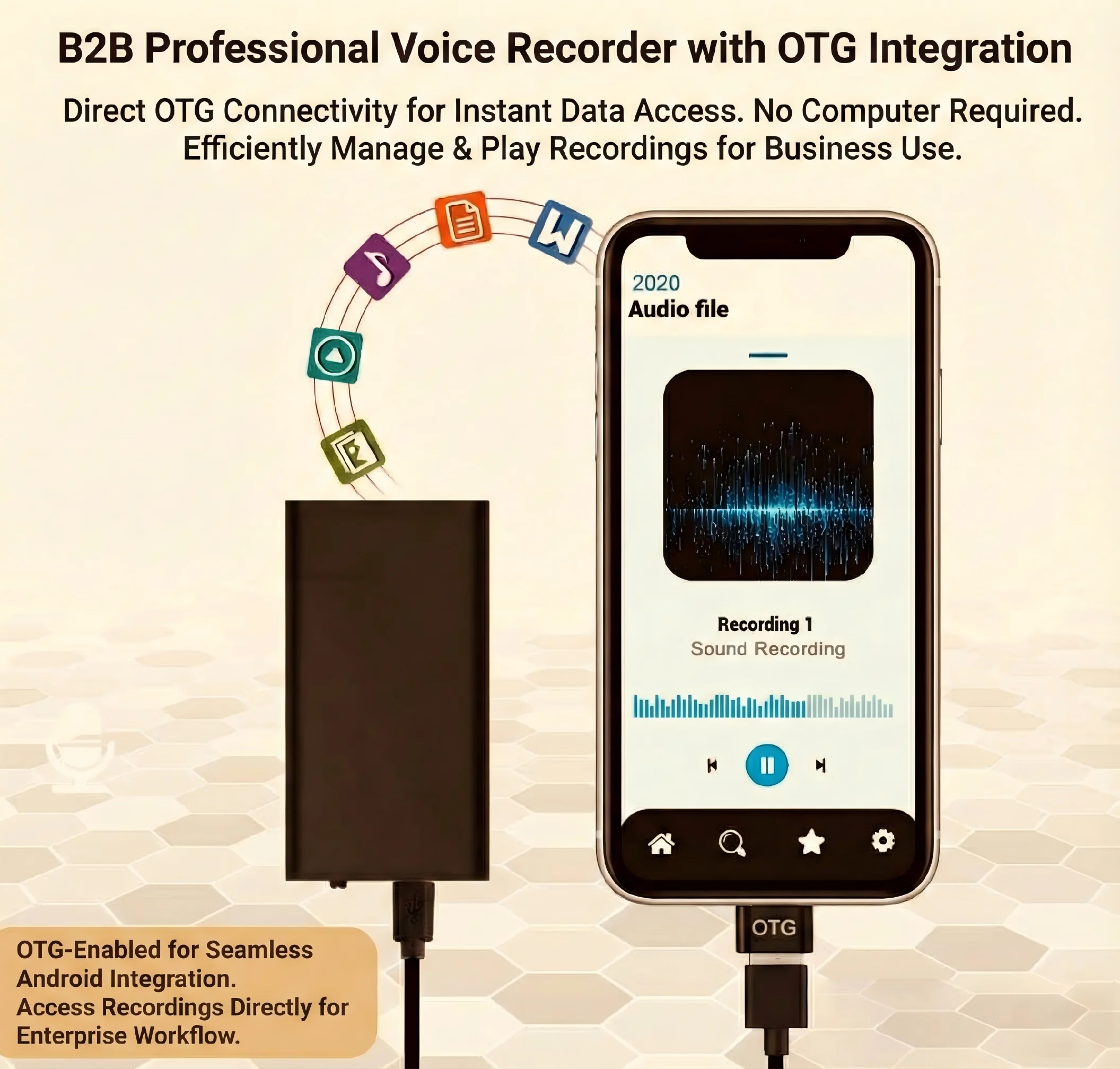
Alternative: OTG connection to Android
Some Q97 variants support OTG (On-The-Go) connection to Android smartphones via a USB-C adapter. This allows reviewing recordings directly on a phone without a computer.
Practical Use Cases
Meeting and Conference Recording
Place the Q97 on the conference table or in a shirt pocket during meetings. DSP noise reduction handles projector fans, HVAC, and other meeting room noise. VOR mode ensures only actual meeting audio is captured, not the silence between agenda items.
Academic Lecture Recording
Clip the recorder to a notebook on the desk or in a shirt pocket. The high-quality microphone picks up professors speaking from the front of the room in most classroom environments. 15-hour battery handles full-day lecture schedules.
Interview Documentation
Set the recorder between interviewer and subject. Higher-quality WAV recording is recommended for interviews that may be transcribed or used as professional documentation. DSP reduces the environmental noise common in fieldwork settings.
Personal Protection Documentation
The ultra-slim design and one-button operation make the Q97 ideal for quickly starting a recording in situations that may escalate. Clip it inside a pocket and press once—no visible action required.
Tips for Better Recordings
Microphone position matters: The Q97’s microphone is most sensitive when facing the sound source. Position the recorder with the microphone end facing toward the person speaking.
Distance affects quality: The microphone is most effective within 3–6 feet of the speaker. Beyond 10 feet, audio quality degrades noticeably even with DSP processing.
VOR threshold calibration: In a new environment, test the VOR threshold before an important recording. Speak at normal volume and verify the recorder triggers correctly. In very noisy environments, disable VOR and record continuously.
Low-battery protocol: The Q97 typically provides an audible beep or LED alert when battery is low. The device also auto-saves the current recording if battery dies unexpectedly, preventing data loss.
Format regularly: Periodically format the internal storage from the device menu to maintain file system integrity and prevent recording errors.
Comparing Q97 to Other Voice Recorder Options
| Característica | Q97 Mini Recorder | Standard Voice Recorder | Smartphone App |
|---|---|---|---|
| Concealment | Excellent (5mm thin) | Bien | Poor (visible phone) |
| Duración de la batería | 15+ hours | 10–20 hours | 5–8 hours |
| Calidad de audio | 192 kbps | 192kbps–WAV | Varía |
| VOR | Sí | Some models | Some apps |
| Reducción de ruido DSP | Sí | Some models | Varía |
| One-button operation | Sí | Varía | No |
| Costo | Bajo | Moderado | Free app cost |
The Q97’s key advantage over a smartphone app is concealment: starting a recording app on a visible phone is obvious; pressing one button on a 5mm device in your pocket is invisible.
Legal Considerations for Voice Recording
Audio recording laws vary significantly by jurisdiction:
Consentimiento de una de las partes: In these jurisdictions (many US states, UK, Australia), you can legally record any conversation you’re a participant in without notifying other parties.
All-party consent: In these jurisdictions (California, Illinois, many other states; most of Europe), all parties to a conversation must consent to recording. Recording without consent may be illegal.
Public vs. private: Recording in public spaces where no reasonable expectation of privacy exists is generally treated differently from recording private conversations.
Always verify the applicable law before recording any conversation for purposes that may have legal implications.
Preguntas frecuentes
Q: Does the Q97 record in the dark or with the screen off?
A: The Q97 has no screen—it’s a dedicated audio recorder with no display. It operates in any lighting condition. Once started, it records until paused or stopped regardless of ambient light.
Q: Can I use headphones to review recordings on the device?
A: The Q97 typically includes a 3.5mm headphone jack for playback monitoring. Connect standard earbuds to listen to recordings directly on the device.
Q: What happens to the current recording if the battery dies?
A: Modern recorders like the Q97 include auto-save functionality. When battery reaches a critical level, the device saves the current recording file and shuts down gracefully. No audio is lost to sudden power failure.
Q: Can the recording be heard by others in the room?
A: No. The Q97 records silently—no audio indicators during recording, and the device produces no sound during recording mode. The only potential “tell” is the recording LED, which can be covered with tape.
Q: Does the Q97 record phone calls?
A: Not directly. It records ambient audio in its environment. If a phone call is on speakerphone, the Q97 will capture it. For direct phone call recording, a different solution is needed.
Conclusión
The Q97 mini voice recorder excels at exactly what it’s designed for: high-quality, discreet, long-duration audio capture. Its 5mm profile makes it one of the most concealable recorders available, while 192kbps audio quality, DSP noise reduction, 15-hour battery life, and one-button operation make it genuinely useful in real-world applications.
For anyone who needs reliable covert audio documentation—whether for meetings, interviews, personal protection, or professional investigation—the Q97 provides professional-grade capability in a package that virtually disappears in everyday carry. Start with VOR mode enabled, test in your expected recording environment, and keep the battery charged before any important use.

 English
  Italiano
  Deutsch
  Français
  Español
  Polski