
How to Use a Hidden Clock Camera for Home Security
A hidden clock camera is one of the most discreet home security tools available today. It looks exactly like a normal alarm clock or desk clock, yet records full HD video 24/7 or on motion. This guide walks you through everything you need to know — from choosing the right model to setting it up, monitoring live footage, and getting the most out of your investment.
What Is a Hidden Clock Camera
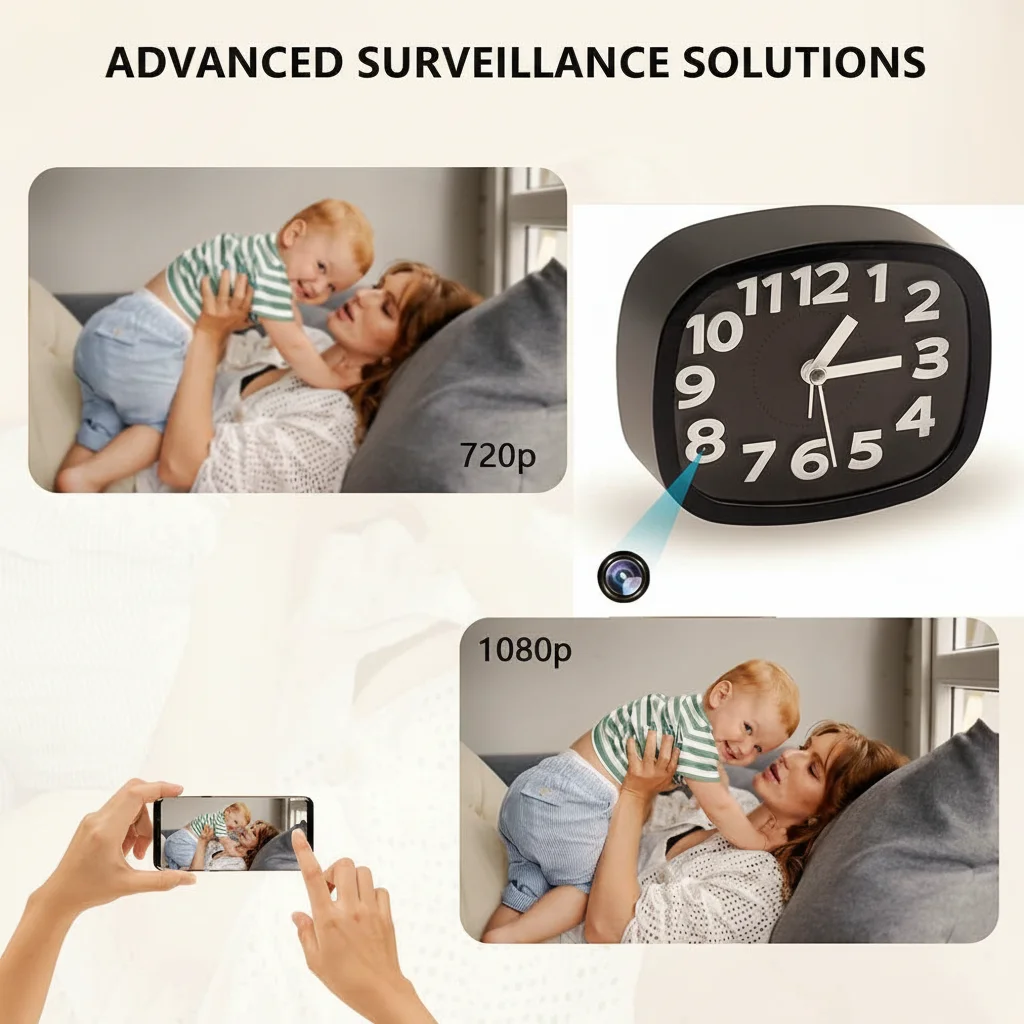
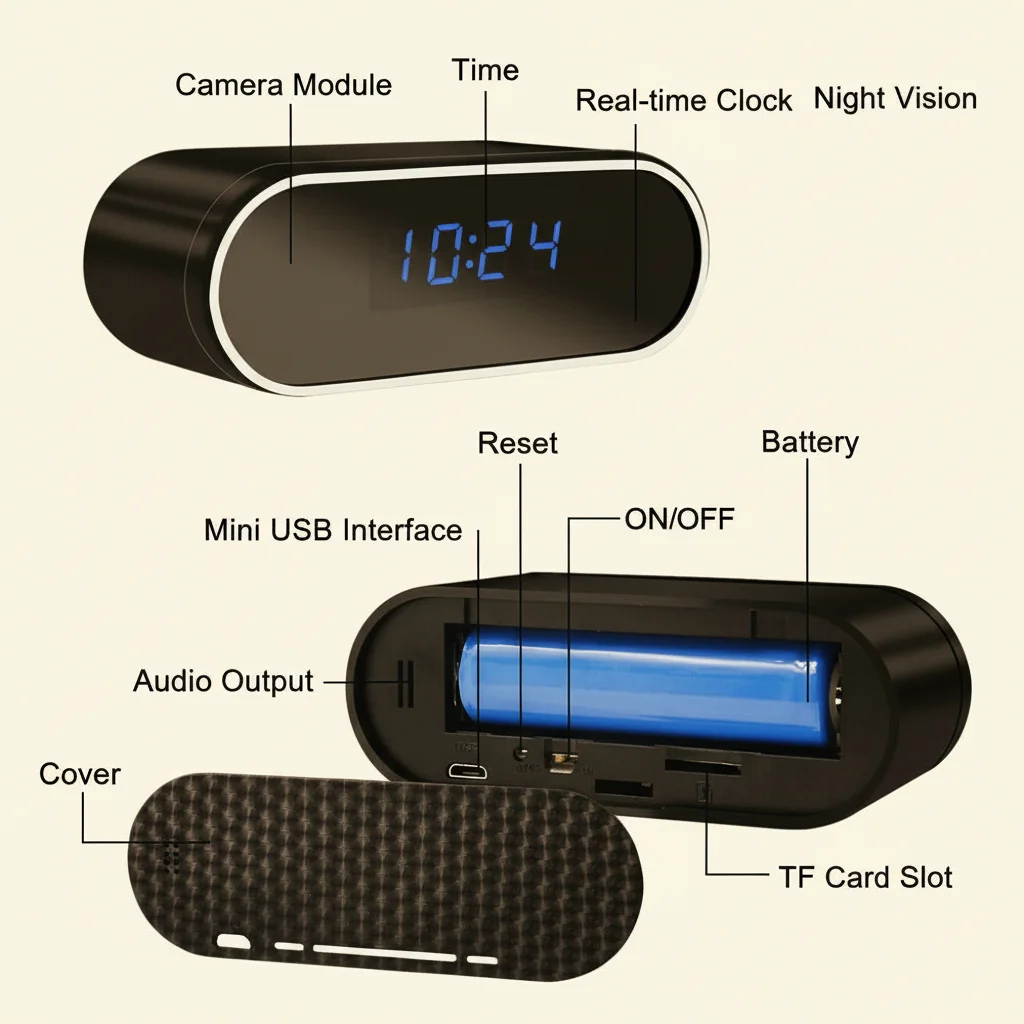
A hidden clock camera is a fully functional timepiece with a built-in pinhole lens, image sensor, and recording system concealed inside. From any angle, it appears to be an ordinary clock. The lens is hidden behind a small, nearly invisible hole in the clock face or frame. High-end models include WiFi connectivity for remote live streaming, motion detection alerts, and night vision using infrared LEDs.
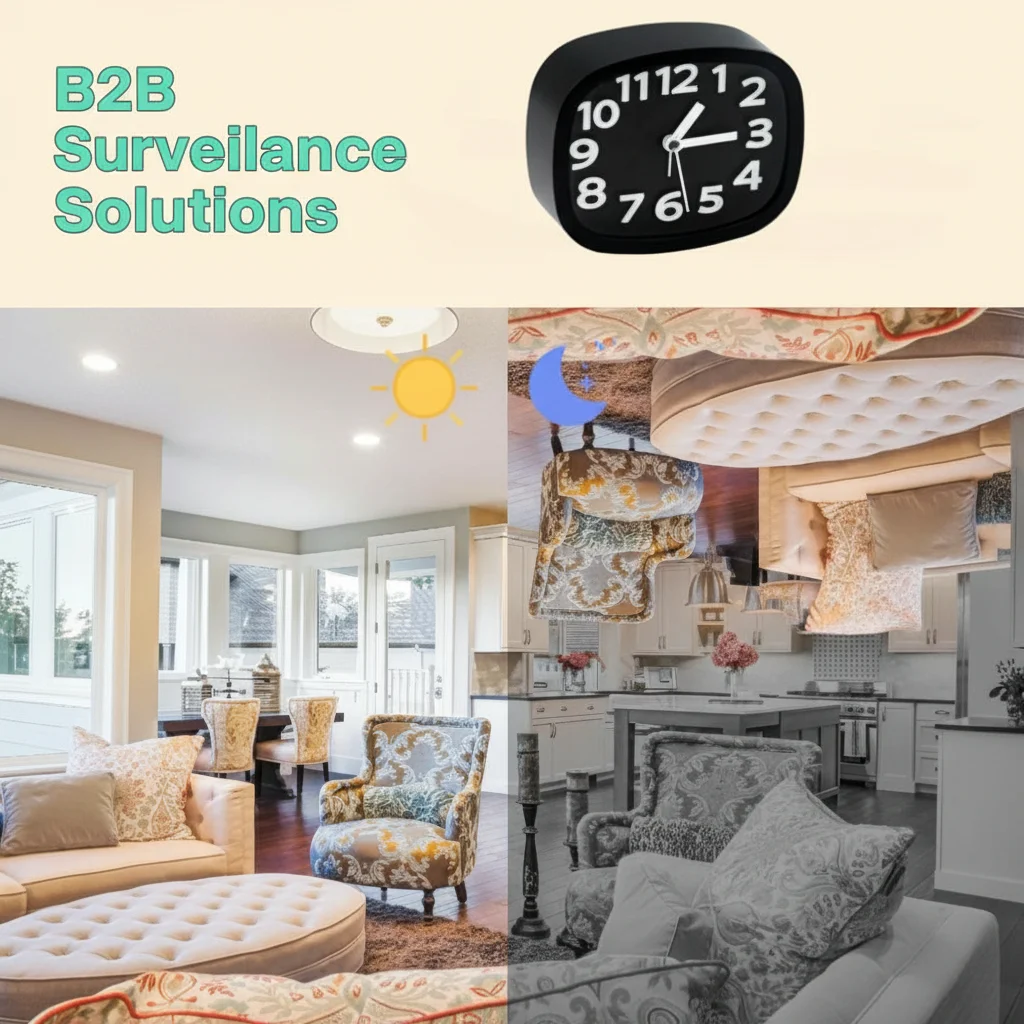
The Z10 WiFi Spy Clock Camera 1080P is a popular example — it combines a realistic LED clock display with a 1080P wide-angle lens, real-time smartphone monitoring, and infrared night vision that activates automatically in dark conditions.
Why Choose a Clock Camera Over Other Hidden Cameras
Clock cameras have a distinct advantage over other hidden camera styles: they blend perfectly into any room. Whether placed on a bedside table, office desk, living room shelf, or reception counter, a clock never raises suspicion. Unlike a smoke detector camera mounted to the ceiling, a clock camera can be repositioned easily without tools.

Additional advantages include:
– Always plugged in — no battery life worries for continuous recording
– Dual function: tells time AND records video
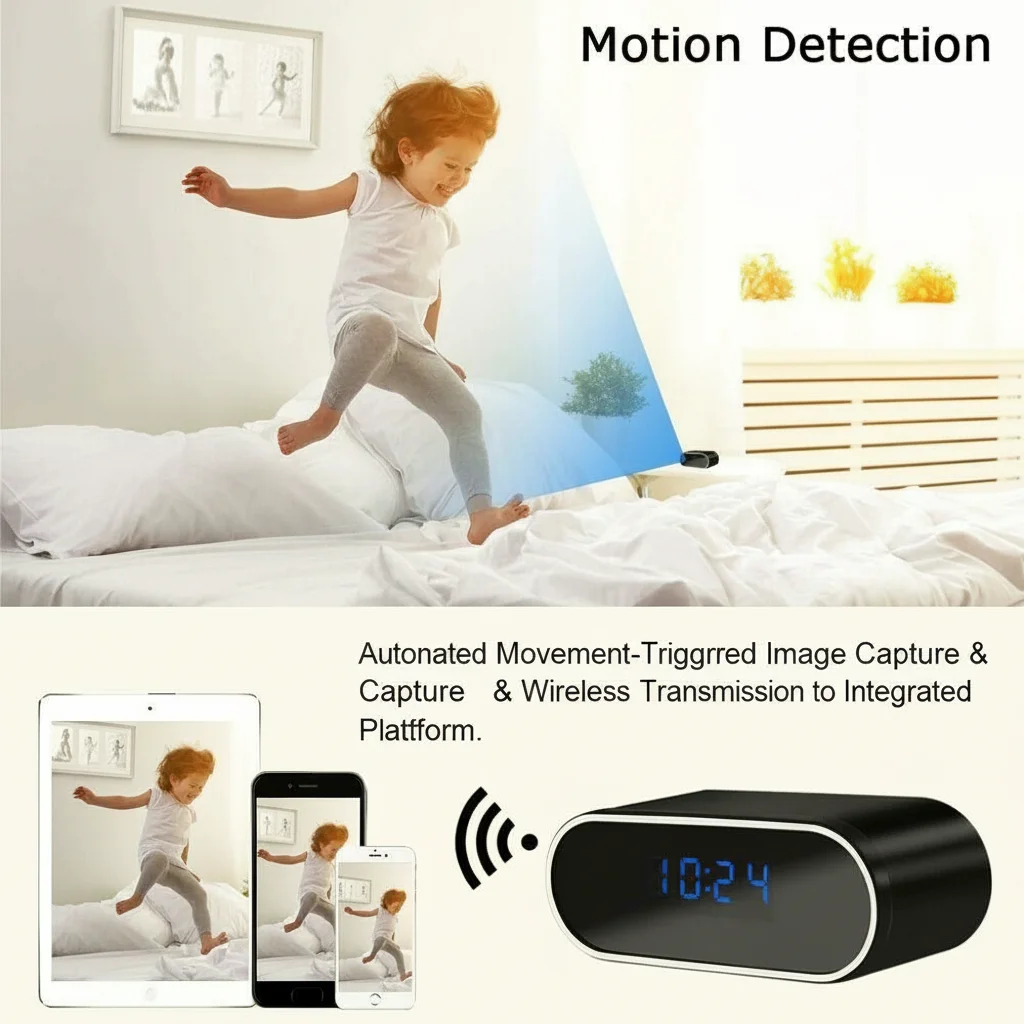
– WiFi models send push alerts to your phone when motion is detected
– Wide-angle lenses cover large areas of the room
How to Set Up a WiFi Clock Camera Step by Step
Setting up a WiFi clock camera is straightforward with modern apps. Here is the general process for most models including the Z10:
1. Unbox and power on — Plug the clock into a standard wall outlet. The LED display should light up.
2. Download the companion app — Most WiFi clock camera models use Tuya Smart or a dedicated app. Download it on iOS or Android.
3. Add device — Open the app, tap “Add Device,” and follow the on-screen prompts. The camera typically enters pairing mode automatically.
4. Connect to 2.4GHz WiFi — Enter your home WiFi password. Note that most cameras only support 2.4GHz networks, not 5GHz.
5. Position the camera — Place the clock facing the area you want to monitor. The lens should have a clear, unobstructed view.
6. Configure settings — Set recording mode (continuous or motion-triggered), enable push notifications, and adjust night vision sensitivity.
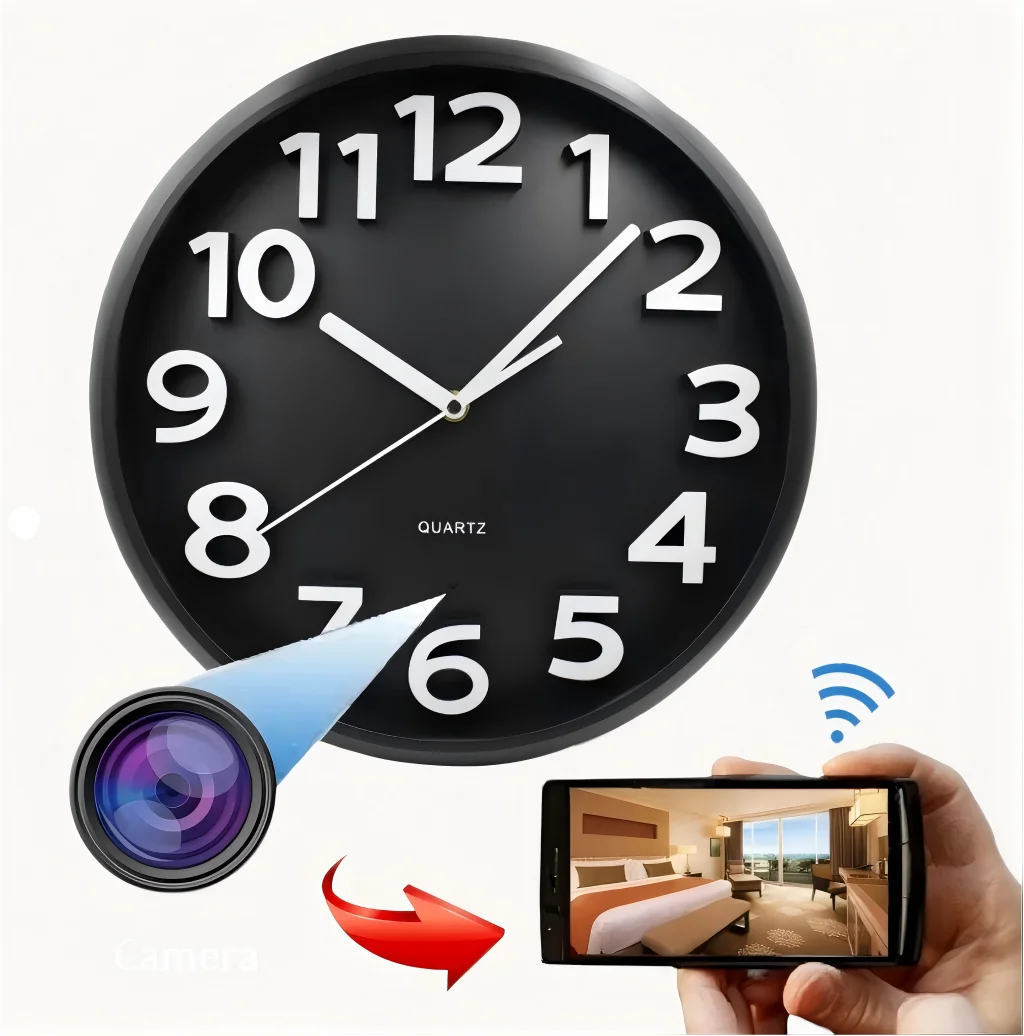
Once configured, you can view the live feed from anywhere in the world as long as both your phone and the camera are connected to the internet.
How to Position a Clock Camera for Best Coverage
Placement is critical for capturing useful footage. Follow these positioning tips:
– Height: Place the clock at desk or table height (70–90cm from the floor) to capture faces clearly.
– Angle: The lens should point toward the main entry point of the room — door, window, or main sitting area.
– Distance: Most 1080P clock cameras with wide-angle lenses cover a 90–120° field of view up to 5–8 meters effectively.
– Avoid backlighting: Don’t place the clock in front of a bright window. Light coming from behind a subject makes faces appear dark.
– Power outlet proximity: The clock needs a power outlet nearby. Choose a position where the cord doesn’t look unusual.
How Night Vision Works in Clock Cameras
The infrared (IR) night vision in clock cameras uses invisible IR LEDs — typically 850nm wavelength — arranged around the lens. In complete darkness, these LEDs illuminate the scene in infrared light that is invisible to the human eye but clearly visible to the camera sensor.
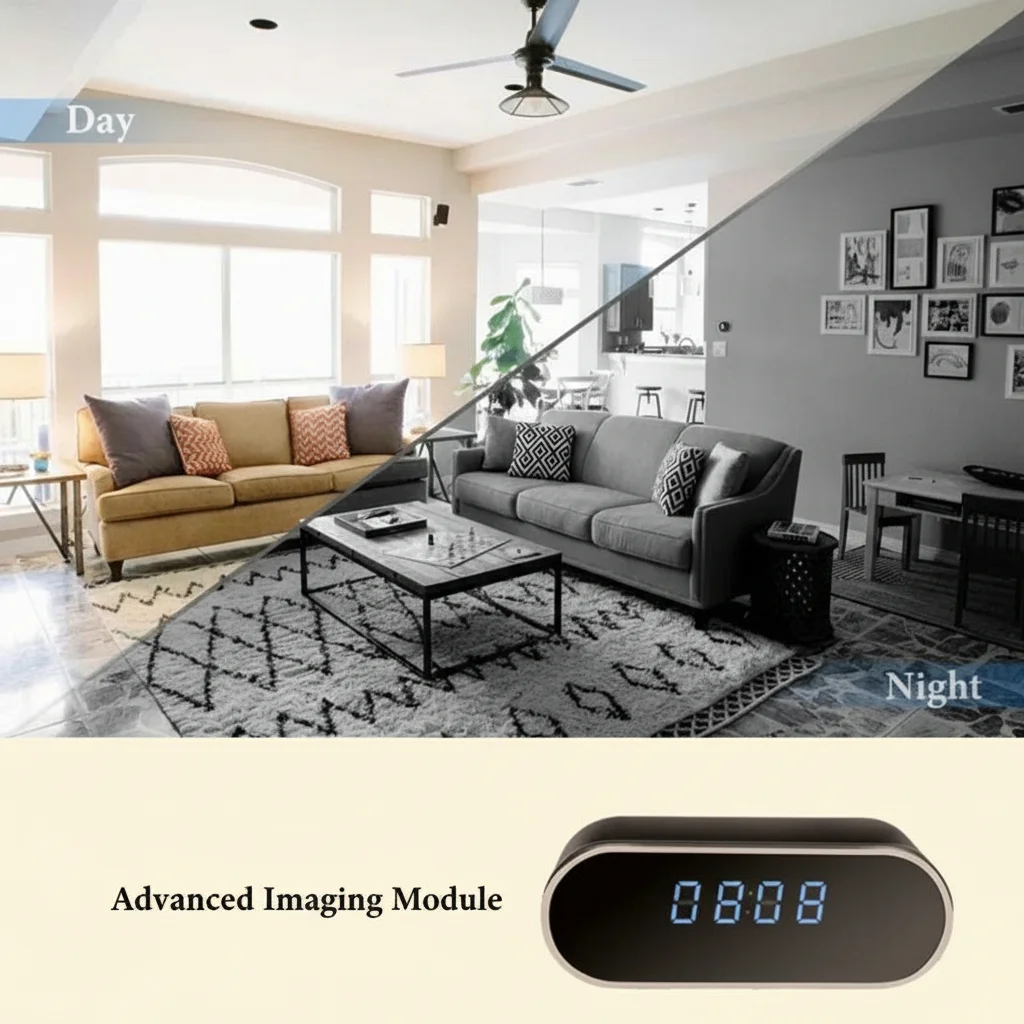
Most clock cameras automatically switch between day and night mode based on ambient light levels. In day mode, video is recorded in full color. At night, the image shifts to black-and-white infrared. The Z10 model provides clear IR night vision up to 5 meters in total darkness — enough to cover a standard bedroom or office.
Tips for Monitoring Footage Remotely
With a WiFi-enabled clock camera, remote monitoring is a key feature. Here are tips for getting the most out of it:
– Enable motion detection alerts — Instead of watching live 24/7, let the camera notify you only when motion is detected. This saves time and battery on your phone.
– Set motion sensitivity — If you get too many false alerts (from a fan, pet, or curtain), lower the sensitivity setting.
– Use cloud storage or SD card — Store recordings locally on a microSD card (most support 32–128GB) or upload clips to cloud storage for backup.
– Check footage via timeline — Most apps allow playback with a timeline scrubber so you can jump to specific times quickly.

How to Use a Clock Camera as a Nanny Cam
Clock cameras are widely used as nanny cams because they are discreet, always on, and easy to check remotely. When using a clock camera to monitor a babysitter, nanny, or caregiver:
– Inform your nanny if required by local law — Recording laws vary by state and country. In many US states and European countries, you must inform anyone being recorded in a private space.
– Position at eye level — For monitoring indoor interactions, a clock on a shelf at adult eye level (150–170cm) gives the clearest facial footage.
– Enable two-way audio — Some clock cameras include a microphone and speaker for two-way communication. This lets you speak to your child or nanny remotely.
How to Maintain and Troubleshoot Your Clock Camera
Common issues and fixes:
| Problem | Likely Cause | Solution |
|---|---|---|
| Camera offline | WiFi password changed or router restarted | Re-pair the device in the app |
| No night vision | IR LEDs obstructed | Clean the lens area; check for obstructions |
| Blurry footage | Dirty lens | Gently clean the lens with a microfiber cloth |
| Motion alerts not received | Notification permission off | Enable app notifications in phone settings |
| SD card not recognized | Incompatible format | Format the card to FAT32 in the app or on a PC |
What to Look for When Buying a Clock Camera
Not all clock cameras are equal. Key specs to evaluate:
– Resolution: Minimum 1080P Full HD. Avoid 720P models — facial recognition becomes difficult below 1080P.
– WiFi: Built-in WiFi for remote viewing is essential for modern use cases.
– Night vision range: Look for at least 5 meters IR range.
– Storage: Support for microSD cards up to 128GB minimum.
– App quality: Check reviews of the companion app. Poor app UX makes the camera frustrating to use.
– Motion detection: Zone-based motion detection is better than whole-frame detection — reduces false alarms.
Guide to Legal Use of Hidden Clock Cameras
Hidden cameras are powerful tools but must be used legally and ethically. Key principles:
– Private spaces: Never place hidden cameras in bathrooms, changing rooms, or bedrooms where people have a reasonable expectation of privacy (unless it is your own bedroom with consent).
– Consent laws: In many jurisdictions, recording audio without consent is illegal. Check your local wiretapping and surveillance laws.
– Purpose: Using a camera for home security, child protection, or theft prevention is generally legal. Using it to spy on others without cause may not be.
– Data security: Change default passwords on your WiFi camera immediately. Use strong, unique passwords to prevent hacking.
Conclusion
A hidden clock camera is an exceptionally versatile and practical home security tool. It combines legitimate timekeeping functionality with covert 1080P HD recording, WiFi remote access, motion detection alerts, and night vision — all in a device that draws zero suspicion. Whether you need to monitor your home, keep an eye on your children’s caregiver, or secure your office, a clock camera like the Z10 WiFi Spy Clock Camera 1080P delivers professional results at an accessible price point.

FAQ
Q: Can a clock camera record without WiFi?
A: Yes. Most clock cameras record directly to a microSD card regardless of WiFi connectivity. WiFi is only needed for remote viewing and push alerts.
Q: How long can a clock camera record continuously?
A: Plugged in, a clock camera can record 24/7 indefinitely. With a 128GB microSD card, it stores approximately 30–50 hours of 1080P footage before looping over old recordings.
Q: Will the infrared LEDs be visible in the dark?
A: Standard 850nm IR LEDs are invisible to the human eye. Some cheaper models use 940nm LEDs which are completely invisible; 850nm LEDs may produce a faint red glow that is visible up close in total darkness.
Q: Can I use a clock camera outdoors?
A: Most clock cameras are designed for indoor use only. For outdoor use, look for cameras with IP65 or higher weather resistance rating.
Q: Does a clock camera work with Alexa or Google Home?
A: Some Tuya-based clock cameras support Alexa and Google Home integration. Check the product specifications before purchasing.
Q: How do I know if a hotel room has a hidden clock camera?
A: Use a RF detector or lens detector to scan for hidden cameras. Look for unusual holes or slightly reflective spots on clocks and other objects in the room.

 English
  Italiano
  Deutsch
  Français
  Español
  Polski