
How to Choose a Spy Pen Camera for Office Use
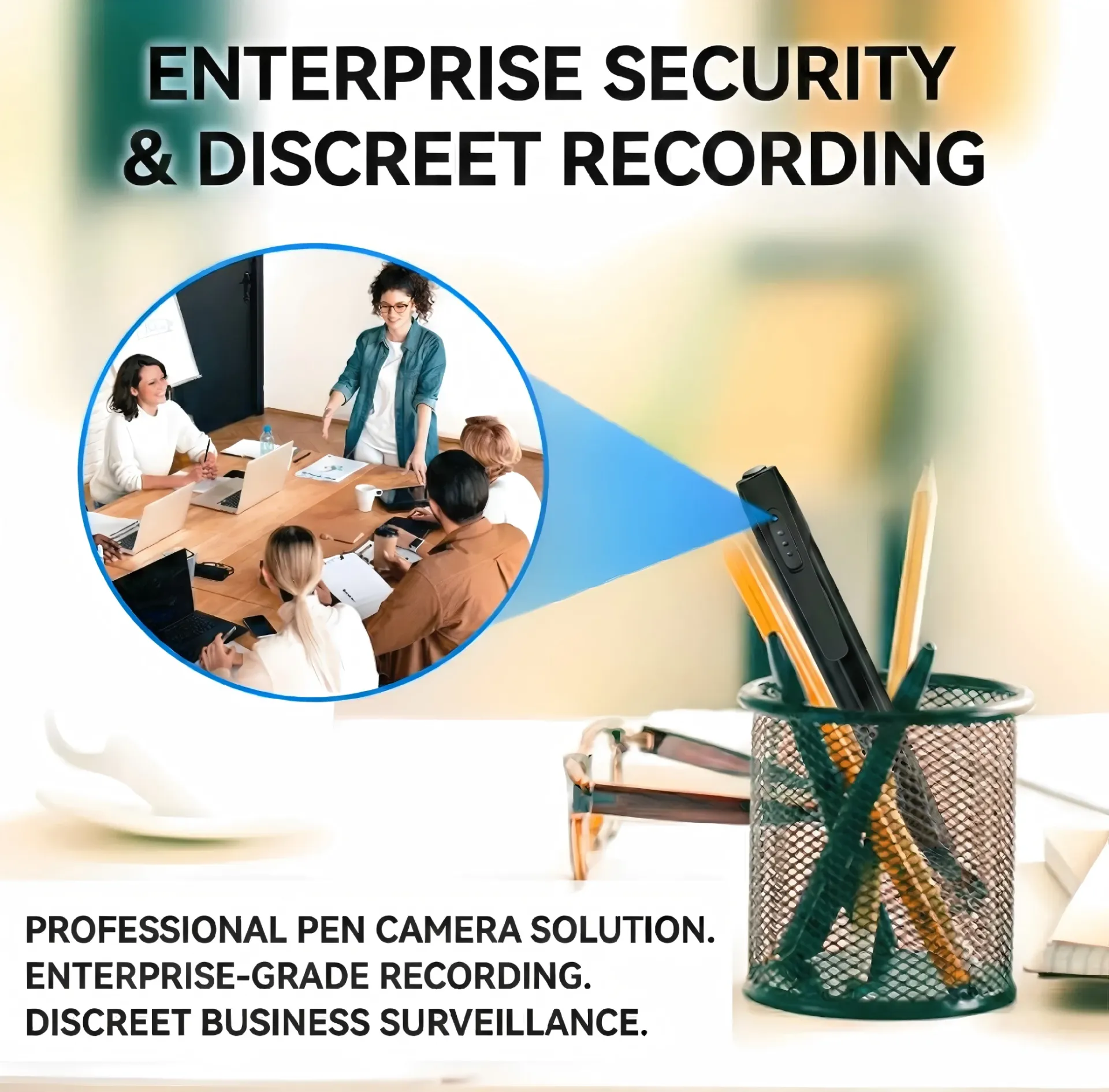
A spy pen camera is a fully functional writing pen with a built-in HD camera and audio recorder. It sits naturally on any desk, in a shirt pocket, or in a meeting bag — no one suspects a pen. For office use, whether you need to record business meetings, document negotiations, preserve evidence, or monitor a workspace, a pen camera delivers high-quality video and audio in the most discreet package possible. This guide tells you exactly what to look for and how to use one.
Carica completamente la penna (tipicamente 1,5–2 ore tramite USB). Inserisci una microSD se si utilizza un modello con card esterna.
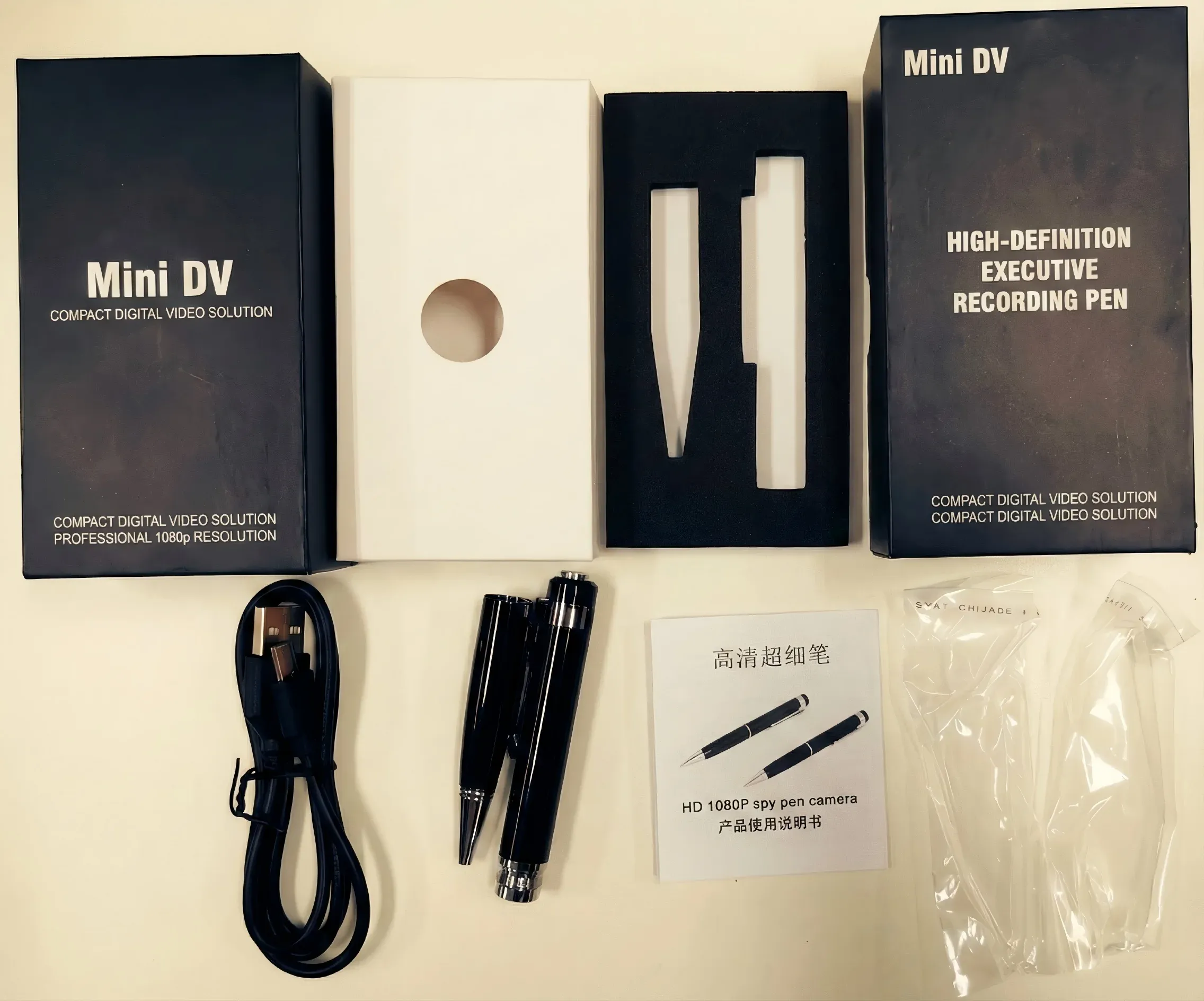
A spy pen camera is a ballpoint or gel pen with a pinhole camera lens, image sensor, audio microphone, and internal storage built into the pen body. The lens is concealed in the pen clip or tip area, pointing forward to capture what the pen is aimed at. Most modern models record 1080P Full HD video with synchronized audio, store footage on internal memory or a microSD card, and can be recharged via USB.

IL WiFi Spy Pen Camera with Audio and models like the W9 and W10 pen cameras offer 1080P video, 12–30MP photo capture, and up to 128GB storage — professional grade tools that write like normal pens.
Why Pen Cameras Are Perfect for Office Environments
The office setting demands discretion above all else. A spy pen camera fits naturally because:
– Every desk has pens — A pen sitting on a desk or in a pocket holder raises zero suspicion
– Portatile — Carry it to any meeting, conference room, or external venue
– Audio recording — Captures spoken words clearly, critical for documenting verbal agreements
– No setup required — One button starts recording; no WiFi setup needed for basic models
– Legal evidence — In many jurisdictions, recording your own meetings for personal record-keeping is permitted
How to Choose the Right Pen Camera for Your Needs
Resolution: 1080P Is the Minimum
For reading facial expressions, capturing text on whiteboards, or identifying individuals in a recording, 1080P (1920×1080) resolution is essential. Older 720P models produce footage that lacks detail when zoomed in.
The W9 model captures 1080P video plus 12MP still photos. The W10 upgrades this to 30MP still photos and supports up to 128GB storage.
Storage: How Much Do You Need?
| Immagazzinamento | Recording Time @ 1080P | Il migliore per |
|---|---|---|
| 32 GB | ~6 hours | Short meetings, daily use |
| 64 GB | ~12 ore | Full-day coverage |
| 128 GB | ~24 hours | Multi-day field use |
IL 1080P Spy Pen Camera W10 supports 128GB — enough for a full day of continuous recording without file management.
WiFi vs. Non-WiFi Pen Cameras
| Caratteristica | Non-WiFi | WiFi abilitato |
|---|---|---|
| Setup complexity | Simple one-button | Requires app pairing |
| Remote access | No | Yes — live stream to phone |
| Battery life | Più lungo | Più breve |
| Furtività | Più alto | Medio |
| Best for | Recording personal meetings | Monitoring a fixed location |
For most office recording purposes, a non-WiFi pen camera is simpler and more reliable. WiFi penna fotografica models are better suited for using the pen as a fixed covert camera on a desk or shelf.

How to Operate a Pen Camera in a Meeting
Most pen cameras are designed for single-button simplicity:
1. Before the meeting: Charge the pen fully (typically 1.5–2 hours via USB). Insert a microSD card if using an external card model.
2. WiFi Pen: Press and hold the power/record button (typically 2–3 seconds) until the indicator LED flashes once or twice. The LED usually turns off after starting to avoid detection.
3. Hold or place the pen: Hold the pen in your hand aimed at the subject, place it clip-side-up on the table, or rest it in a pen holder with the lens facing the room.
4. Stop recording: Press and hold the button again to stop and save the file.
5. Transfer footage: Connect the pen to a computer via USB or remove the microSD card to access recorded files.
Tips for Getting the Best Audio Quality
Audio quality is just as important as video quality in office recordings:
– Keep the pen close — Place it on the table between you and the person speaking. Every 30cm of distance reduces audio clarity.
– Avoid hard surfaces — Tables and desks reflect sound. Placing a document or pad under the pen helps absorb reflected noise.
– Minimize background noise — Position yourself away from air conditioning vents, printers, or other noise sources.
– Use models with noise reduction — Higher-end pen cameras include digital noise reduction for clearer audio in noisy environments.

How to Use a Pen Camera as a Fixed Desk Camera
For monitoring your own office or workspace when you are away, place the pen camera in a pen holder facing the door or area of interest:
– Position the clip side up (the lens is typically near the clip)
– Aim the tip toward the area to monitor
– Set to motion detection recording mode if available
– The pen will record automatically when movement is detected
This turns your penna fotografica into a compact fixed surveillance camera that remains invisible in plain sight.

Legal Considerations for Office Recording
The legality of recording workplace meetings varies significantly by location:
– One-party consent states/countries: You can legally record any conversation you are participating in without informing the other party. Many US states and UK law follow this principle for private recordings.
– Two-party / all-party consent jurisdictions: All parties must consent before a conversation can be legally recorded. California, Washington, and several European countries require this.
– Company policy: Even where legal, your employer may have policies against recording. Review your employment contract.
– Evidence use: If you plan to use a recording as legal evidence, consult a lawyer about admissibility in your jurisdiction.
Always use office recording tools responsibly and in compliance with applicable law.
How to Transfer and Store Footage Securely
After recording, protect your footage:
1. Transfer immediately — Copy files from the pen to an encrypted folder on your computer as soon as possible.
2. Rename files clearly — Rename with date, time, and subject (e.g., “2026-04-08_contract_meeting.mp4”).
3. Backup to encrypted storage — Use an encrypted external drive or encrypted cloud storage.
4. Delete from the pen — Once backed up, delete the original files from the pen’s storage to prevent accidental discovery.

Comparing Top Pen Camera Models
| Modello | Risoluzione | Photos | Immagazzinamento | Wifi | Il migliore per |
|---|---|---|---|---|---|
| W9 | 1080P | 12MP | Up to 64GB | No | Budget recording |
| W10 | 1080P | 30MP | Fino a 128 GB | No | Extended recording |
| WiFi Pen | 1080P | — | 32 GB | SÌ | come scegliere una penna spia per uso in ufficio |
IL 1080P Hidden Spy Pen Camera W9 is the best value for most office users. The W10 is the right choice when you need maximum storage and higher-resolution photos.
Conclusione
Choosing the right spy pen camera for office use comes down to three factors: resolution (minimum 1080P), storage capacity (match to your use case), and whether you need WiFi remote access. For most office recording needs — documenting meetings, preserving evidence, monitoring your own workspace — a quality non-WiFi 1080P pen camera like the W9 or W10 delivers professional results in the most discreet form factor available. Keep legality in mind, store footage securely, and your penna fotografica will be one of the most useful tools in your professional toolkit.
Domande frequenti
Q: Does the pen camera actually write?
A: Yes. All quality spy pen cameras include a functional ballpoint or gel ink refill that writes normally. The pen is fully functional as a writing instrument.
Q: How long does the battery last while recording?
A: Most pen cameras record for 1.5–3 hours on a full charge. Larger models with bigger batteries can record for up to 5 hours.
Q: Can I use a pen camera in dim meeting rooms?
A: Pen cameras perform best in well-lit environments. In dim rooms, footage quality degrades. Some models have low-light modes but results are limited compared to dedicated night vision cameras.
Q: How do I know the pen is recording?
A: Most models use a brief LED flash when recording starts, then the LED turns off during recording to maintain stealth. Check your model’s manual for the specific indicator behavior.
Q: Can the footage be used as legal evidence?
A: This depends entirely on your jurisdiction and the circumstances. In some places, single-party consent recordings are fully admissible. Always consult legal advice before relying on recorded footage in legal proceedings.
Q: What file format does the pen camera use?
A: Most pen cameras record in AVI or MP4 format, compatible with all major video players and editing software.

 English
  Italiano
  Deutsch
  Français
  Español
  Polski