
Struggling to source WiFi cameras that meet market demands? It's frustrating when technical specs are unclear. This confusion leads to buying products that your customers ultimately won't want.
The key features for a WiFi security camera are 1080P resolution, stable 2.4GHz WiFi connectivity, motion detection alerts, and clear night vision. Depending on the use case, the power source (battery vs. wired) and form factor (covert vs. overt) are also critical considerations.
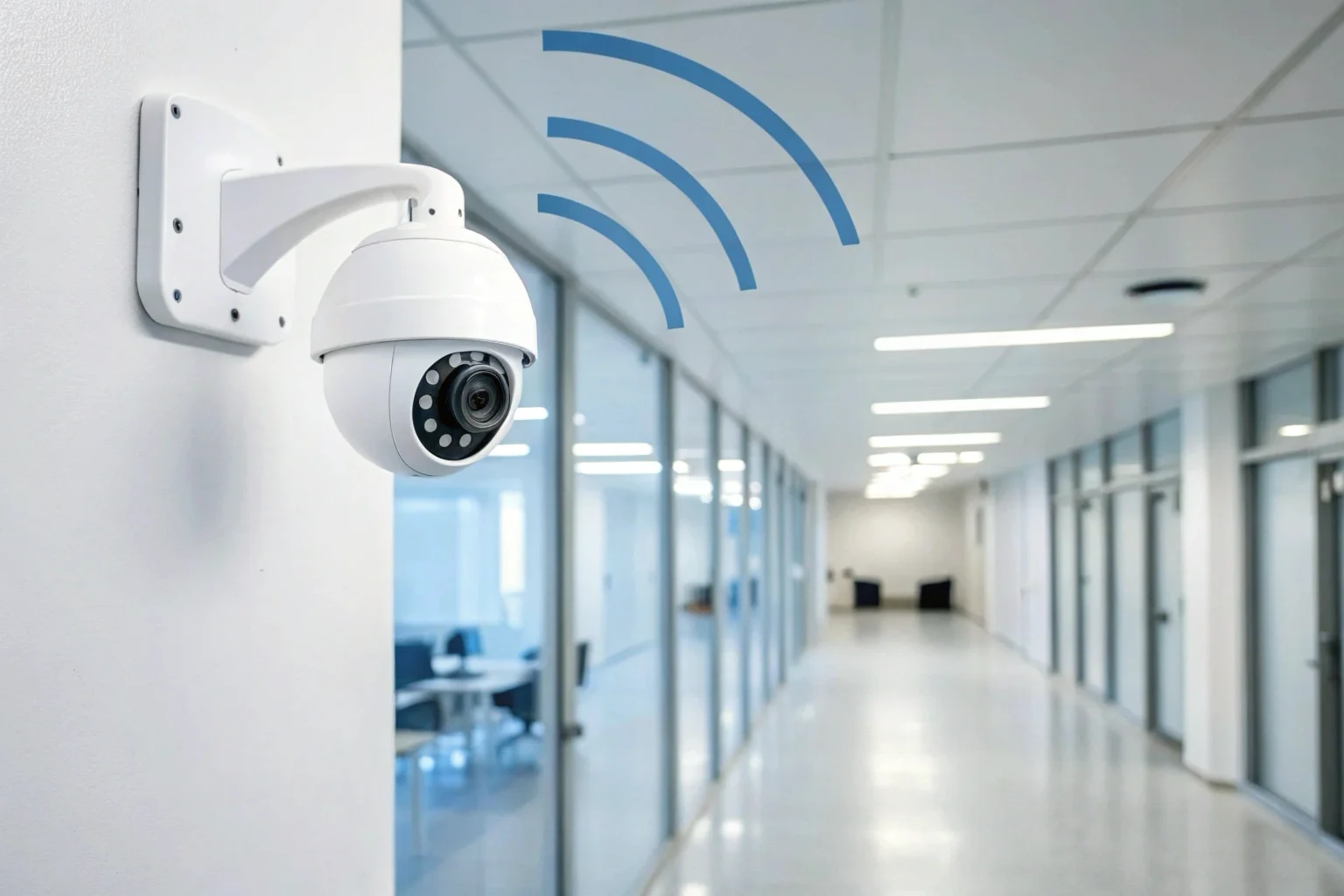
As a manufacturer, I see buyers focus heavily on these core features because they directly impact reliability and user satisfaction. A camera that fails in any of these areas will quickly lead to poor reviews and returns. Understanding how these elements work together is the first step to choosing a product that performs well for the end user and builds your brand's reputation. Now, let's explore some of the more detailed questions my clients in Italy, Poland, and France often ask.
How long do the batteries last in a WiFi security camera?
Worried a battery-powered camera will fail at a critical moment? A device with poor battery life is unreliable. This creates security gaps and leaves your customers feeling unprotected.
A WiFi camera's battery can last from 75 minutes to over 20 hours on a single charge. The duration depends entirely on the battery's capacity (measured in mAh) and how the camera is used. Smaller, covert devices have shorter runtimes than larger units with bigger batteries.
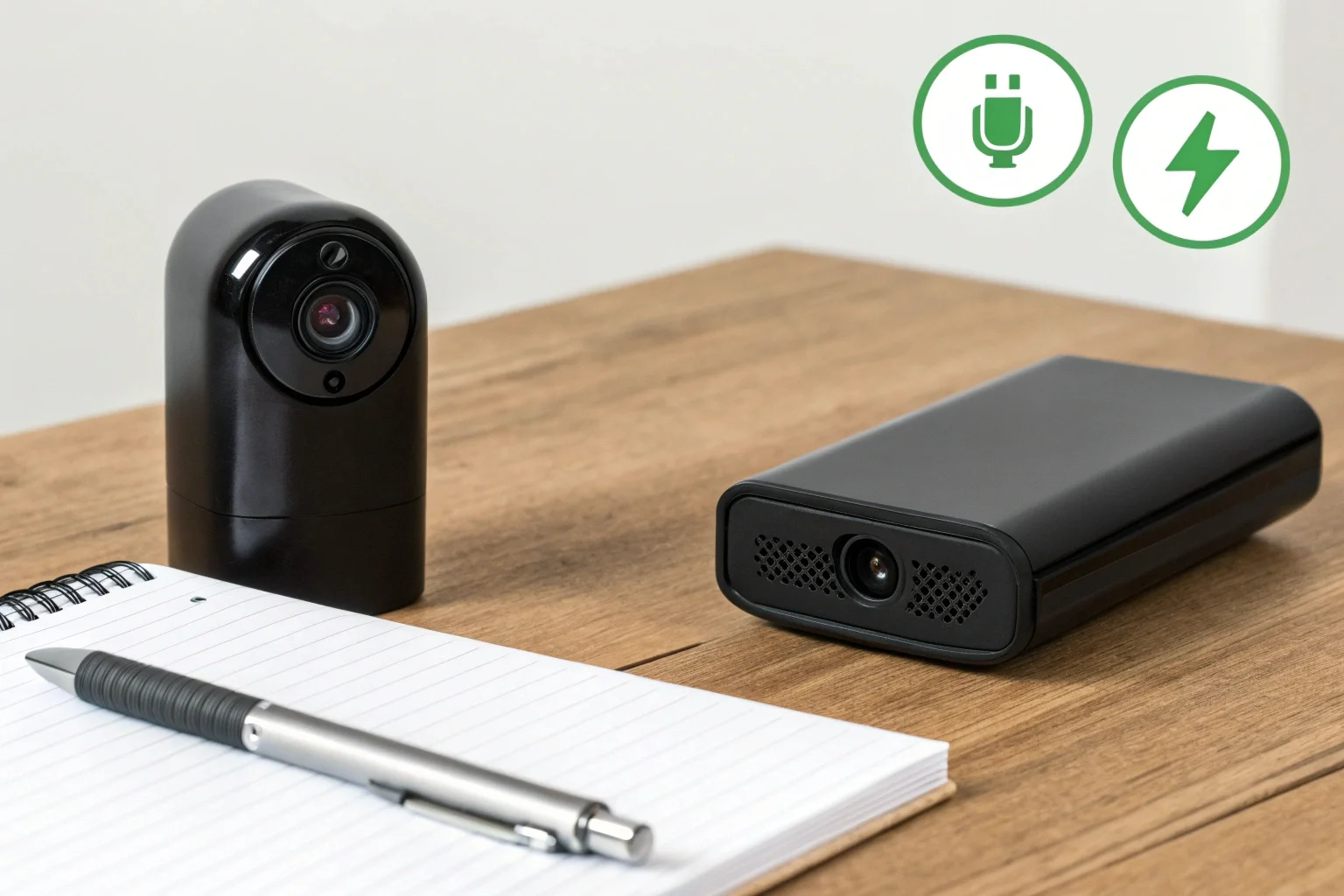
From my experience in production, battery life is a direct trade-off with device size. It is a simple matter of physics. A larger battery holds more power but makes the device bigger and less discreet.
Understanding Battery Capacity vs. Working Time
The relationship is straightforward. A higher milliamp-hour (mAh) rating means a longer potential working time. For instance, a small pen camera might have a 170mAh battery and run for about 75 minutes. A larger device, like one of our clock cameras or DIY modules, might use a 2800mAh battery, pushing the working time to 5–7 hours. For long-term surveillance, a power bank camera with a 5000mAh battery can record for 20 hours or more.
Factors That Drain the Battery Faster
It's not just about capacity. Real-world usage is very important.
- Continuous vs. Motion-Activated Recording: Recording 24/7 drains the battery much faster than recording only when motion is detected.
- Night Vision: The infrared (IR) LEDs used for night vision consume extra power. A camera operating at night will have a shorter runtime than one operating in a well-lit environment.
- WiFi Signal Strength: If the camera is far from the router, it must use more power to maintain a stable connection. This can be a significant and often overlooked power drain.
For professional buyers, I always recommend matching the battery specifications to the intended application. For short-term, portable needs, a small battery is fine. For long-term, set-and-forget security, a larger battery or a plug-in model is necessary.
Which is better: battery or plug-in security cameras?
Can't decide between placement freedom and constant power? Choosing the wrong power source creates installation problems. You either have to run wires or deal with constant recharging.
Neither is better; the best choice depends entirely on the surveillance goal. Battery cameras offer unmatched flexibility for temporary or difficult placements. Plug-in cameras provide superior reliability for permanent, 24/7 monitoring where power is accessible.
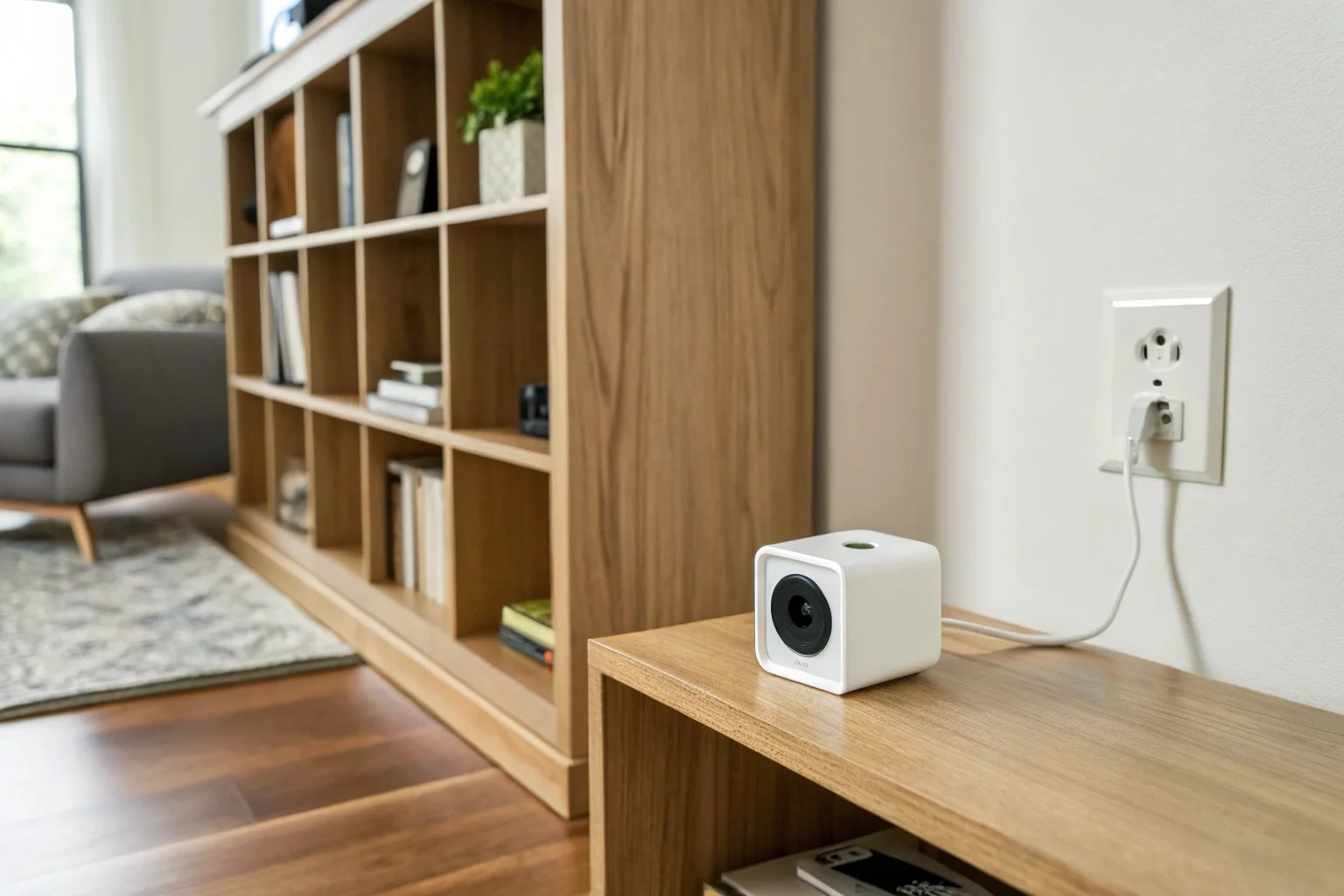
This is one of the most common discussions I have with my B2B clients. The decision always comes down to balancing convenience with reliability. An installer in France might prefer a battery model for a quick setup, while a German client focused on long-term stability will almost always choose a plug-in option.
We manufacture both types because the market needs both. Here is a simple breakdown.
| Feature | Battery-Powered Cameras | Plug-in Cameras |
|---|---|---|
| Installation | Extremely flexible, place anywhere | Limited by outlet location |
| Reliability | Depends on battery life, requires recharging | Highly reliable, continuous power |
| Best Use Case | Temporary monitoring, areas without power | Permanent security, critical areas |
| Maintenance | Regular recharging required | Set it and forget it |
Some of our most popular designs try to merge these two concepts. For example, our WiFi charger cameras and wall socket cameras are plug-in devices that draw continuous power from the mains. This makes them look like ordinary objects, so they are very discreet, but they offer the 24/7 reliability of a wired camera. We also have many models that support "record while charging." This gives the user the option to use it on battery or plug it into a USB power source for indefinite operation. This hybrid approach offers a great deal of flexibility for the end user.
Which is better: 3K or 4K CCTV?
Feeling pressured to offer the highest resolution available? Choosing 4K might seem like a clear winner, but it introduces hidden costs in storage and bandwidth that can affect performance.
For most business surveillance, 3K resolution provides the best balance of image clarity, storage cost, and network bandwidth. 4K offers slightly more detail for zooming in on distant objects, but the practical difference is often negligible while the data demands are significantly higher.
My customers in Europe care deeply about image quality, which they often call "pixel." However, chasing the highest number isn't always the smartest business decision. Most of our best-selling hidden cameras, which you can see at https://q-z-t.com/camera/, use 1080P. This resolution is more than enough to clearly identify faces and actions in typical indoor environments, which is the primary goal.
The jump from 1080P to 3K or 4K is a matter of diminishing returns.
- Storage: 4K video files are enormous. A week of 4K footage can require double the storage space of 3K footage. For a business running multiple cameras, this cost adds up very quickly, whether using local SD cards or cloud storage.
- Bandwidth: Streaming live 4K video requires a very fast and stable internet connection. If the network can't handle it, the video will lag, stutter, or drop in quality, defeating the purpose of the high resolution. This is a common point of failure.
- Cost: 4K sensors and processors are more expensive, which increases the unit cost of the camera. This price increase may not be justifiable if the user cannot see a meaningful benefit.
My advice to professional buyers is to focus on the practical application. Is the camera monitoring a small office or a large parking lot? For the office, 1080P or 3K is perfect. For the parking lot, where you might need to digitally zoom in on a license plate from far away, 4K could be a valid choice. But for most indoor and small-area business security, 3K hits the sweet spot of performance and cost efficiency.
What type of security camera is best for a company?
Trying to secure your business but overwhelmed by camera choices? The wrong type can be ineffective or even create trust issues with employees. You need a solution tailored to your specific goal.
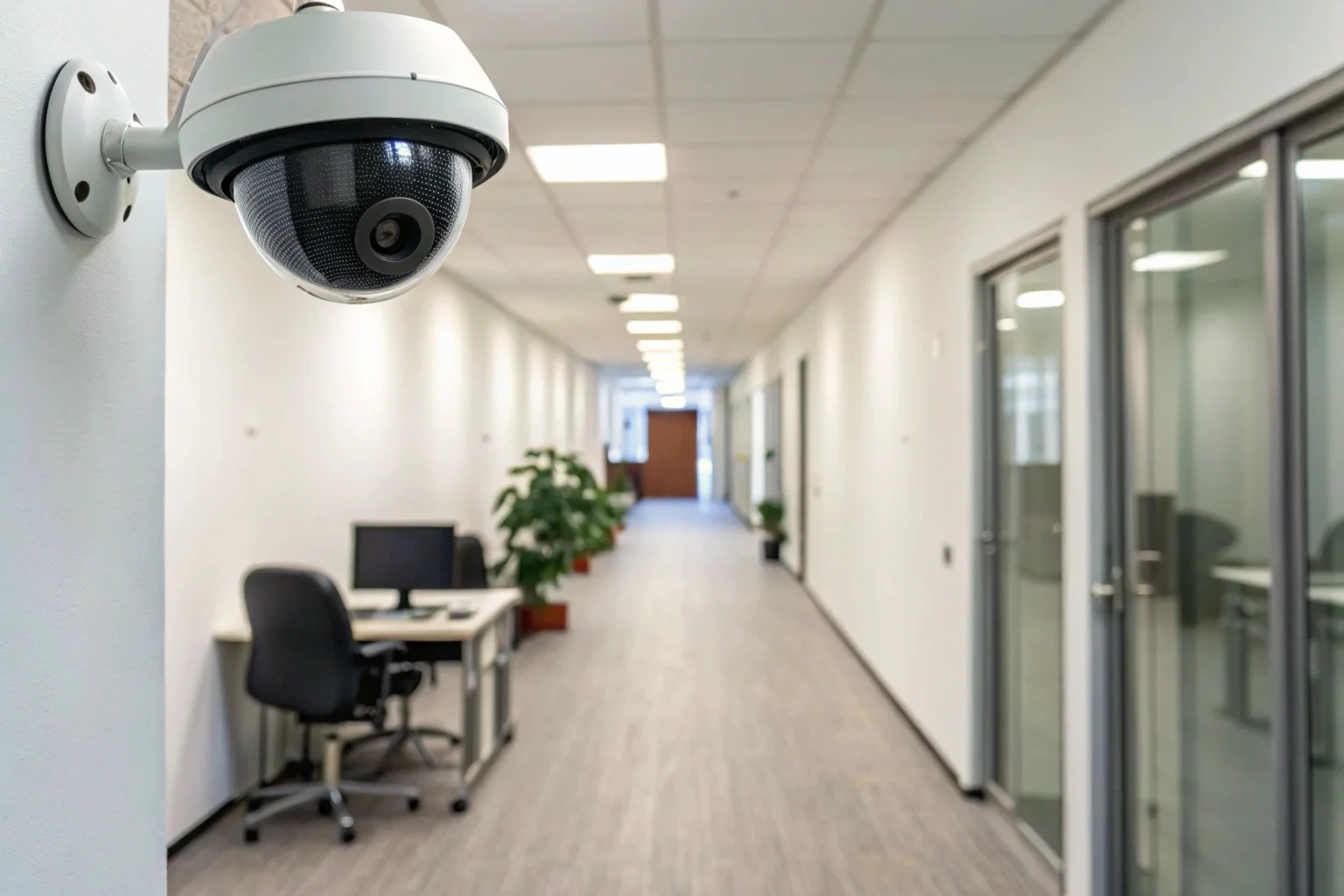
The best camera for a company depends on the objective. For overt deterrence in public-facing areas, traditional bullet or dome cameras work best. For monitoring sensitive areas like stockrooms or offices discreetly, covert cameras hidden in everyday objects are superior.
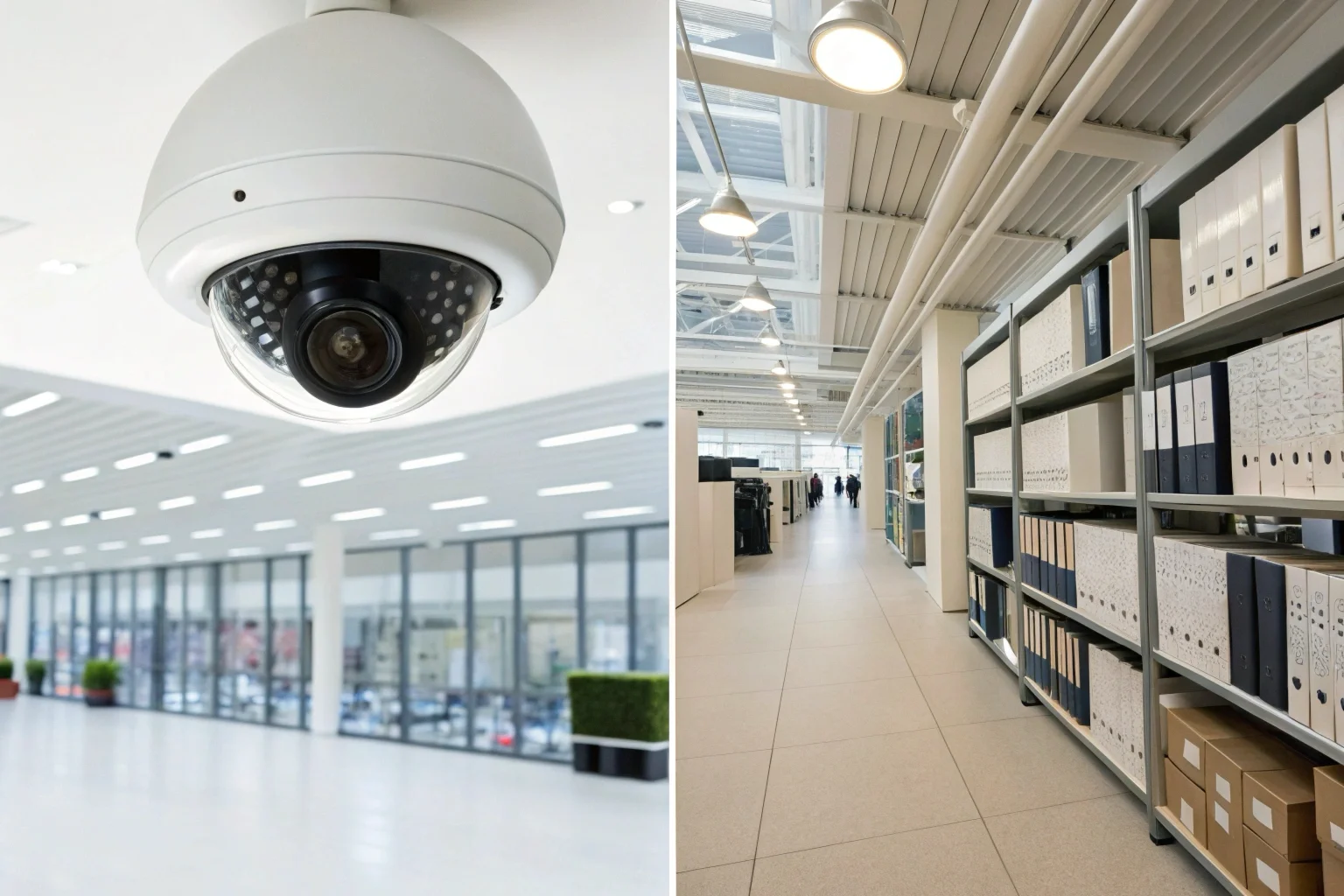
As a manufacturer of discreet devices, I work with many business clients who need to solve specific internal problems without creating a tense environment. Overt cameras are great for preventing shoplifting, but they are not effective for issues like internal theft or policy violations.
Overt vs. Covert Surveillance
The strategy for a business breaks down into these two approaches.
- Overt Surveillance: The goal here is deterrence. Visible cameras tell everyone they are being watched. This is ideal for entrances, retail floors, and warehouses. The presence of the camera itself is the primary security feature.
- Covert Surveillance: The goal is to gather information discreetly. These cameras are hidden so that people behave naturally. This is necessary for investigating specific issues like theft from a cash register or unauthorized access to a server room.
Choosing the Right Covert Device
For businesses needing discreet monitoring, the form factor is everything. We produce a wide range of covert cameras precisely for this reason.
- For a high-level overview: A smoke detector camera provides a wide, downward-facing view of an entire room without drawing any attention.
- For an office or reception desk: A clock camera or a USB charger camera blends in perfectly with the existing environment.
- For custom installations: Our Tuya DIY modules are very popular with business clients. They consist of a tiny camera lens connected to a small circuit board. An installer can place this module inside any object to create a completely custom surveillance solution for a unique need.
The right choice always aligns with the specific problem you are trying to solve.
Ultimately, choosing the right WiFi camera means matching its features to a specific, real-world need. Focus on reliability and suitability for the job, not just the highest specifications.

 English
  Italiano
  Deutsch
  Français
  Español
  Polski