
Protecting your inventory is difficult. Standard security systems are visible and easily avoided. A hidden threat requires a discreet solution to truly secure your assets.
To protect inventory, choose a high-quality WiFi hidden camera with 1080P resolution and motion detection. Models disguised as common objects, like smoke detectors or USB chargers, are best for discreetly monitoring stockrooms and warehouses without attracting attention.
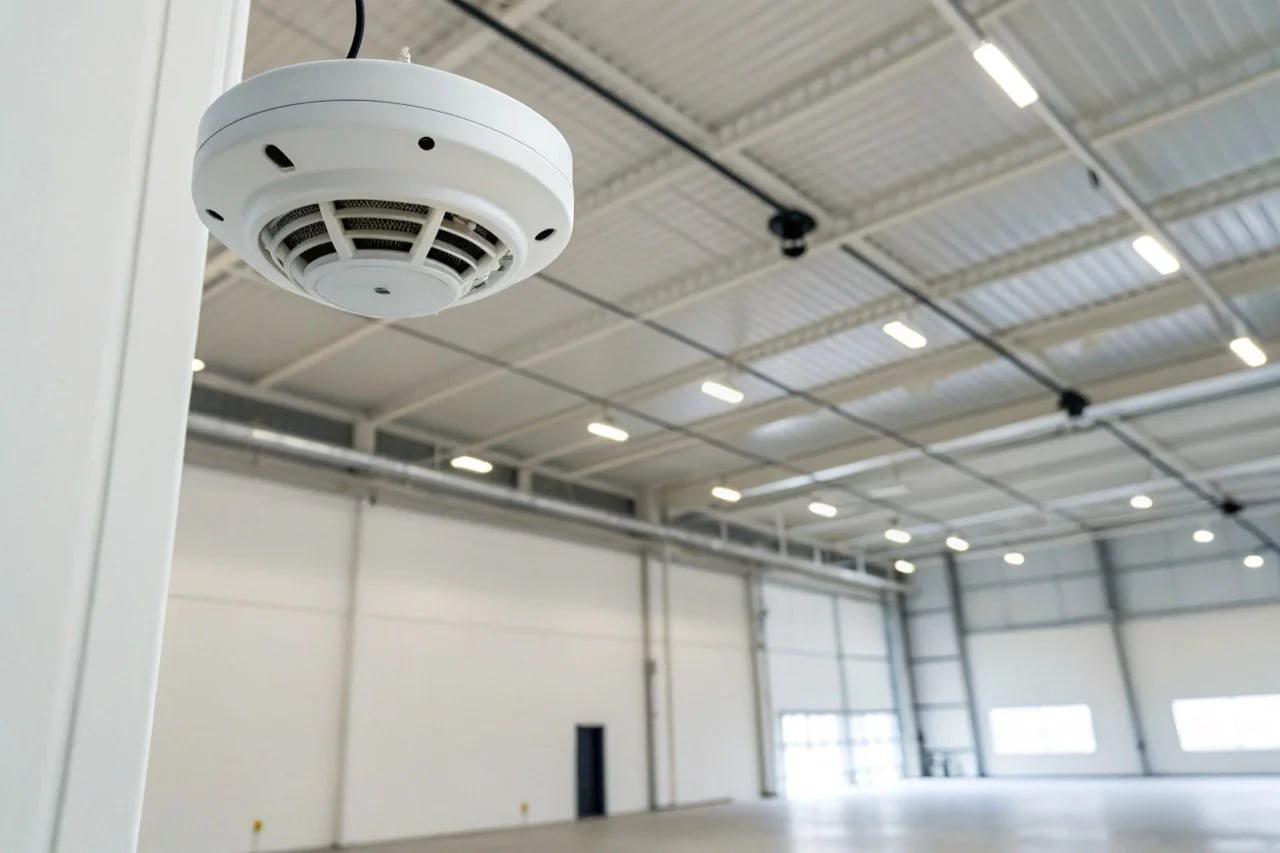
Choosing the right camera is more than just hardware. You must also consider reliability, security, and legal compliance. As your manufacturing partner, we want to help you understand these details. We will explain how to choose a device that protects your business effectively and correctly.
Are Mini WiFi Cameras Reliable for Inventory Protection?
You need effective surveillance. You worry that a small camera is not powerful enough. Modern mini cameras are small but offer professional features for reliable security.
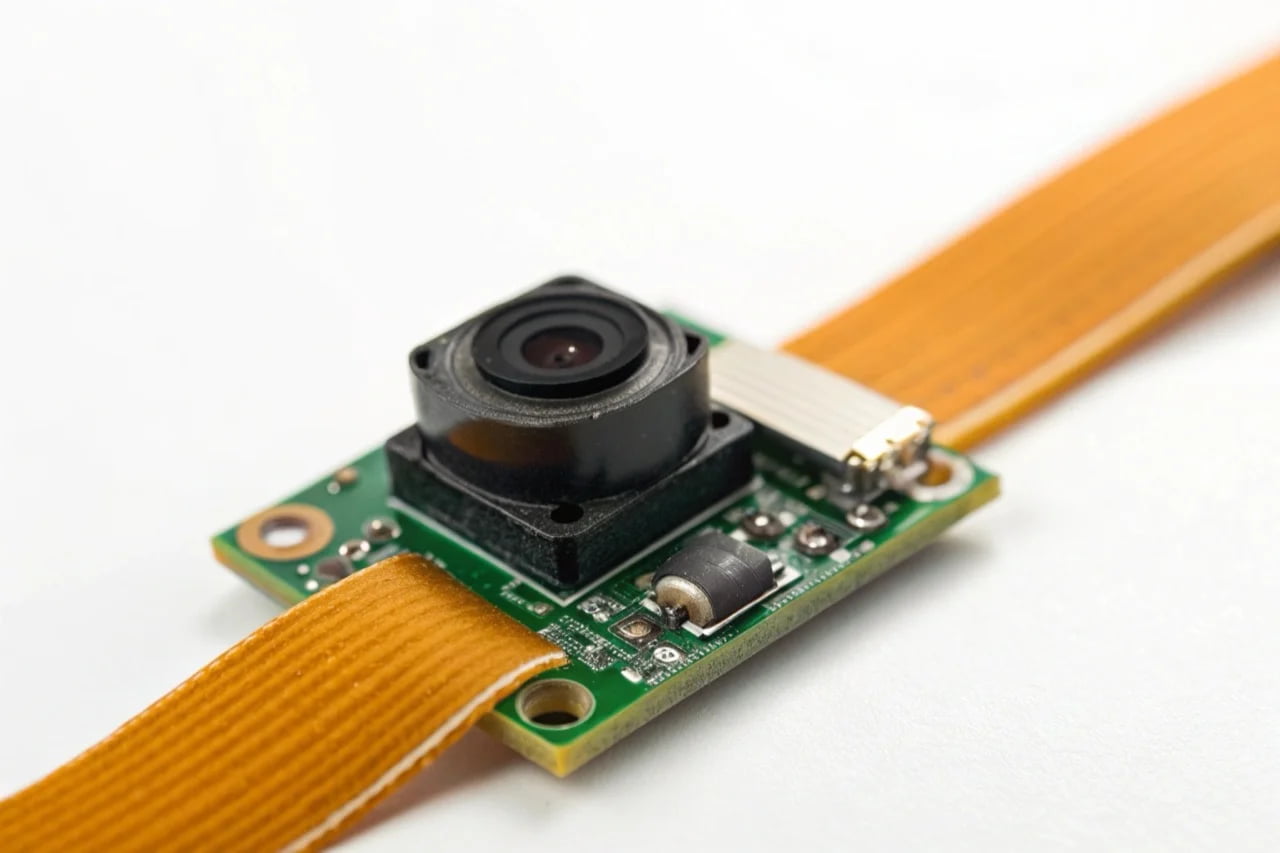
Yes, professional-grade mini WiFi cameras are very reliable. Look for models with 1080P resolution, a stable connection through a trusted app like Tuya, and motion detection alerts. Their main advantage is discreet placement, which is essential for monitoring valuable inventory.
Dive Deeper
For inventory protection, reliability is the most important factor. A camera that fails is not useful. Here are the key features to check for when you choose a mini WiFi camera.
- Resolution: 1080P is the standard for clear, usable video. It allows you to see important details like faces or actions. Anything lower, like 720P, may not provide enough detail for identification.
- Power Source: Battery-powered cameras are flexible, but they can run out of power. For constant inventory monitoring, choose a camera that uses a mains power supply.
- USB Charger Cameras: These look like normal phone chargers and plug directly into a wall socket. They record while being powered continuously.
- Socket Cameras: These are built into a wall socket fixture. They are completely hidden and receive constant power.
- Connectivity and App: The camera is only as good as its connection. A camera that disconnects often is not reliable. We recommend devices that use the Tuya platform. The Tuya app is known for its stability and strong network performance, which is better than many generic apps. To see a range of reliable options, explore our professional surveillance cameras.
- Certifications: Always choose products with CE and ROHS certifications. This confirms they meet European standards for safety and quality.
A well-chosen mini WiFi camera provides a powerful and discreet way to protect your business assets.
What is the Difference Between WiFi and IP Cameras?
Technical terms can be confusing. You see "WiFi camera" and "IP camera" and are not sure which is right. Understanding this simple difference helps you make a better choice.
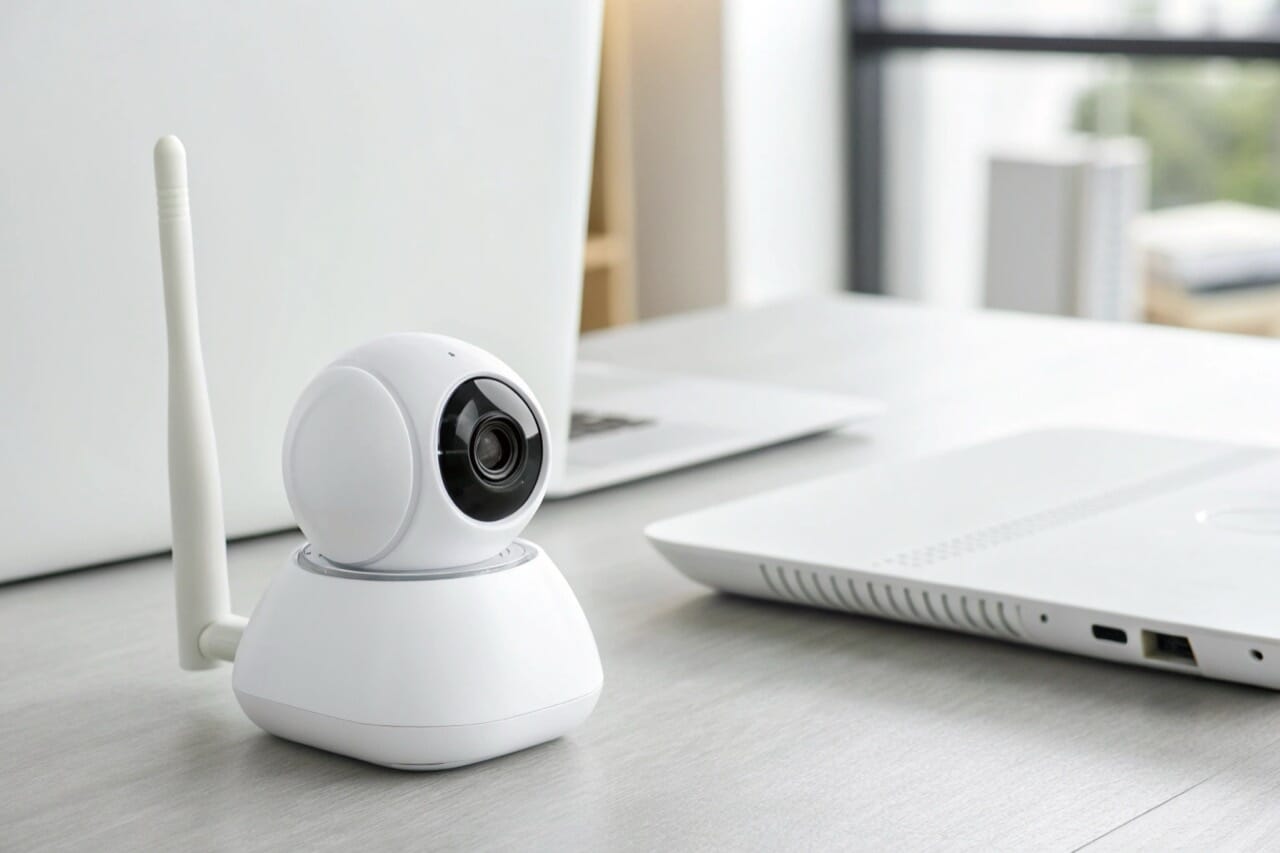
An IP camera sends video data over an Internet Protocol (IP) network. A WiFi camera is simply a type of IP camera that connects to this network wirelessly. Other IP cameras use a wired Ethernet cable instead of WiFi.
Dive Deeper
Both WiFi and wired cameras are "IP cameras." The only difference is how they connect to your network. Each method has specific advantages for a business.
WiFi IP Cameras
- How they work: Connect to your local network using your existing WiFi signal (usually 2.4GHz).
- Advantages:
- Easy Installation: No need to run new network cables. You can place them anywhere with a good WiFi signal.
- Flexibility: It is easy to move the camera to a new location if your needs change.
- Discreet: Hidden cameras often use WiFi because they are small and have no visible wires.
- Disadvantages:
- Signal Dependent: The camera's performance depends on the strength and stability of your WiFi signal. Weak signals can cause connection drops.
Wired IP Cameras (Ethernet)
- How they work: Connect directly to your network router or switch with an Ethernet cable.
- Advantages:
- Maximum Stability: A wired connection is not affected by wireless interference. It provides a very stable and reliable video stream.
- Higher Security: A closed, wired network is generally less vulnerable to outside attacks than a wireless one.
- Disadvantages:
- Complex Installation: You must run a physical cable to each camera location, which can be difficult and expensive.
For most B2B applications like inventory monitoring, a high-quality WiFi camera offers the best balance of reliable performance and simple, flexible installation.
How Secure are WiFi Security Cameras?
You want to use WiFi cameras for security. But you worry about someone hacking the video feed. With the right setup, you can make your cameras very secure.
WiFi cameras are secure if you follow basic security practices. Use a strong, unique password for the camera and your WiFi network. Keep the device firmware updated. Choose models that use a secure, well-known application for remote viewing.
Dive Deeper
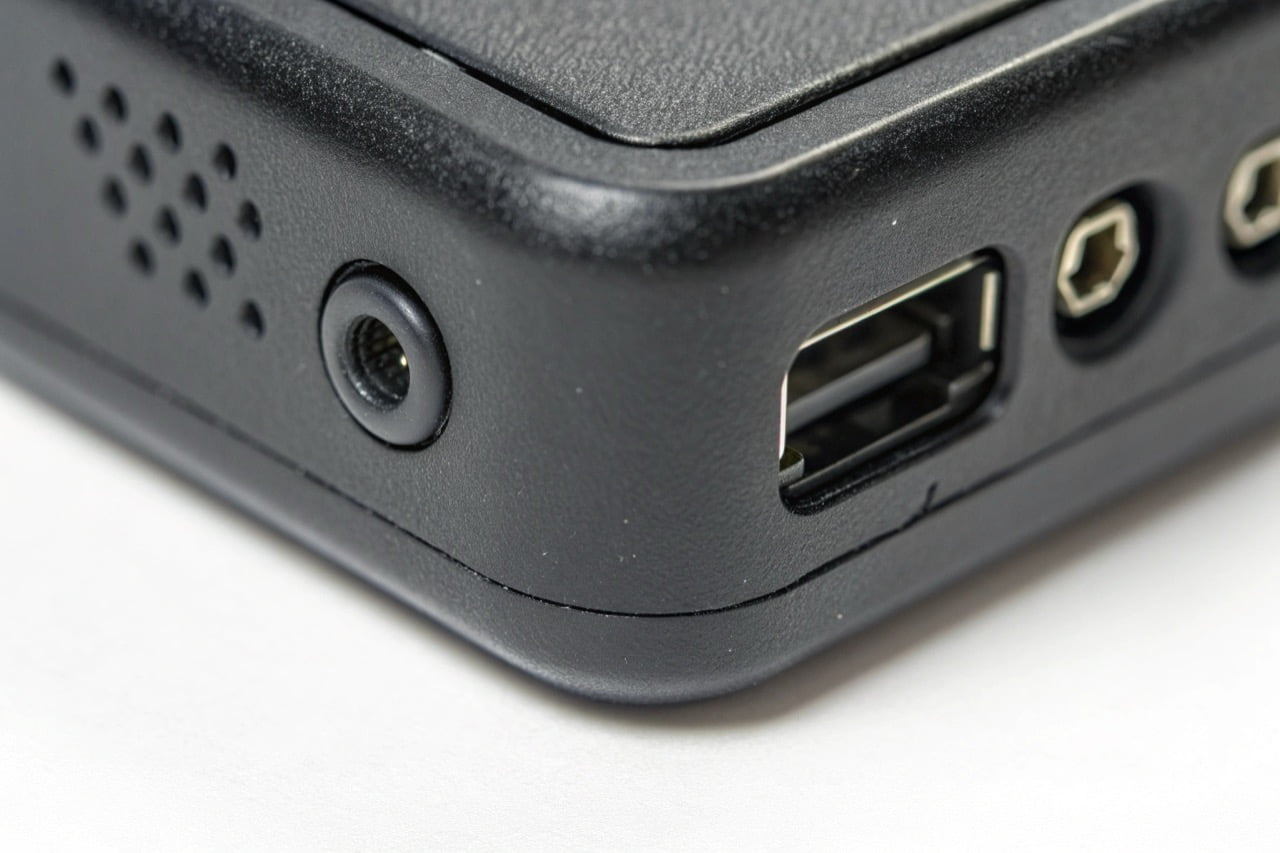
The security of your camera system is your responsibility. As a manufacturer, we build hardware that supports security best practices. You must implement them correctly.
- Use Strong Passwords: This is the most important step. Never use the default password. Create a long, complex password for your camera's admin account. Also, ensure your main WiFi network password (WPA2 or WPA3) is strong. A weak WiFi password makes every device on your network vulnerable.
- Choose a Secure App: The application you use to view your camera is a potential weak point. Some generic apps have poor security. A major platform like Tuya invests heavily in security and stability. This is a key reason we build many of our products on the Tuya module. A stable, secure app reduces risk.
- Keep Firmware Updated: We sometimes release firmware updates to improve performance or fix security issues. Always install these updates when they become available through the app.
- Secure Your Network: Separate your security cameras onto a different network if possible. A "guest" network can isolate them from your main business computers that hold sensitive data. This limits any potential damage if one camera is compromised.
By following these simple steps, you can confidently use WiFi cameras to protect your inventory.
Where is it Forbidden to Place Security Cameras?
You need to install cameras. But you must obey privacy laws. Placing a camera in the wrong location can lead to large fines and legal problems.
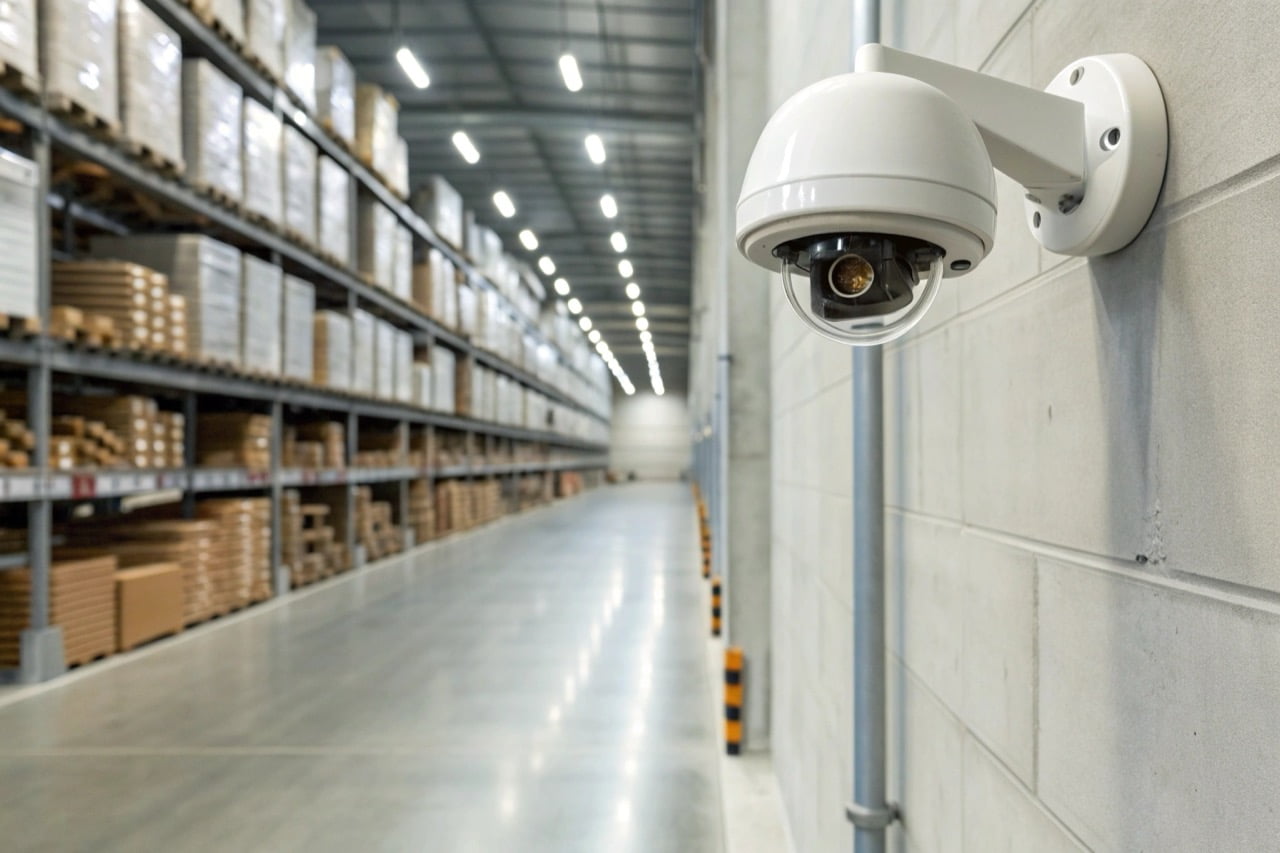
In Europe, it is strictly forbidden to place cameras in areas with a high expectation of privacy. This includes bathrooms, changing rooms, break rooms, and private offices. Always inform people that they are being monitored in permitted areas.
Dive Deeper
Navigating surveillance laws is critical for any business. The General Data Protection Regulation (GDPR) sets strict rules across the EU. Here are the general principles.
- Public vs. Private Space: You can generally monitor areas like warehouse floors, stockrooms, shipping docks, and public entry points. You cannot monitor private areas.
- Purpose of Monitoring: You must have a legitimate reason for surveillance, such as preventing theft or ensuring safety. Using cameras to monitor employee productivity is often not a legitimate reason and can violate privacy rights.
- Informing Employees and Visitors: You must clearly inform people that they are in an area with video surveillance. This is usually done with visible signs at all entrances. The signs should state who is responsible for the data collection.
- Audio Recording: The laws for recording audio are much stricter than for video. In many EU countries, recording conversations without the consent of all parties is illegal. Most business security systems should have audio recording disabled by default.
- Data Storage: You must store the recorded video securely. You can only keep it for a limited time, which should be related to the purpose of the recording (e.g., 30 days).
Important: This is general advice. Laws can be different in each country. We strongly recommend you consult a local legal expert to ensure you are fully compliant with GDPR and your national laws.
Choosing a compliant camera is the first step. Using it legally is the next.

 English
  Italiano
  Deutsch
  Français
  Español
  Polski