
Unreliable camera connections cause missed security events. This creates coverage gaps and risks for your clients. Proper integration ensures your WiFi cameras work consistently.
To integrate WiFi mini cameras reliably, you must choose quality devices with stable apps like Tuya. Ensure a strong 2.4GHz WiFi signal, use correct power sources, and test camera placement. Proper network setup is the key to consistent performance for professional surveillance projects.
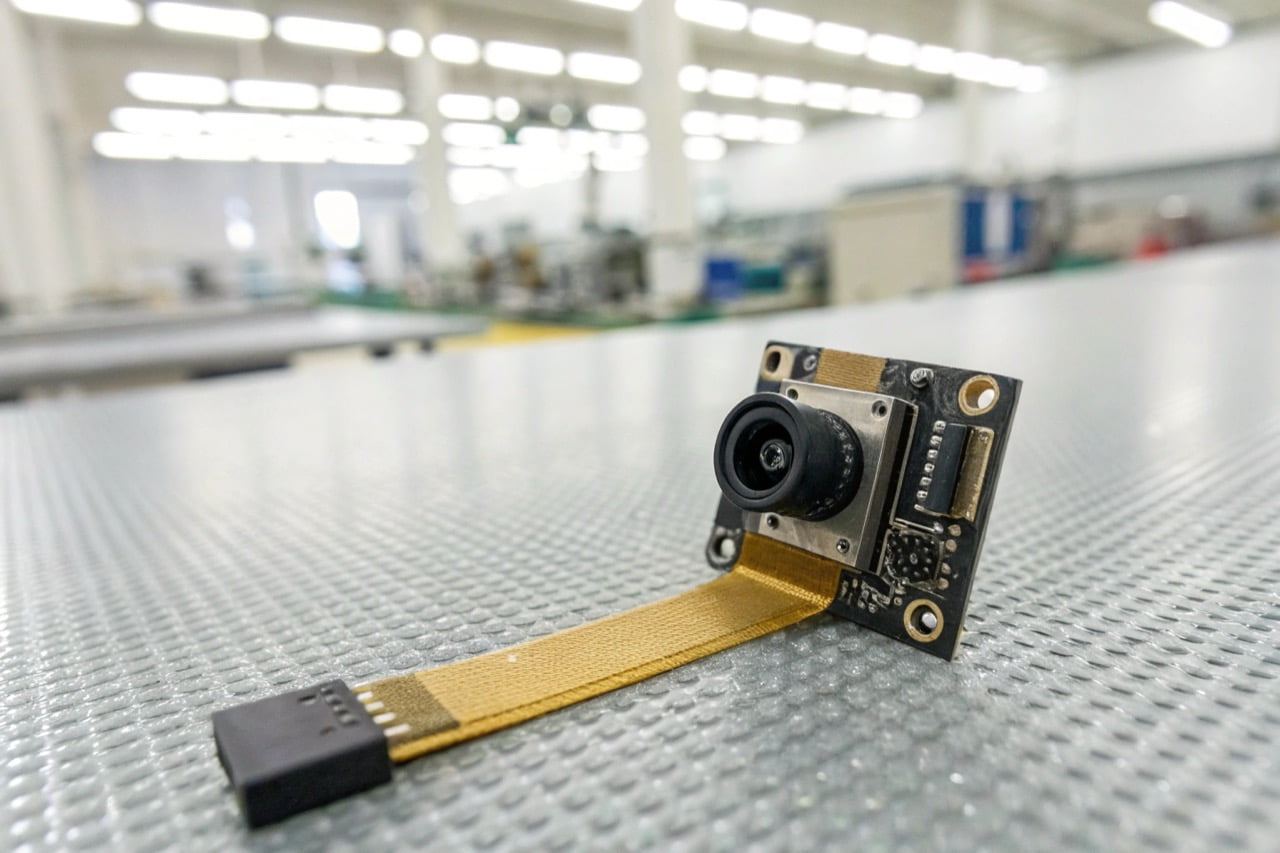
Reliability is not just about the camera. It is about the entire system. Your WiFi network, the power supply, and the camera's placement are all critical. Let's look at the important questions professional buyers ask.
How reliable are WiFi security cameras?
Your clients doubt the stability of wireless surveillance. A single connection drop can mean a critical event is lost forever. Modern WiFi cameras are very reliable with the right setup.
WiFi security cameras are highly reliable when installed correctly. Reliability depends on the quality of the camera's hardware, the stability of the mobile app (like Tuya), and the strength of your 2.4GHz WiFi network. Professional-grade cameras with CE/ROHS certification offer better performance.
Dive Deeper
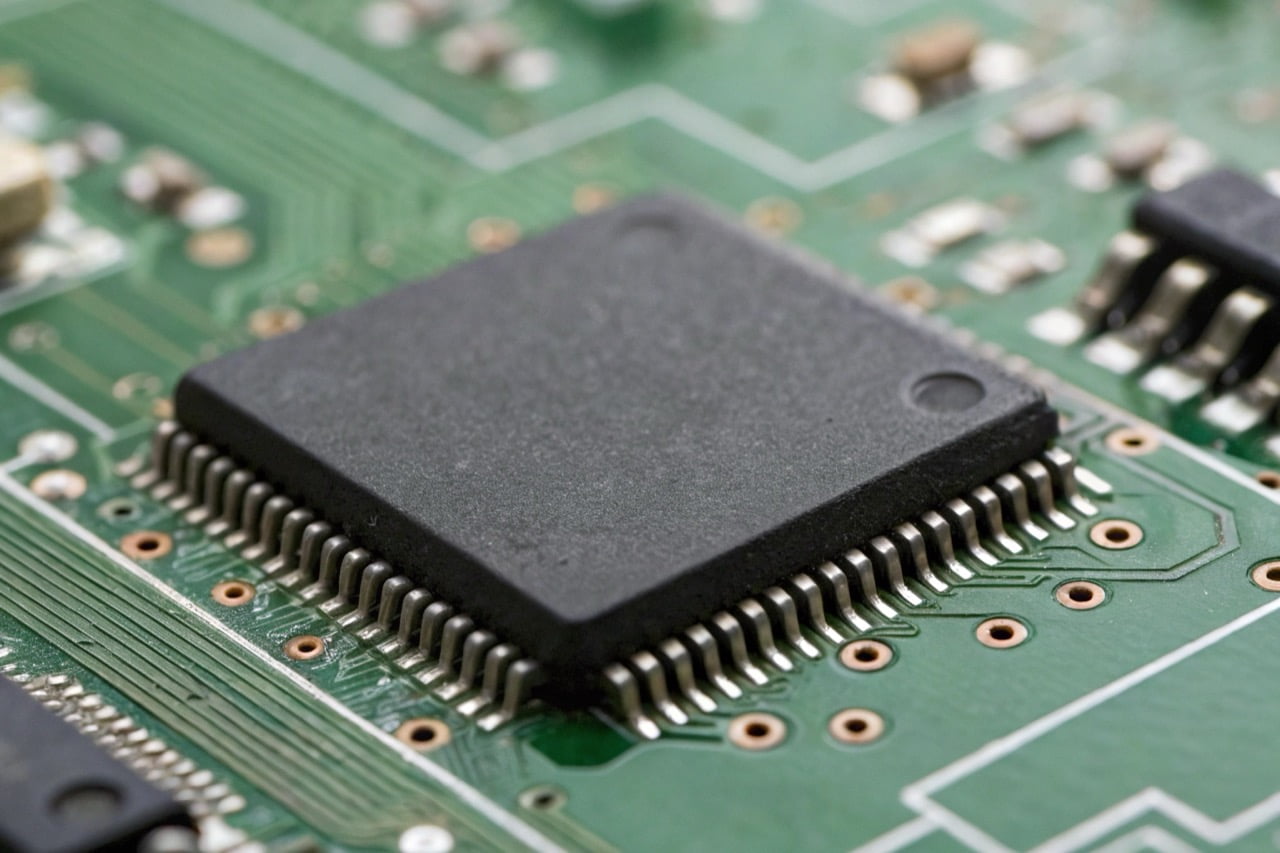
The reliability of a WiFi camera depends on several factors working together. As a manufacturer, we see a clear difference between consumer-grade and professional-grade devices. Professional buyers should evaluate these four areas:
- Hardware and Certifications: The internal components determine performance. Look for high-quality sensors and stable chipsets. Certifications like CE and ROHS are not just paperwork. They indicate that the product meets high European standards for safety and quality. This is a baseline requirement for professional use.
- Application Stability: The camera hardware is only half of the system. The mobile application is the other half. An unstable app will cause connection issues, no matter how good the camera is. We recommend platforms like Tuya because they have a proven, stable network infrastructure that is trusted globally.
- Network Environment: Most hidden WiFi cameras operate on the 2.4GHz frequency band. You must ensure a strong, stable signal at the camera's location. Test the WiFi signal strength before installation. Weak signals lead to video lag and disconnections.
- Power Source: A consistent power source is essential. Battery-powered cameras offer flexibility, but they must be recharged. For critical surveillance, choose a model that can record while charging or one that connects directly to a mains power supply.
For professional projects, it is critical to use devices that have passed strict quality controls. You can explore our professional surveillance cameras which are all CE/ROHS compliant.
Is it better to have wired or wireless security cameras?
Choosing between wired and wireless systems is difficult. The wrong choice leads to high installation costs or poor reliability. The best option depends on the specific project requirements.
Wired cameras (PoE) offer the most stable connection and power. They are best for fixed, critical locations. Wireless (WiFi) cameras provide flexibility and easy installation. They are ideal for areas where running cables is difficult or for discreet custom projects.
Dive Deeper
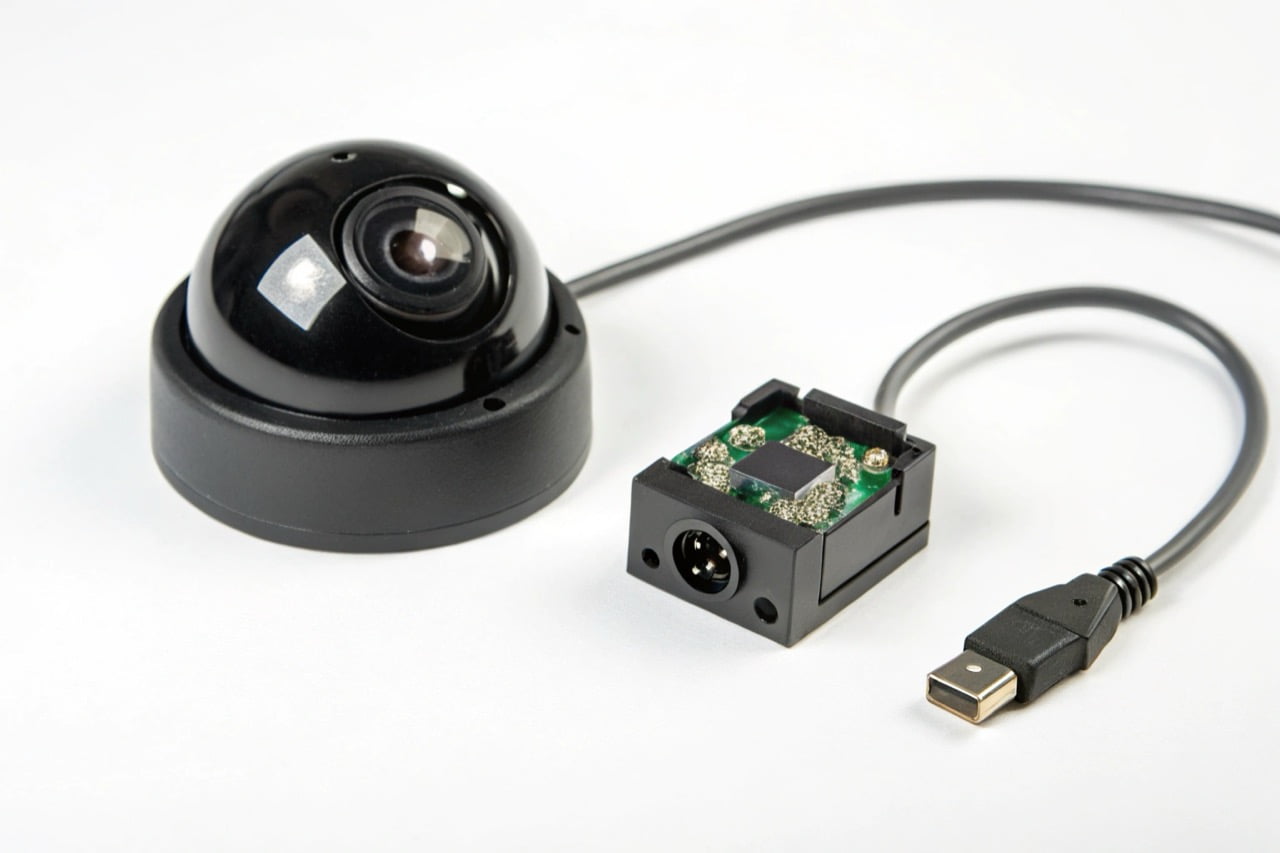
Both wired and wireless cameras have specific advantages. The decision depends entirely on the installation scenario and security objectives. Here is a simple comparison for professional buyers.
Wired (PoE - Power over Ethernet) Cameras:
- Pros:
- Maximum Reliability: The physical connection is not affected by wireless interference.
- Stable Power: Power and data are delivered over a single Ethernet cable. No batteries or separate power adapters are needed.
- Higher Bandwidth: Can often support higher resolutions and frame rates without network congestion.
- Cons:
- Difficult Installation: Running Ethernet cables through walls and ceilings is labor-intensive and expensive.
- Fixed Location: Cameras are not easy to move once installed.
- Not Discreet: The cameras and cables are visible and difficult to hide.
Wireless (WiFi) Cameras:
- Pros:
- Easy Installation: No data cables are required. This significantly reduces installation time and cost.
- Flexible Placement: Can be placed anywhere within range of a WiFi signal and a power source.
- Ideal for Discreet Use: Mini WiFi camera modules can be integrated into everyday objects for covert surveillance.
- Cons:
- Dependent on WiFi Signal: Performance can be affected by distance from the router, walls, and other electronic interference.
- Requires Power: Needs a battery or a nearby power outlet.
For most custom and hidden camera solutions, WiFi is the superior choice due to its flexibility.
Can you connect a WiFi camera to an NVR?
You need to integrate flexible WiFi cameras into a central recording system. Standalone cameras create data silos and complex management. Yes, many WiFi cameras can connect to an NVR.
You can connect a WiFi camera to a Network Video Recorder (NVR), but compatibility is key. The camera must support the ONVIF protocol. The NVR and camera must be on the same local network. This creates a powerful, centralized surveillance system.
Dive Deeper
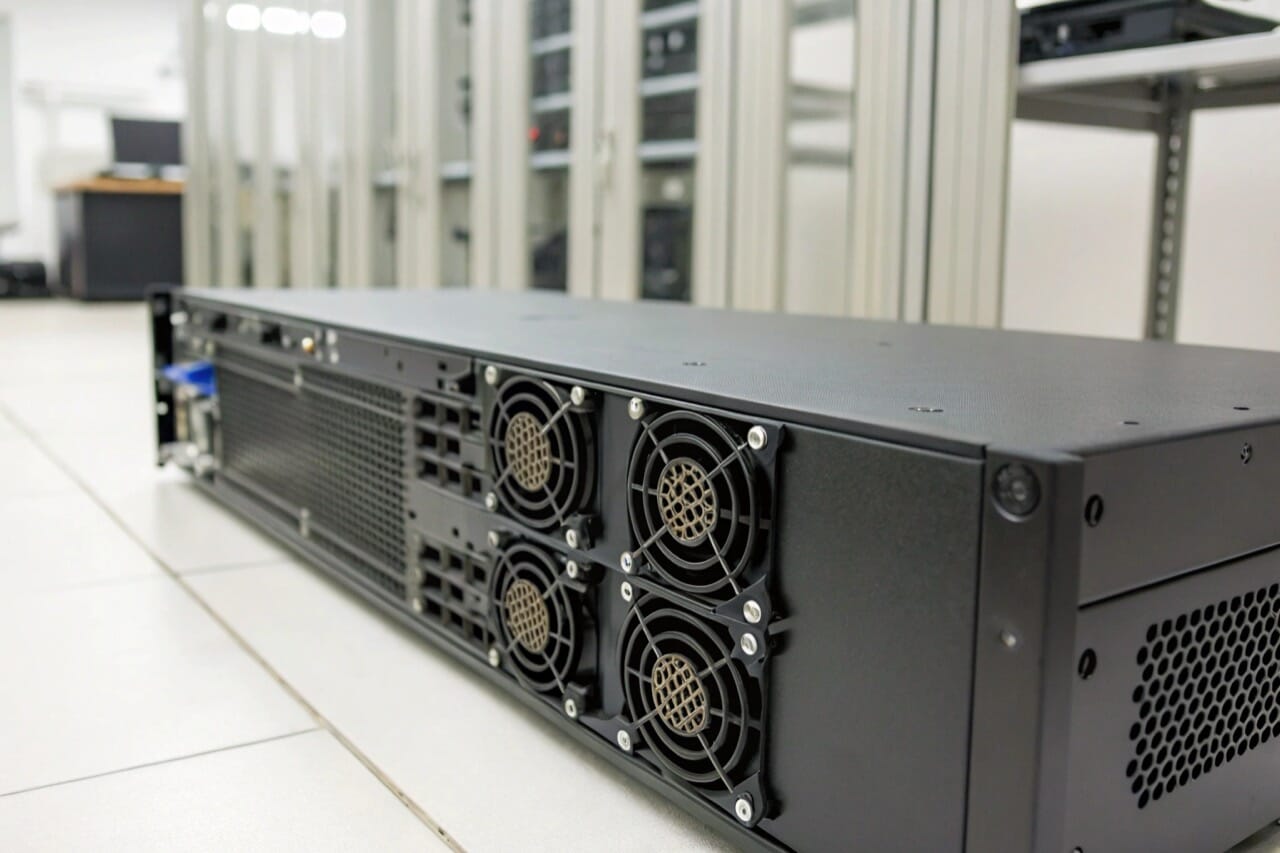
Integrating WiFi cameras into a larger, wired system with an NVR provides the best of both worlds: the flexibility of wireless and the central storage of a wired system. The key to this integration is a technical standard called ONVIF.
ONVIF (Open Network Video Interface Forum) is a global standard for how IP-based security products communicate. If both your WiFi camera and your NVR are ONVIF-compliant, they can work together.
Here is the general process:
- Check for ONVIF Compliance: Before you purchase, verify that the WiFi camera's specification sheet explicitly states it supports ONVIF. This is a critical feature.
- Connect to the Network: Connect the WiFi camera to the same local WiFi network that the NVR is connected to (usually via an Ethernet cable).
- Add Camera to NVR: Use the NVR's administration menu to search for new devices on the network. The NVR should discover the ONVIF-compliant WiFi camera.
- Configure and Record: Add the camera to your NVR's device list. You can then configure it to record continuously, on a schedule, or based on motion detection, just like a wired camera.
Important Warning: Many small, discreet, or spy WiFi cameras do not support ONVIF. Their primary design is for simple remote viewing via a mobile app. Always confirm this feature with your supplier if NVR integration is a project requirement.
How far away will a WiFi camera work?
You are unsure about the effective range of a WiFi camera. Placing a camera too far from the router causes signal loss and downtime. The range depends on your router and environment.
A typical WiFi camera works reliably up to 50 meters from the router in an open space. In a building with walls and floors, the practical range is much shorter, often 15-25 meters. The number of obstacles and network interference are the most important factors.
Dive Deeper
The "range" of a WiFi camera is determined by signal strength, not just distance. A weak signal results in a poor quality video feed or complete connection loss. Professionals must plan for these factors.
Factors That Reduce WiFi Range:
- Frequency Band: Most of our cameras use the 2.4GHz band. This frequency has a longer range and penetrates solid objects better than 5GHz. However, it is also more crowded and susceptible to interference.
- Physical Obstacles: The signal weakens every time it passes through an object.
- High Impact: Concrete walls, metal structures, plaster with metal mesh.
- Medium Impact: Brick walls, wooden doors, office partitions.
- Low Impact: Glass, drywall (without metal).
- Wireless Interference: Many devices use the 2.4GHz band and can interfere with your camera's signal. Common sources include microwave ovens, cordless phones, Bluetooth devices, and even neighboring WiFi networks.
How to Improve Range and Signal:
- Optimize Router Position: Place the WiFi router in a central location, as high as possible, and away from thick walls.
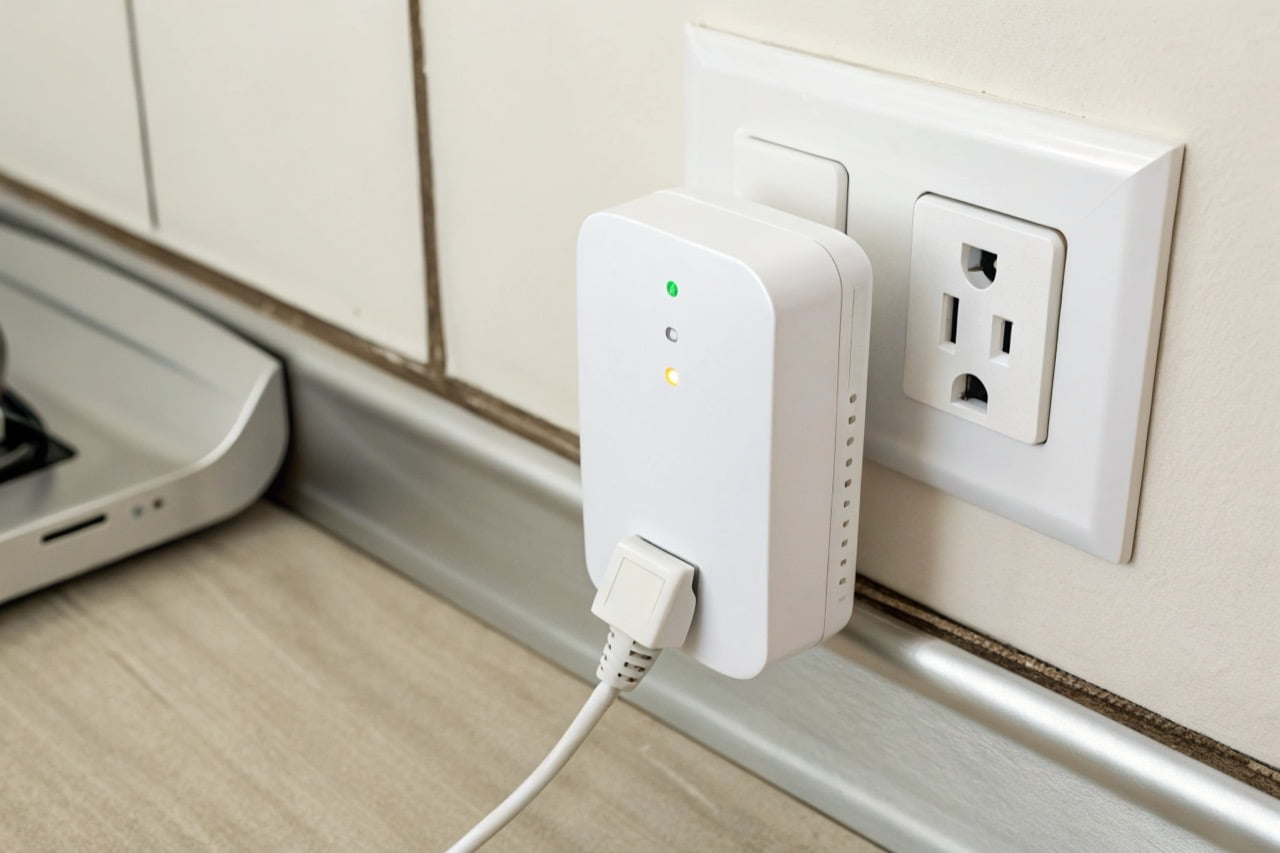
- Use a WiFi Extender: A WiFi range extender (or repeater) is a simple device that picks up your existing WiFi signal and rebroadcasts it, extending the coverage area.
- Install a Mesh Network: For large properties or buildings with many obstacles, a mesh WiFi system is the most effective solution. It uses multiple nodes to create a single, strong, seamless network.
Before final installation, always test the WiFi signal strength at the exact camera location using a smartphone app. A strong and stable signal is required for reliable video streaming.
Reliable WiFi camera surveillance comes from quality hardware, a strong network, and correct setup. Careful planning ensures your system is stable and effective for any professional security need.

 English
  Italiano
  Deutsch
  Français
  Español
  Polski