
Do you worry that choosing the wrong monitoring device will leave you with no evidence when you need it most? Many buyers fail because they confuse live streaming with reliable recording.
Wi-Fi cameras require a stable internet connection and constant power to stream live video to your phone, making them perfect for home security. Local SD card cameras work offline and run on batteries, making them the best choice for recording portable evidence during meetings or travel.
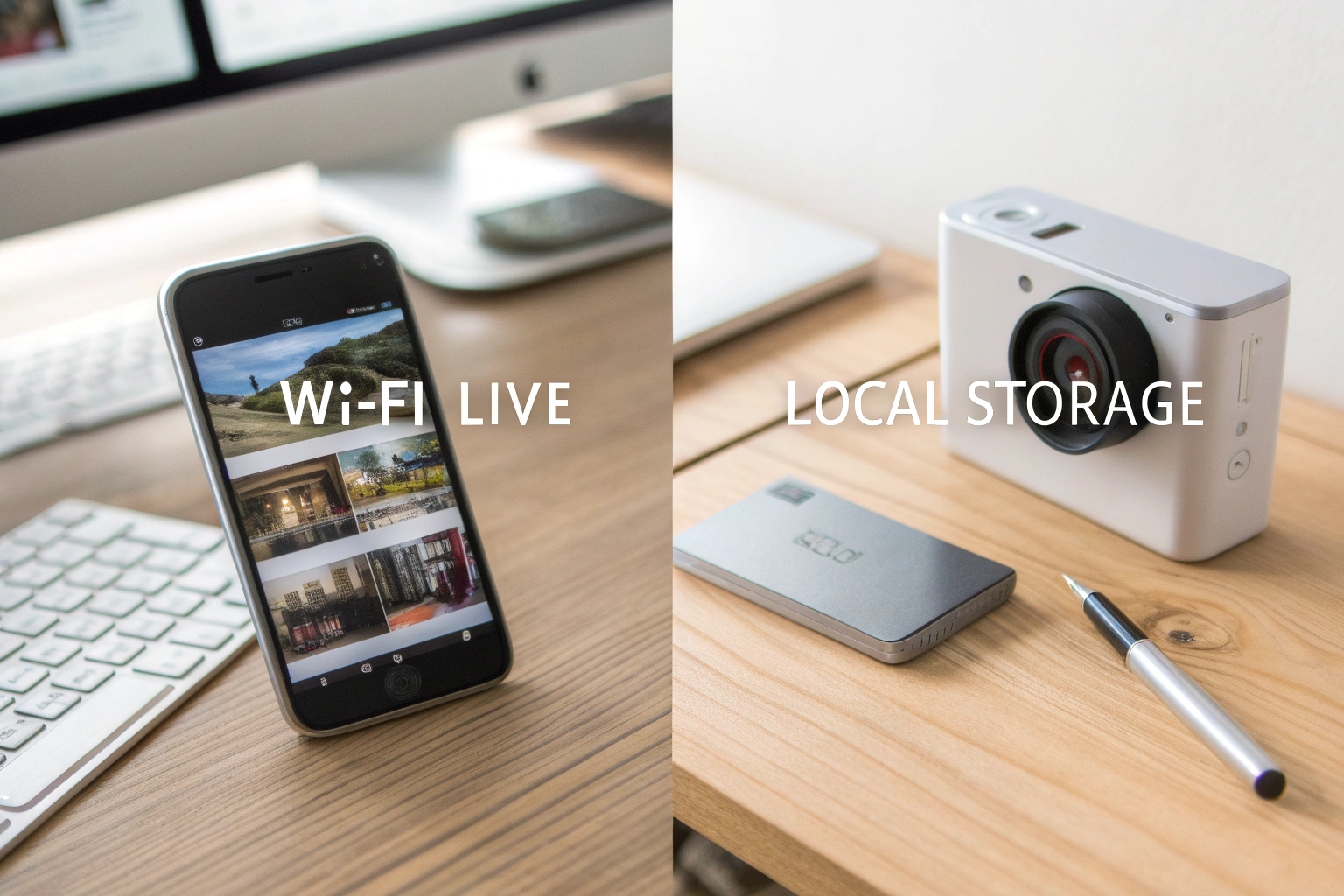
To make the right choice, you must understand the exact situation where the camera will be used. If you skip this step, you might buy a device that runs out of battery in an hour or fails to record because of bad signal.
Can a Wi-Fi camera work without internet?
Many clients ask me if they can buy a high-end Wi-Fi model and use it in a place with no signal, hoping it will still work perfectly.
Most Wi-Fi cameras become useless for live viewing without an internet connection. While some models can still record to an SD card without Wi-Fi, you lose the main benefit of real-time alerts. Wi-Fi devices generally consume high power and need a wall outlet to function reliably.
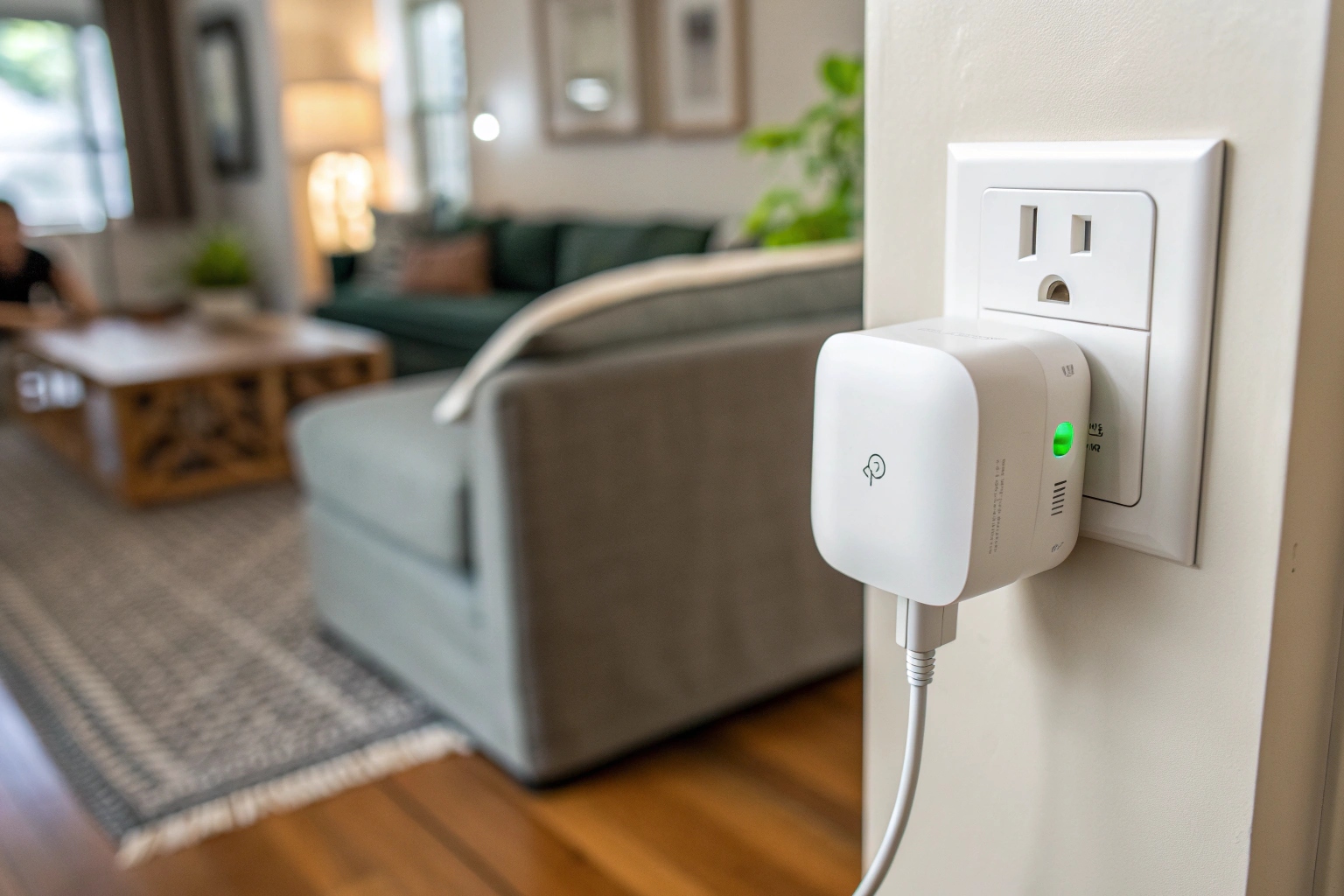
To understand why this matters, you have to think about power. Wi-Fi transmission requires a lot of energy. If you use a battery-powered Wi-Fi camera, it might die in two or three hours. This is why I always tell my European partners that Wi-Fi products must be "fixed" products.
Think about the specific scenarios. If you have a nanny at home and you suspect she is hurting your child or stealing, you cannot wait until the end of the day to watch the video. You need to see it right now. You need a notification on your phone the moment it happens so you can rush home or call the police. This is where Wi-Fi shines.
Because these cameras need stable power to support the Wi-Fi chip, we usually build them into household objects that are naturally plugged in or large enough to hold a massive battery.
Here is how we categorize these form factors based on power needs:
| Camera Type | Power Source | Best Use Case | Typical Objects |
|---|---|---|---|
| Wi-Fi Live | Wall Outlet / AC | Long-term Home Monitor | Wall clocks, Smoke detectors, USB Chargers, Air Purifiers |
| Wi-Fi Battery | Large Battery | Short-term Room Monitor | Tissue boxes, Vases, Bluetooth Speakers |
In my factory in Vietnam, we test these Wi-Fi modules strictly. If the Wi-Fi signal drops, the experience is terrible. So, if your customer wants to monitor a warehouse or a living room 24/7, you must sell them a Wi-Fi unit that plugs into the wall.
What is the alternative to Wi-Fi cameras for mobile use?
If you are a business person traveling for a negotiation, you cannot ask the other party for their Wi-Fi password to set up your hidden camera.
The best alternative is a self-contained recorder with local storage. These devices do not use an app or internet; they simply record video directly to an internal memory chip or SD card. They are small, portable, and designed to be worn or carried without arousing suspicion.

Let’s go deeper into the "mobile" need. A lot of my clients in Italy and Poland sell to businessmen or private investigators. These users are constantly moving. They are in a meeting room one hour, a car the next, and a restaurant later. A Wi-Fi camera is useless here because you cannot reset the network connection every time you change locations.
For these situations, reliability is the only thing that counts. The user needs to press one button and know for sure that the device is recording. This is why niche products like spy glasses, pens, watches, and car keys utilize local storage. They use much less power because they are not transmitting a signal, just writing data.
I often visit my warehouse in Italy to check our stock. I see that the "wearable" items always sell fast to B2C shops. Why? Because they solve a problem Wi-Fi cannot touch: immediate, covert evidence gathering in public.
We can break down the differences in application here:
- The Spy Pen: You put it in your shirt pocket. It records the face of the person you are talking to.
- The Spy Watch: You leave it on the table during a contract signing. It captures the voice and the papers.
- The Spy Hat/Glasses: You wear these for outdoor investigations where you need to follow a subject.
If you sell these products, you must explain to your customer that they cannot watch the video live on their phone. They must wait until they get to a computer. But the trade-off is that the battery lasts longer, and the device is completely undetectable by Wi-Fi scanners.
How to store security camera footage locally?
Some customers worry about cloud safety or do not want to pay monthly fees to store their private videos on a server they do not control.
You store footage locally by inserting a high-quality microSD card into the hidden camera slot. The camera encodes the video and writes it as a digital file (usually MP4 or AVI) onto the card. You can later view these files by connecting the device or the card to a PC.
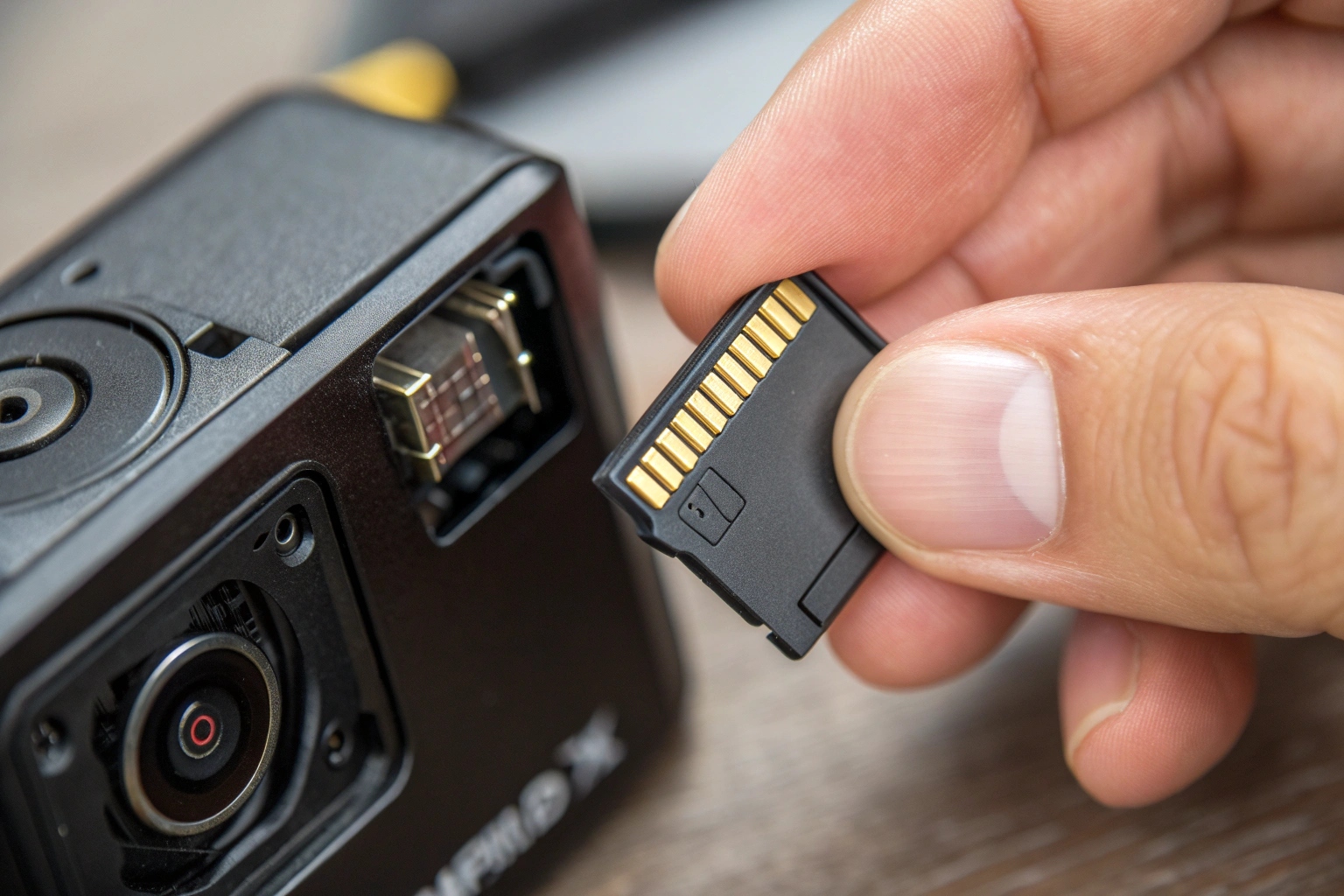
Regarding storage, simplicity is key. When we manufacture these units, specifically the S820 model we are developing, we ensure the SD card slot is robust. The process for the user is very logical, but you must educate them on the "Loop Recording" feature.
Many buyers panic, thinking, "What happens when the card is full? Does it stop?" No. Almost all our cameras use Loop Recording. This means when the card reaches 100% capacity, the camera automatically deletes the oldest video file to make room for the new one. This ensures the camera never stops working.
Here is the typical workflow for a user relying on local storage:
- Insertion: Place a Class 10 (high speed) SD card into the device.
- Formatting: It is best to format the card inside the device or on a PC to FAT32 before use.
- Recording: The device saves clips in 5, 10, or 15-minute segments.
- Retrieval: The user plugs the device into a computer via USB. It appears just like a USB thumb drive.
For my clients in Europe, data privacy is a massive legal issue. CE and ROHS certifications are not just about safety; they imply a standard of quality. Local storage is often preferred in the EU because the data never leaves the user's physical possession. It does not go to a cloud server in another country. This is a strong selling point you can use.
How long does a 128GB SD card last in a security camera?
The most frequent question I get from dropshippers and wholesalers is about recording time. They need to know if a card handles a whole weekend.
A 128GB SD card typically holds between 120 to 160 hours of video if you use motion detection, or about 12 to 24 hours of continuous high-definition recording. The exact time depends on the video resolution (1080p vs 720p) and the compression standard used by the camera.
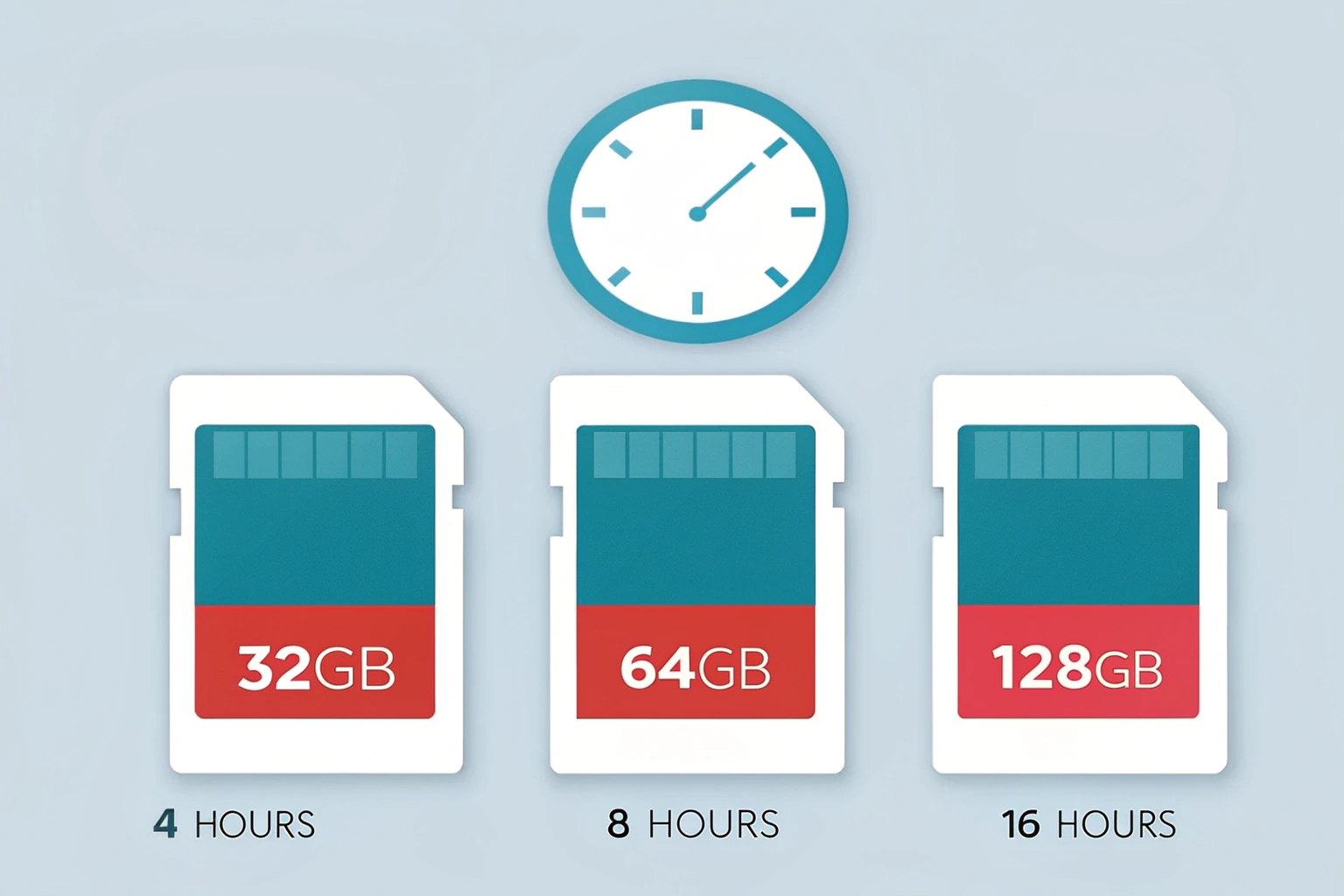
Let's analyze the math behind this, because your customers will ask you. Video takes up a lot of space. If you record in 4K, a card fills up very fast. But for hidden cameras, 1080p is the standard.
The real secret to extending storage life is Motion Detection. I cannot stress this enough. If you have a camera in an office to catch a thief, there is no point in recording the empty office for 10 hours at night. It wastes space and battery.
When you set the camera to Motion Detection, it stays in "standby" mode. It only starts writing to the SD card when a person walks in. This is how a 128GB card can effectively cover weeks of monitoring, even though it technically only holds 24 hours of continuous footage.
Here is a simple reference table I created for my bulk buyers to share with their customers:
| Card Size | Continuous Recording (1080p) | Motion Detection Estimation* |
|---|---|---|
| 32GB | Approx. 4-6 Hours | 2-3 Days |
| 64GB | Approx. 8-12 Hours | 4-7 Days |
| 128GB | Approx. 16-24 Hours | 8-15 Days |
*Note: Motion detection time varies wildly based on how much "traffic" the camera sees.
Also, compression matters. We are moving many products to H.265 compression, which saves more space than the older H.264 without losing quality. This is a technical detail, but it shows your customers you are a professional specialist, not just a random seller.
Conclusion
If you need real-time alerts for a fixed location, choose a Wi-Fi model; for portable evidence gathering, choose a local SD card device.

 English
  Italiano
  Deutsch
  Français
  Español
  Polski